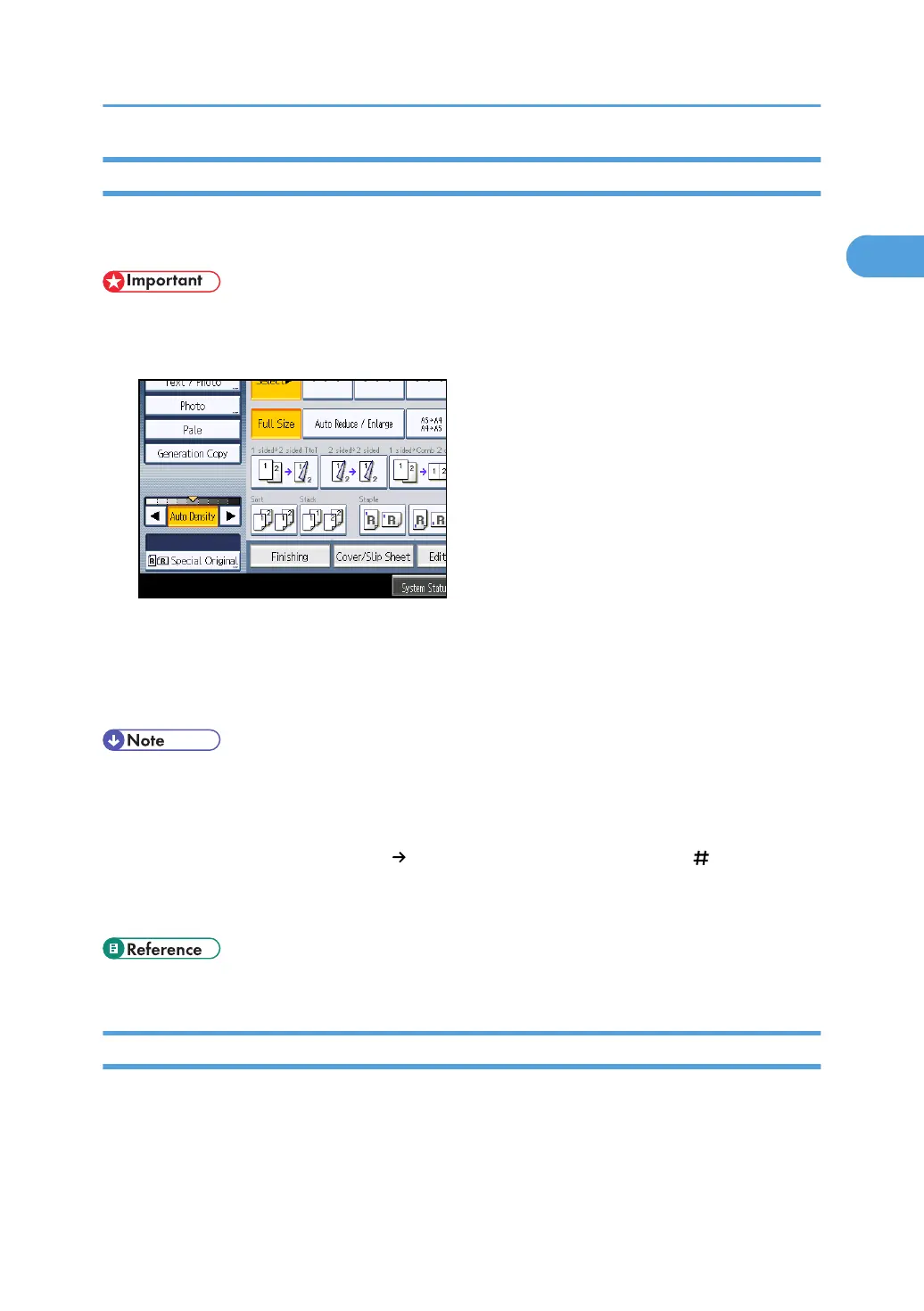
Batch Mode
When copying in Batch mode, the machine copies originals of 50 or more pages as single documents,
even if those originals are divided when fed into the ADF.
• Place special originals, such as translucent paper, one by one.
1. Press [Special Original].
2. Press [Batch], and then press [OK].
3. Place the first part of the original, and then press the [Start] key.
4. After the first part of the original has been fed, place the next part, then press the [Start]
key.
• When [SADF] is displayed instead of [Batch], specify the Batch mode under Switch to Batch in User
Tools. For details about Switch to Batch, see “Input / Output”.
•
To copy subsequent originals in this mode, repeat step 4.
• When the Sort, Combine or 1 Sided
2 Sided function has been set, press the [ ] key after all
originals have been scanned.
•
You cannot switch between 1-sided and 2-sided originals during copying.
• p.219 "Input / Output"
SADF Mode
In SADF mode, even when an original is placed page by page in the ADF, each page is automatically
fed when placed.
Placing Originals
27



 To Next Page