Sending the URL by E-mail
This section explains how to send the URL of a scanned file by e-mail.
Use this function if network restrictions prevent you sending attachments by email.
• Depending on your e-mail application, a phishing warning might appear after you receive an e-
mail message. To prevent phishing warnings appearing after you receive e-mail from a specified
sender, you must add the sender to your e-mail application's exclusion list. For details about how to
do this, see your e-mail application's Help.
1. In [Scanner Features], on the [Send Settings] tab, press [Stored File E-mail Method], and
then select [Send URL Link].
For details about specifying the setting, see "Send Settings".
2. Return to the initial scanner screen, and then press [Store File] to select [Store to HDD +
Send].
To send the URL by e-mail, you must select [Store to HDD + Send]. For details, see "Simultaneous
Storage and Sending by E-mail".
3. Press [OK].
4. Specify the e-mail destination, make any other necessary settings, and then send the e-
mail.
For details about sending e-mail, see "Basic Procedure for Sending Scan Files by E-mail".
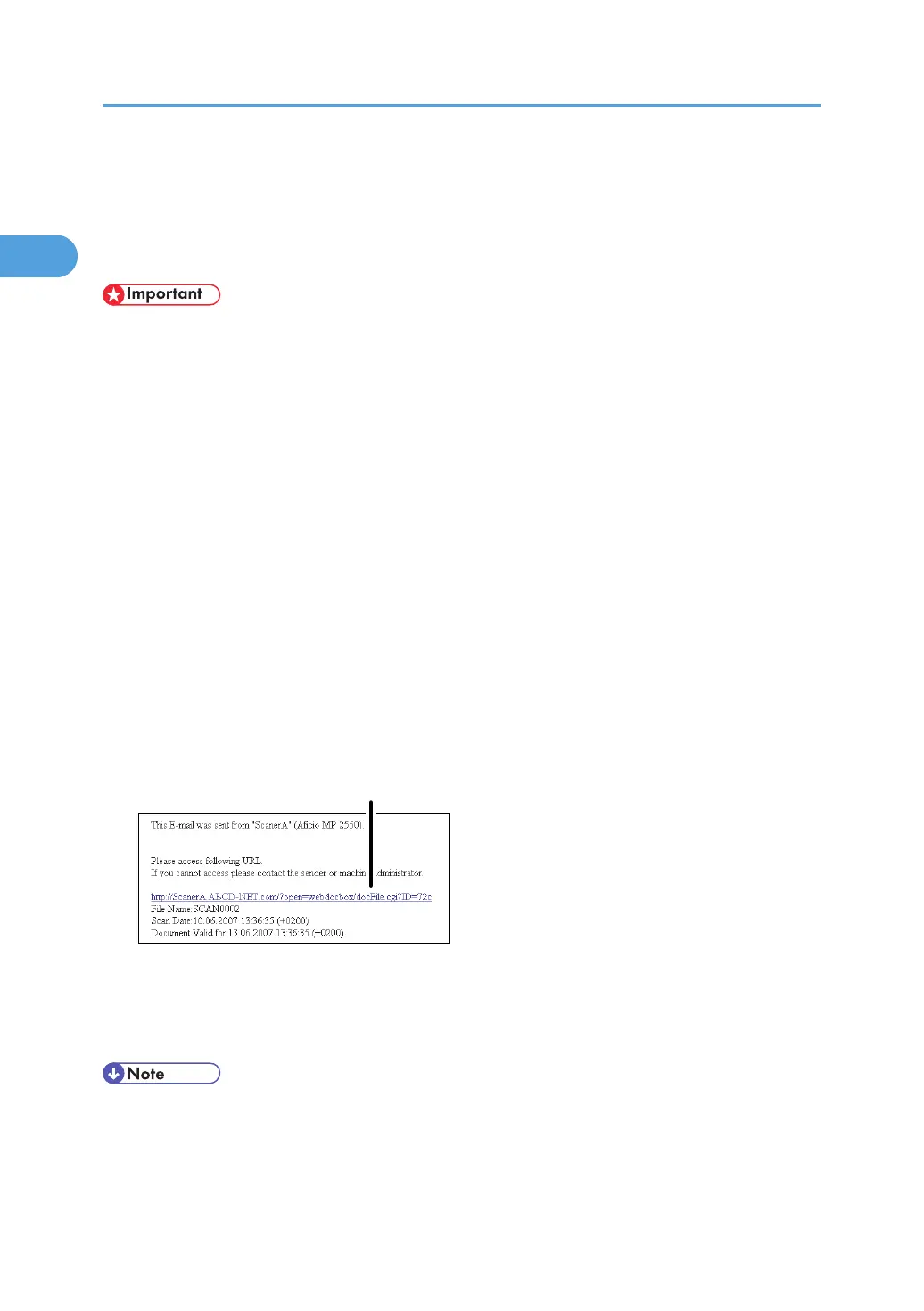
An e-mail similar to the following will be sent to the destination:
5. In the e-mail destination, click the URL.
Web Image Monitor starts.
6. View, delete, send, or download the file over the network using Web Image Monitor.
• For details about Web Image Monitor functions and their settings, see "Monitoring and
Configuring the Machine", Network and System Settings Reference.
•
It is recommended that you use Web Image Monitor on the same network environment.
1. Sending Scan Files by E-mail
52



 To Next Page