• Collate, duplex printing, and staple functions will be canceled when using slip sheets.
•
The slip sheet should be the same size and orientation as the body paper.
• When loading slip sheets in the tray, set the relevant paper size.
• If [Auto Tray Select] is selected in the [Input Tray:] list for the body paper, the paper will be
delivered from a tray containing paper in
orientation. Therefore, when the slip sheet has been set
to orientation, the orientation of the output slip sheet and body paper will be different.
User Defined Pages
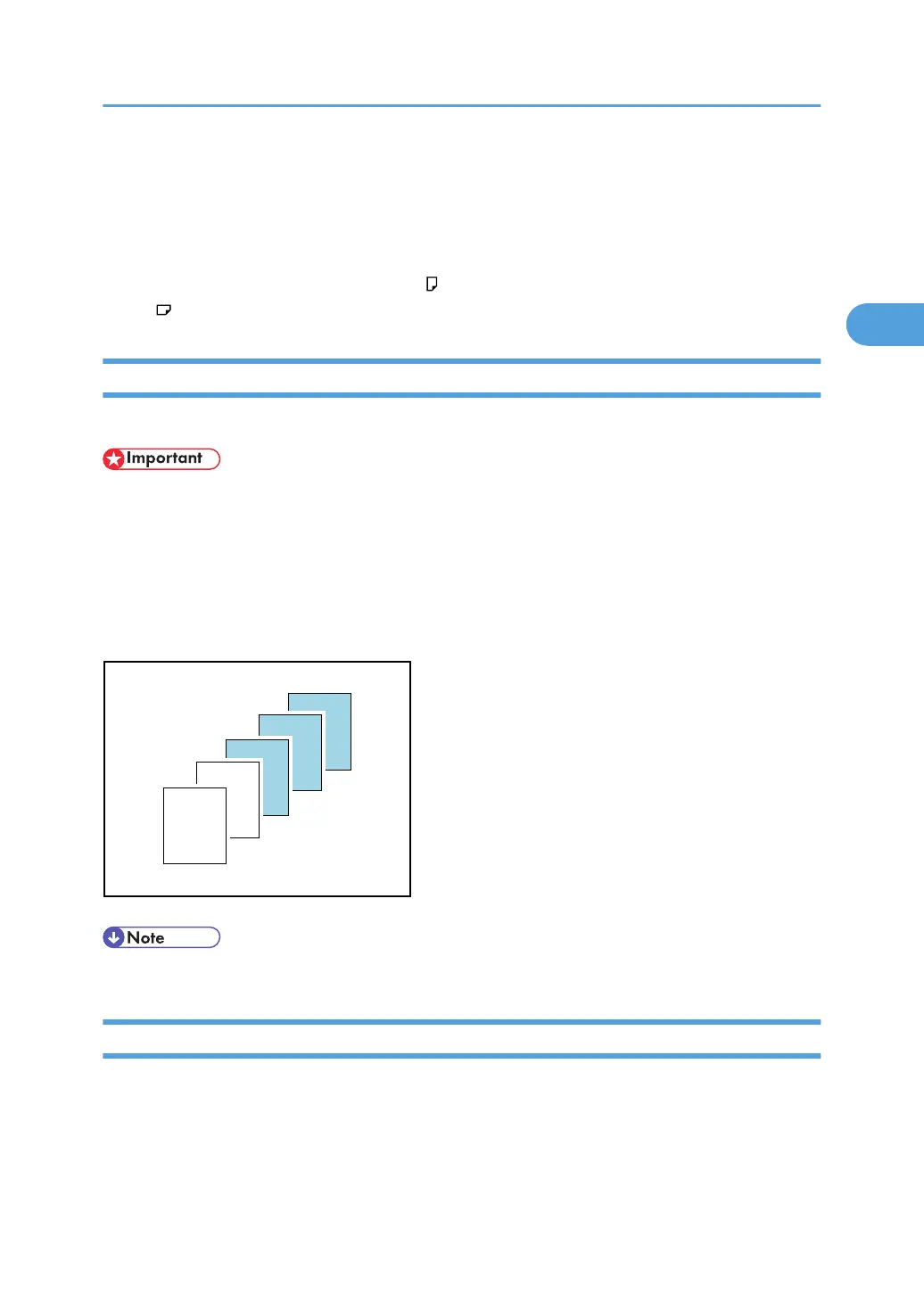
Using this function, you can specify different input trays to print certain pages of a document.
• This function is available with the PCL 5e printer driver only.
•
If [Document Server] is selected under [Job Type:], User Defined Page cannot be used.
• If [User Defined Pages] is selected under [Paper Selection:] on the [Paper] tab, [Layout:] cannot be
selected.
In the example below, the first two pages are printed on the plain paper in Tray 1, and the last three
pages are printed on the color paper in Tray 2.
• For details, see the printer driver Help.
Watermarks
Using this function, you can print documents with text watermarks.
This function increases a document's security and identifiability by embedding a specified text
(watermark) on every page. You can specify only one type of watermark at a time.
Advanced Printing
91



 To Next Page