If you enter a wrong character, press [ ], [ ], [Backspace], or [Delete All], and then enter the
character again.
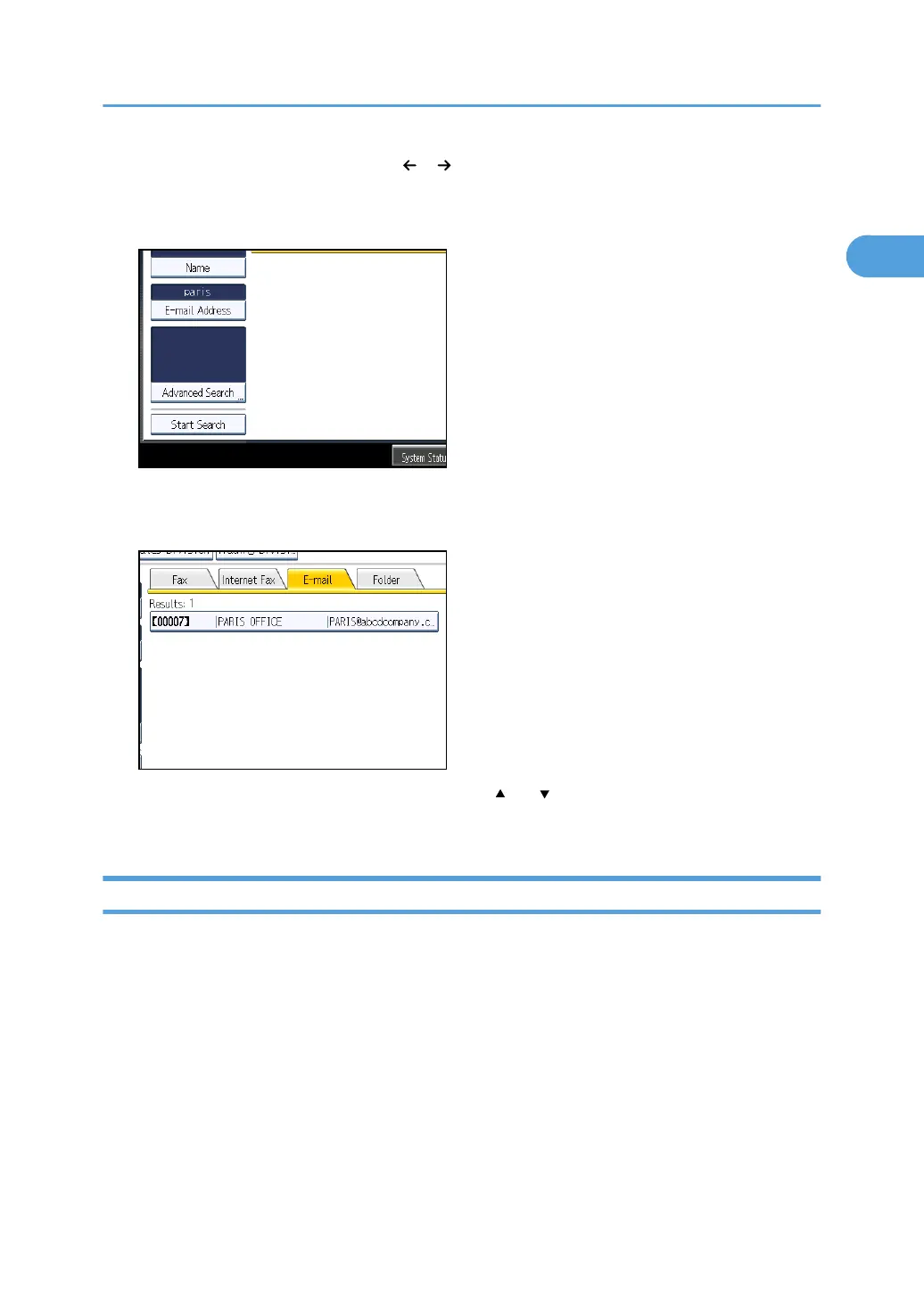
6. Check the characters you have entered are correct, and then press [Start Search].
When the search is finished, a result appears.
7. Select a destination.
If the destination you require does not appear, use [ ] or [ ] to scroll through the list.
Press [Details] to display the details of a selected destination.
Search by Folder Destination
This section explains how to search for a destination registered in the Address Book by folder
destination.
Searching for a Destination in the Address Book
137



 To Next Page