1. Press the [Document Server] key.
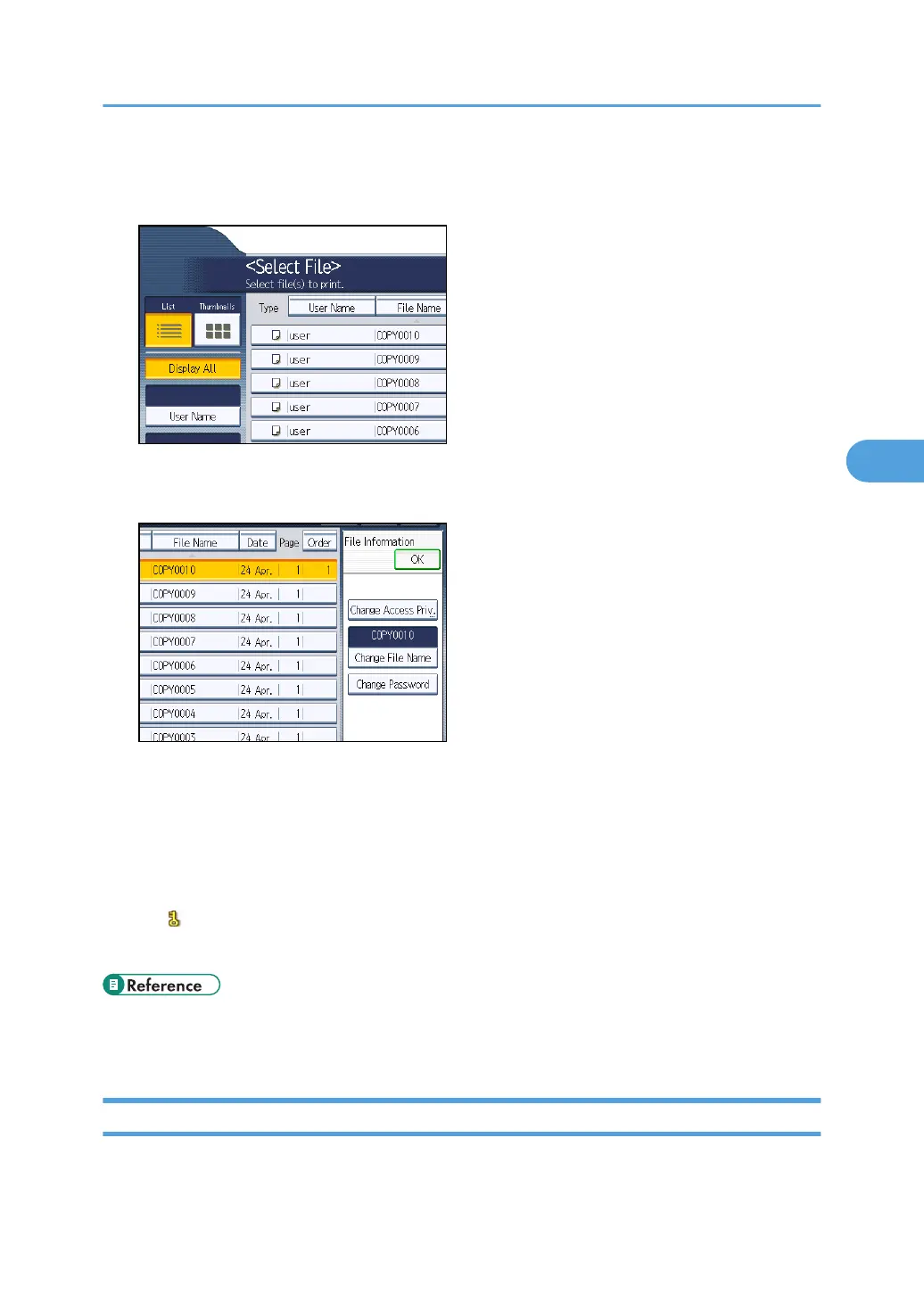
2. Select the file.
3. Press [File Management].
4. Press [Change Password].
5. Enter the password using the number keys.
You can use 4 to 8 numbers as the password for the stored file.
6. Press [OK].
7. Confirm the password by re-entering it using the number keys.
8. Press [OK].
The icon appears next to a stored file protected by password.
9. Press [OK].
• p.35 "Logging in Using Administrator Authentication"
•
p.36 "Logging out Using Administrator Authentication"
Unlocking Files
If you specify "Enhance File Protection", the file will be locked and become inaccessible if an invalid
password is entered ten times. This section explains how to unlock files.
Configuring Access Permissions for Stored Files
115



 To Next Page