Sending Files to a Shared Network Folder
This section explains how to specify the destination when sending files to a shared network folder.
• When sending to a shared folder on a network, refer to "Preparation for Sending by Scan to
Folder" and confirm the following items for the destination computer:
•
Destination computer name
• Destination computer’s user name and password
• Destination shared folder name
• Depending on the operating system of the client computer, access to the shared folder may require
authentication.
You can send a file to a shared folder over the network by any of the following methods:
• Enter the path to the destination directly
• Specify the path by browsing the network for the destination
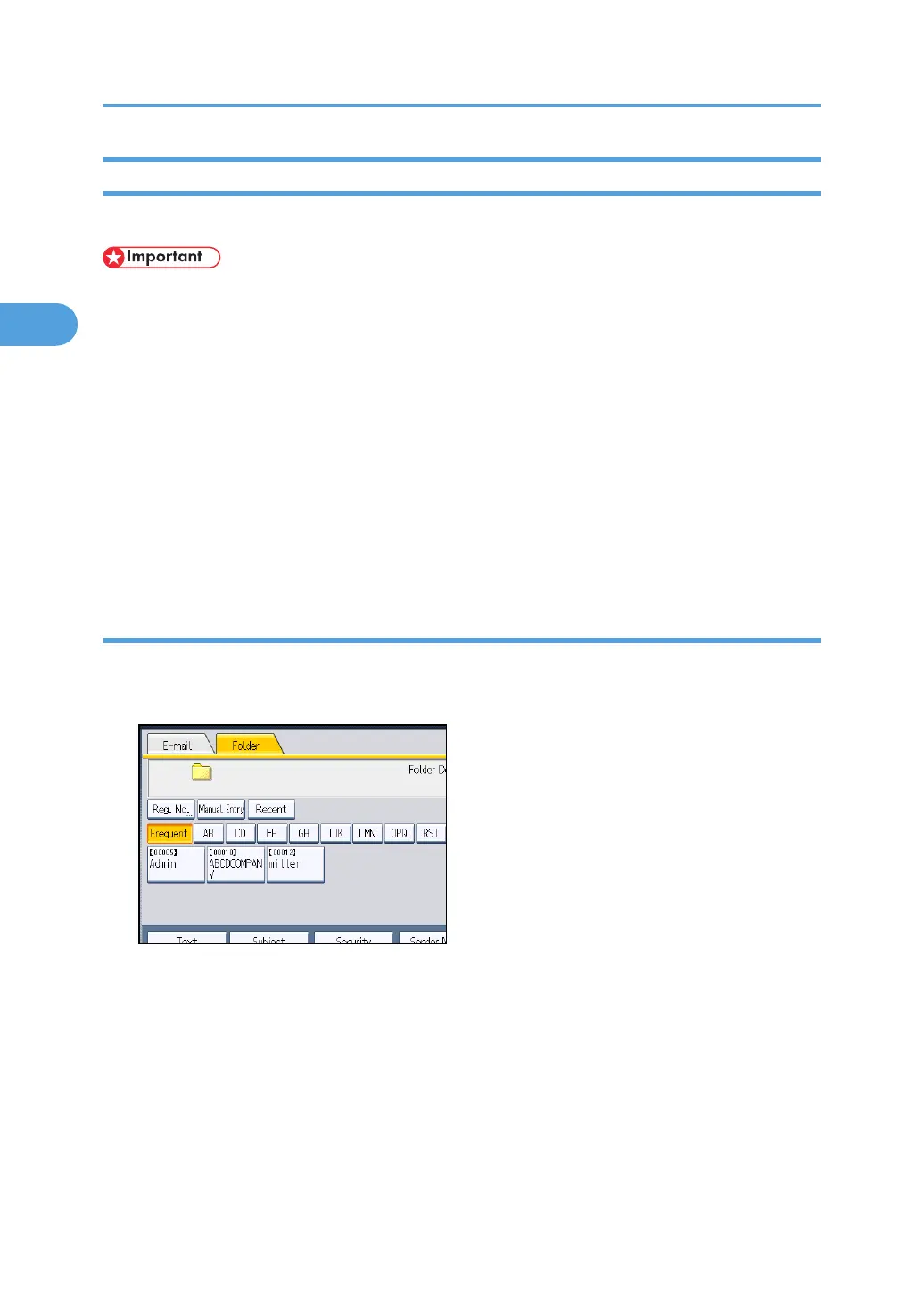
Entering the path to the destination manually
You can enter the path to the destination folder manually.
1. Press [Manual Entry].
2. Press [SMB].
3. Press [Manual Entry] on the right side of the path field.
The soft keyboard appears.
4. Enter the path for the folder.
In the following example path, the shared folder name is "user" and the computer name is
"desk01":
\\desk01\user
5. Press [OK].
2. Sending Scan Files to Folders
74



 To Next Page