1. Preparing the Machine
This chapter describes how to connect this machine to your computer, and install the printer driver.
Confirming the Connection Method
This machine supports network and local connection.
Before installing the printer driver, check how the machine is connected. Follow the driver installation
procedure that is appropriate to the connection method.
Network Connection
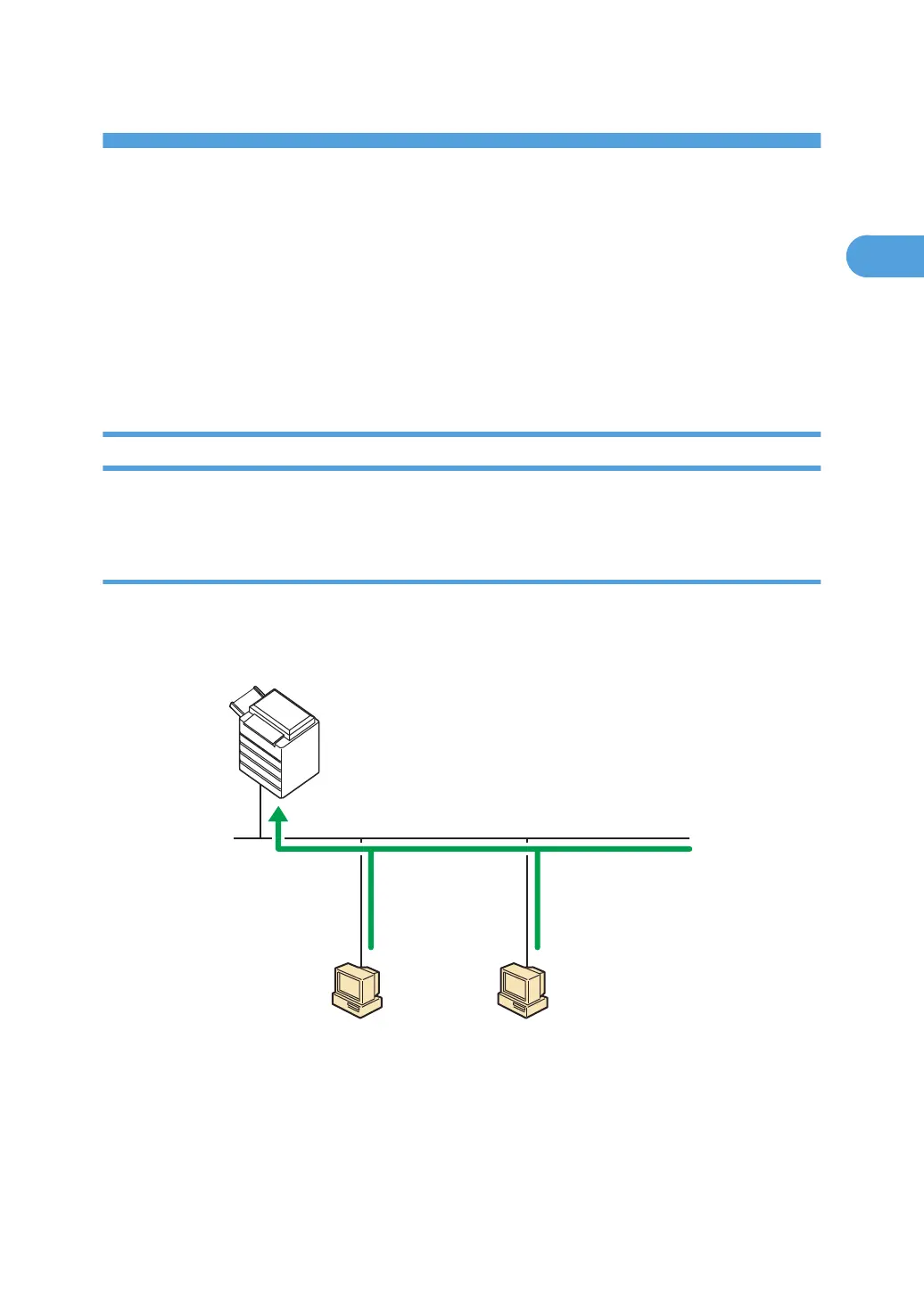
This machine can be used as a Windows printing port or network printer.
Using this machine as the Windows printing port
Network connections can be established through Ethernet and Wireless LAN.
Available ports are determined based on the combination of Windows operating system version and
connection method used.
CFJ007
Windows Vista/7
Windows Server
2008/2008 R2
Windows XP
Windows Server
2003/2003 R2
Standard TCP/IP
LPR
IPP
SmartDeviceMonitor for Client
- TCP/IP
- IPP
Standard TCP/IP
LPR
IPP
WSD
SmartDeviceMonitor for Client
- TCP/IP
- IPP
15



 To Next Page