Facsimile Features
When administrator authentication is specified, the administrator's configuration of Menu Protect
determines which functions and settings are available to users. If user authentication is specified,
functions and settings are available to authorized users only, who must log in to access them.
The following settings can be specified by someone who is not an administrator.
•
Abbreviations in the table columns
R/W (Read and Write) = Both reading and modifying the setting are available.
R (Read) = Reading only.
N/A (Not Applicable) = Neither reading nor modifying the setting is available.
When "Menu Protect" is set to [Off], all the following settings can be viewed and modified.
• The default for "Menu Protect" is [Off].
•
Settings that are not in the list can only be viewed, regardless of the menu protect level setting.
General Settings
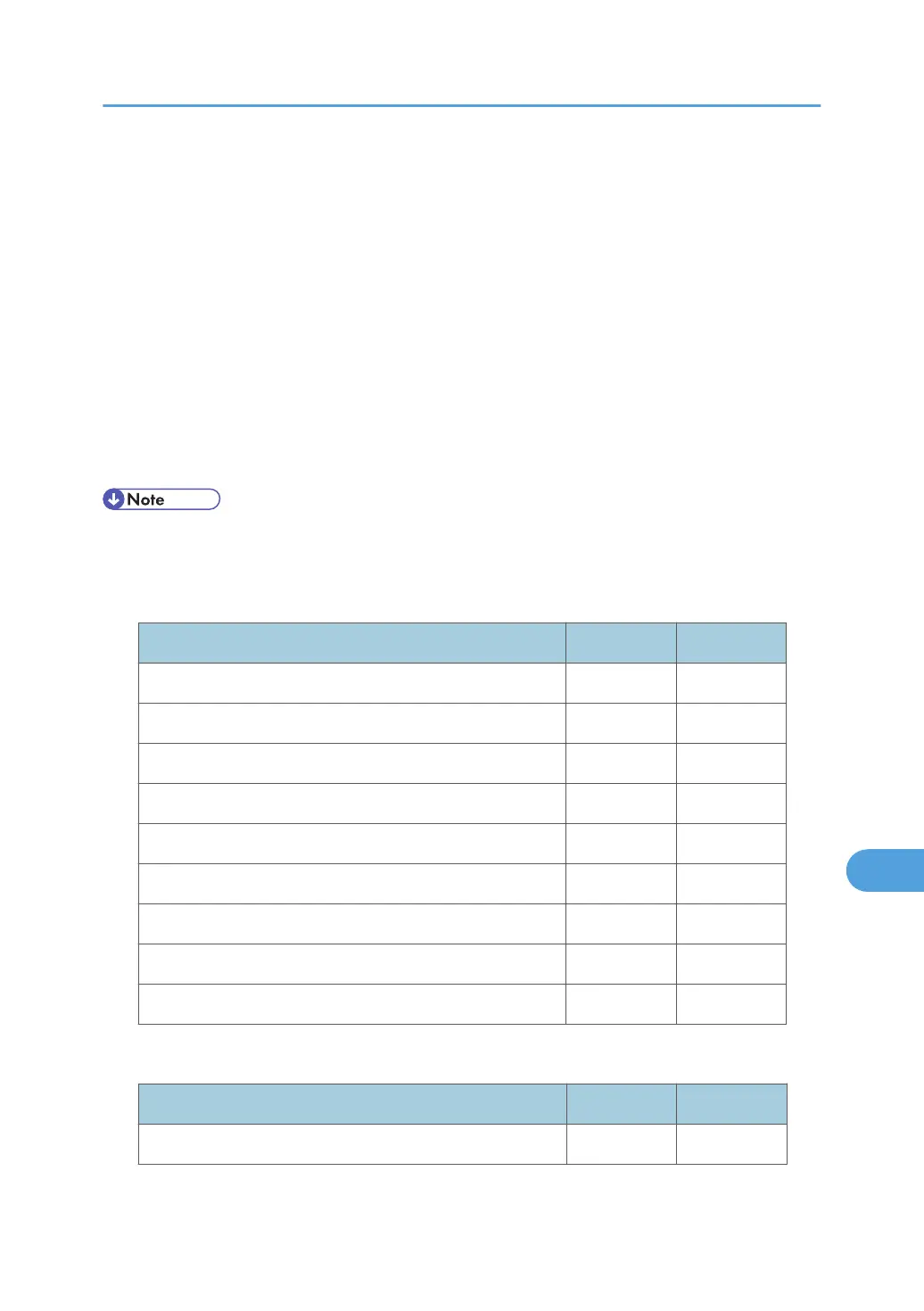
Settings Level 1 Level 2
Quick Operation Key 1-3 R/W R
Switch Title R/W R
Search Destination R/W R
Communication Page Count R R
Adjust Sound Volume R/W R
Box Setting R N/A
Box Setting: Print List R/W N/A
On Hook Mode Release Time R/W R
Delete Recent Destinations N/A N/A
Scan Settings
Settings Level 1 Level 2
Program / Change / Delete Scan Size R/W R
Facsimile Features
351



 To Next Page