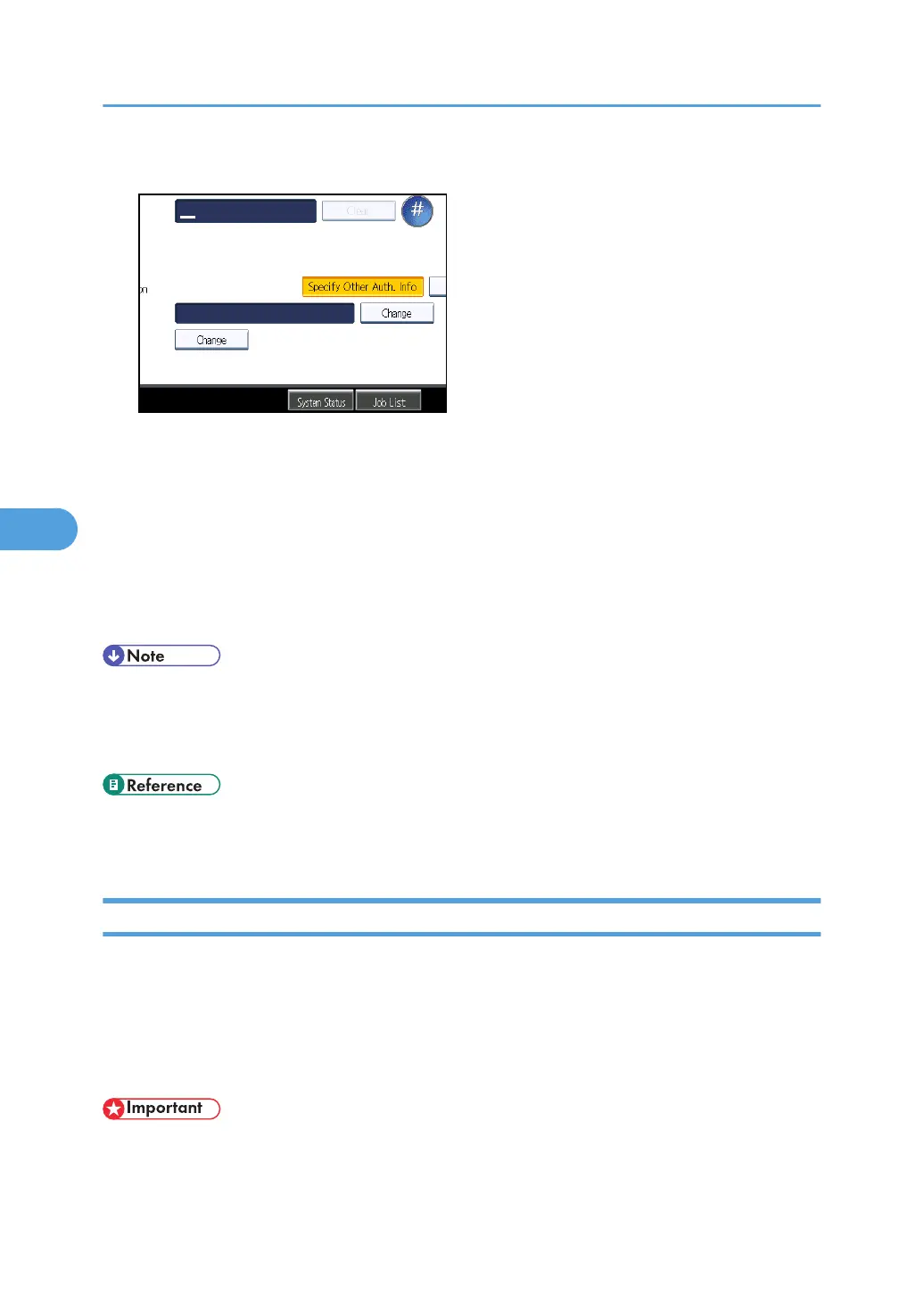
9. Press [Change] under "Login User Name".
10. Enter the login user name, and then press [OK].
11. Press [Change] under "Login Password".
12. Enter the password, and then press [OK].
13. Enter the password again to confirm, and then press [OK].
14. Press [OK].
15. Press [Exit].
16. Press the [User Tools/Counter] key.
• To register the name, see "Registering Names".
•
You can enter up to 191 characters for the user name.
• You can enter up to 128 characters for the password.
• p.43 "File Transfer"
•
p.227 "Registering Names"
LDAP Authentication
This section describes how to register LDAP Authentication.
For each user registered in the Address Book, you can register a login user name and login password to
be used when accessing an LDAP server.
To use an LDAP server, you need to program it beforehand. For details, see "Programming the LDAP
server".
• When [Do not Specify] is selected for LDAP Authentication, the User Name and Password that you
have specified in Program / Change LDAP Server of Administrator Tools settings applies. For
details, see "Programming the LDAP server".
5. Registering Addresses and Users for Facsimile/Scanner Functions
292



 To Next Page