is split, an asterisk ( ) is inserted at the split position and about 10 mm (0.39 inches) of the split area is
duplicated on the top of the second sheet.
• Your service representative can customize this function with the following settings:
•
Reduction
• Print split mark
• Overprinting
• Overprinting length
• Guideline for split
• You can adjust the overprinting and reduction lengths within the following ranges:
• Overprinting length: 4 mm (0.16 inches), 10 mm (0.39 inches), 15 mm (0.59 inches)
• Guideline for split: 5
155 mm (5 mm steps)/0.2 6.1 inches (0.2 inches steps)
Page Reduction
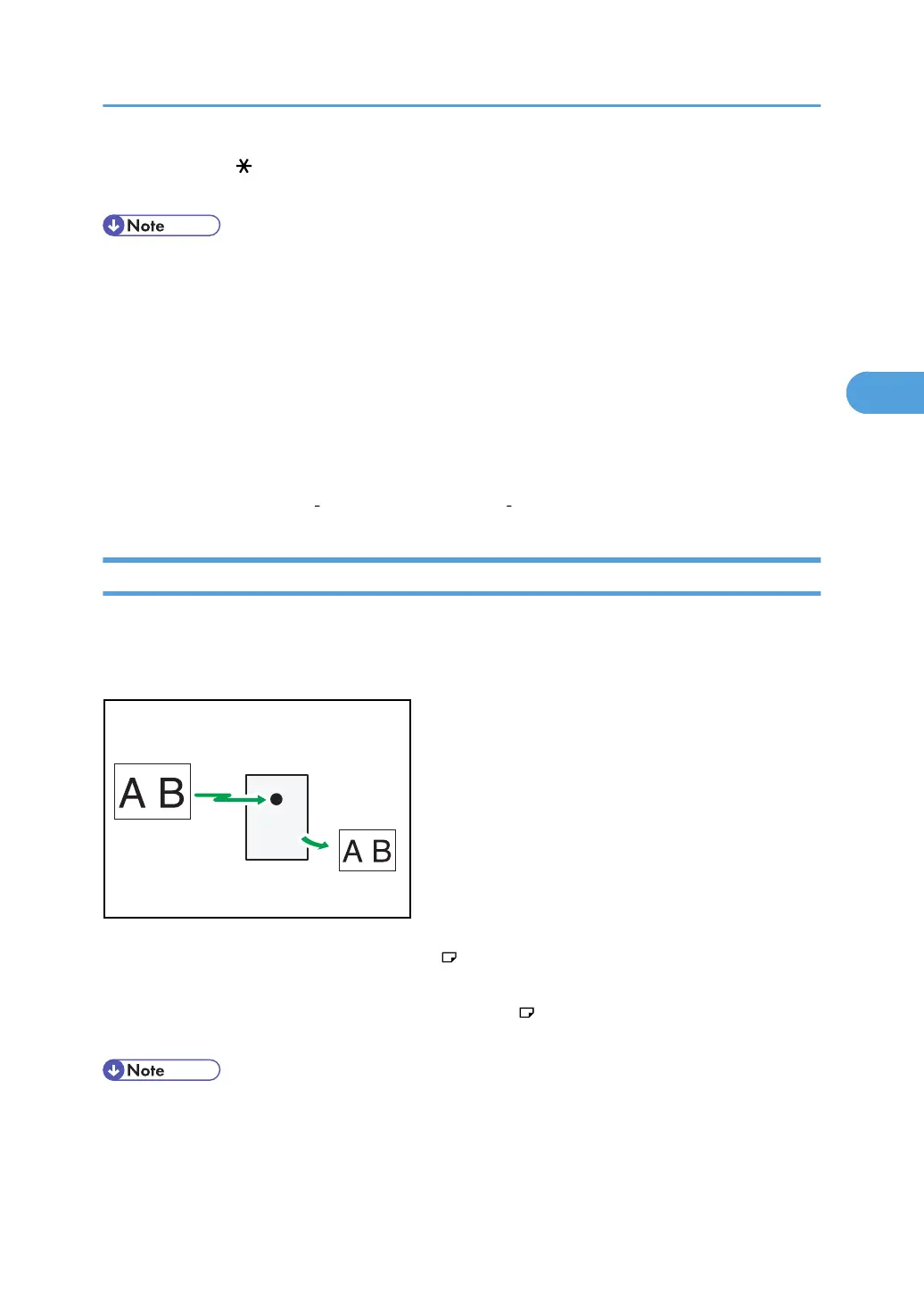
If you receive a document that is longer than the paper in the tray, the machine usually prints it on two
pages. If you turn this function on, the machine reduces the width and length of the received image so
that it will fit on one page.
This machine
Reduction
(B4 JIS size)
(A4 size)
BZR044
If A4 paper but not B4 paper is loaded and a B4 document is received, the machine automatically
reduces the document size so that it can be printed onto a single A4 sheet.
Similarly, if B4 paper but not A3 paper is loaded and an A3 document is received, the machine
automatically reduces the document size so that it can be printed onto a single B4 sheet.
• You can turn this function on or off with the User Parameter (switch 10, bit 3) in the Facsimile
Features menu. See “Parameter Settings”.
•
When this function is used, the printing quality may not be as good as usual.
Printing Options
231



 To Next Page