9. Scanner Features
This chapter describes the user tools in the Scanner Features menu.
Accessing User Tools
This section describes how to access User Tools.
User Tools allows you to change the settings of [Scanner Features].
• Procedures for configuring system settings differ from procedures for configuring other settings. You
must return to the initial screen when you finish configuring the system settings. For details about
returning to the initial screen, see "Closing User Tools".
• Any changes you make in [Scanner Features] remain in effect even if the main power switch or
operation switch is turned off, or the [Energy Saver] or [Clear Modes] key is pressed.
• Depending on the sending method, some settings cannot be applied.
• The [Wait Time for Next Original(s): SADF] function is available only if the ADF is installed on the
machine. Note that in some countries, the ADF is an optional component and must be purchased
separately.
• p.200 "Closing User Tools"
Changing User Tools
This section describes how to change the settings of [Scanner Features].
• If Administrator Authentication Management is specified, contact your administrator.
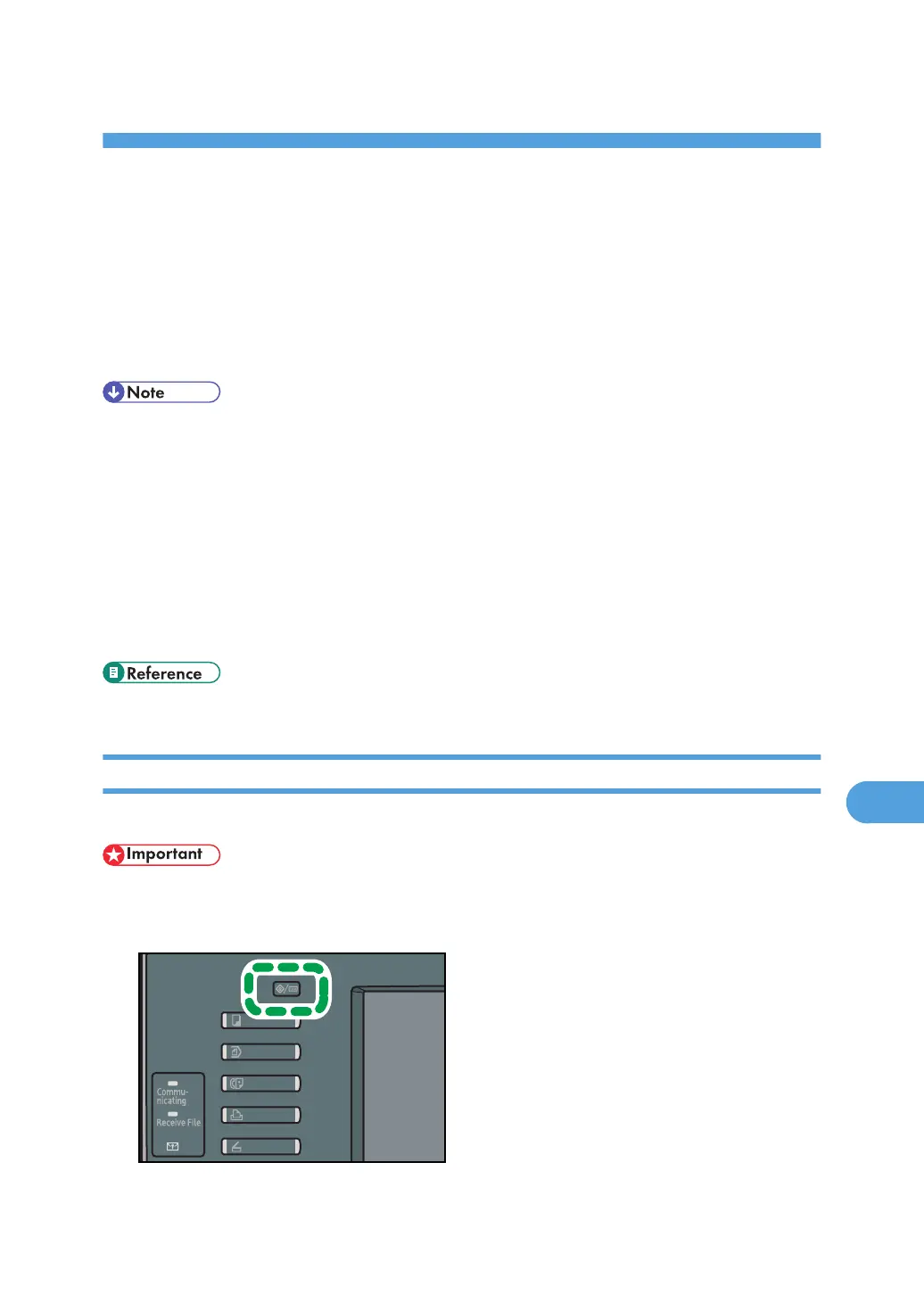
1. Press the [User Tools/Counter] key.
199



 To Next Page