• [Include one Word]: The names which contain an entered character or characters are
targeted.
For example, to search for "ABC", enter "A", "B", or "C".
•
[Exclude Words]: The names which do not contain an entered character or characters are
targeted.
For example, to search for "ABC", enter "D".
• [Fuzzy Search]: a vague search (The function of this vague search depends on the system
supported by the LDAP server.)
• p.214 "Sending e-mail"
Registering a Directly-Entered Destination in the Address Book
This section explains how to register a directly-entered destination in the machine's address book. You
can also register a destination selected from the LDAP server.
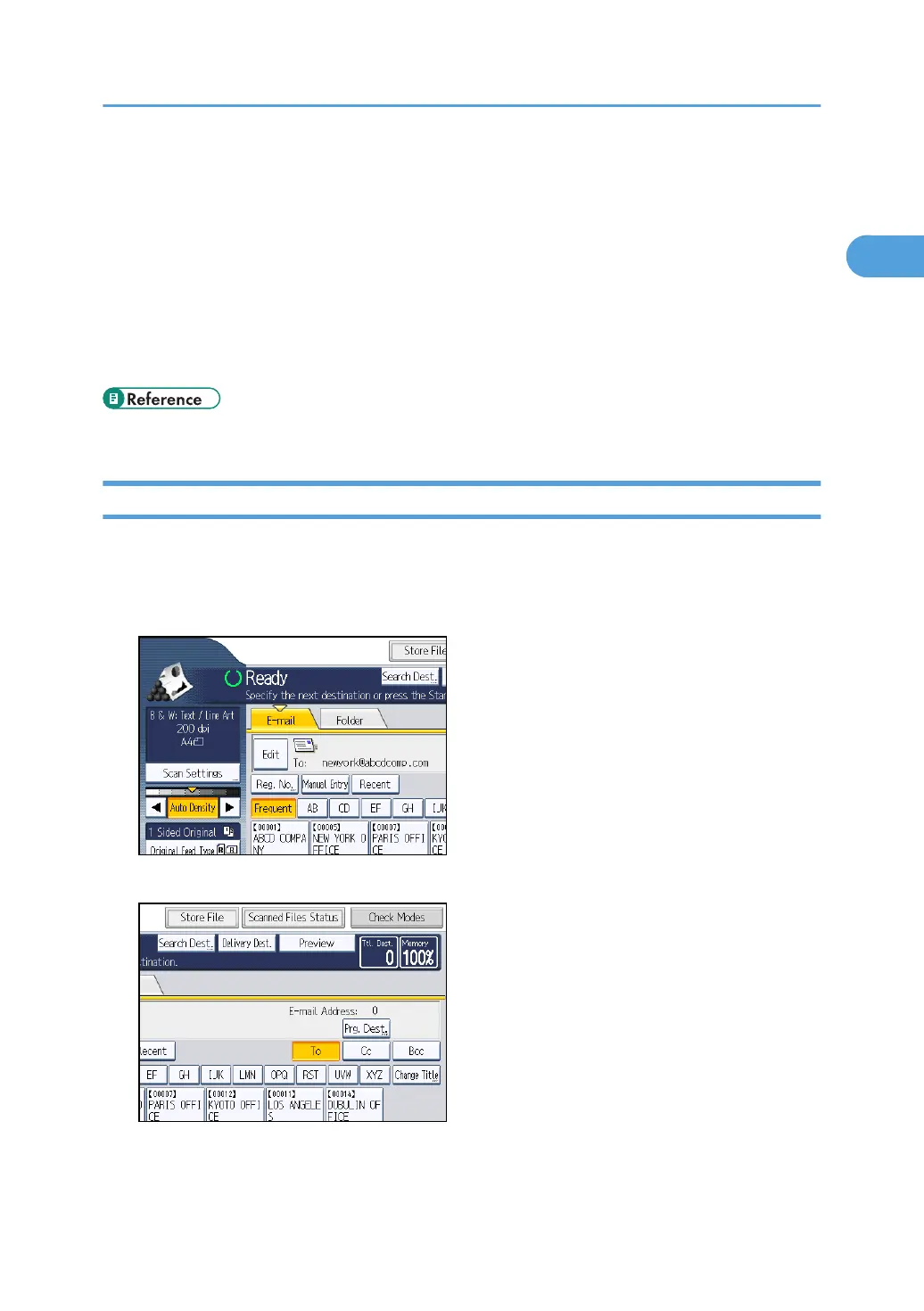
1. In the destination field, display the destination you want to register.
2. Press [Prg. Dest.].
Specifying E-mail Destinations
39



 To Next Page