Preparation for Sending by E-mail
To send scanned files by e-mail, you must first perform the following:
•
Check the machine is properly connected to the network
• Configure the network settings in [System Settings]
• Configure the necessary settings in [Scanner Features]
Checking the machine is properly connected to the network
Check that this machine is properly connected to the network.
For details about how to connect this machine to a network, see "Connecting to the Interface", Network
and System Settings Reference.
Configuring the network settings in [System Settings]
Configure the network settings in [System Settings] according to your environment and how you will be
using the machine.
The following procedure explains connecting this machine to an IPv4 network using Ethernet cable.
Note that the settings you must configure will vary depending on your operating environment. For details
about network settings and configuration procedures, see "Network Settings Required to Use E-mail
Function", Network and System Settings Reference.
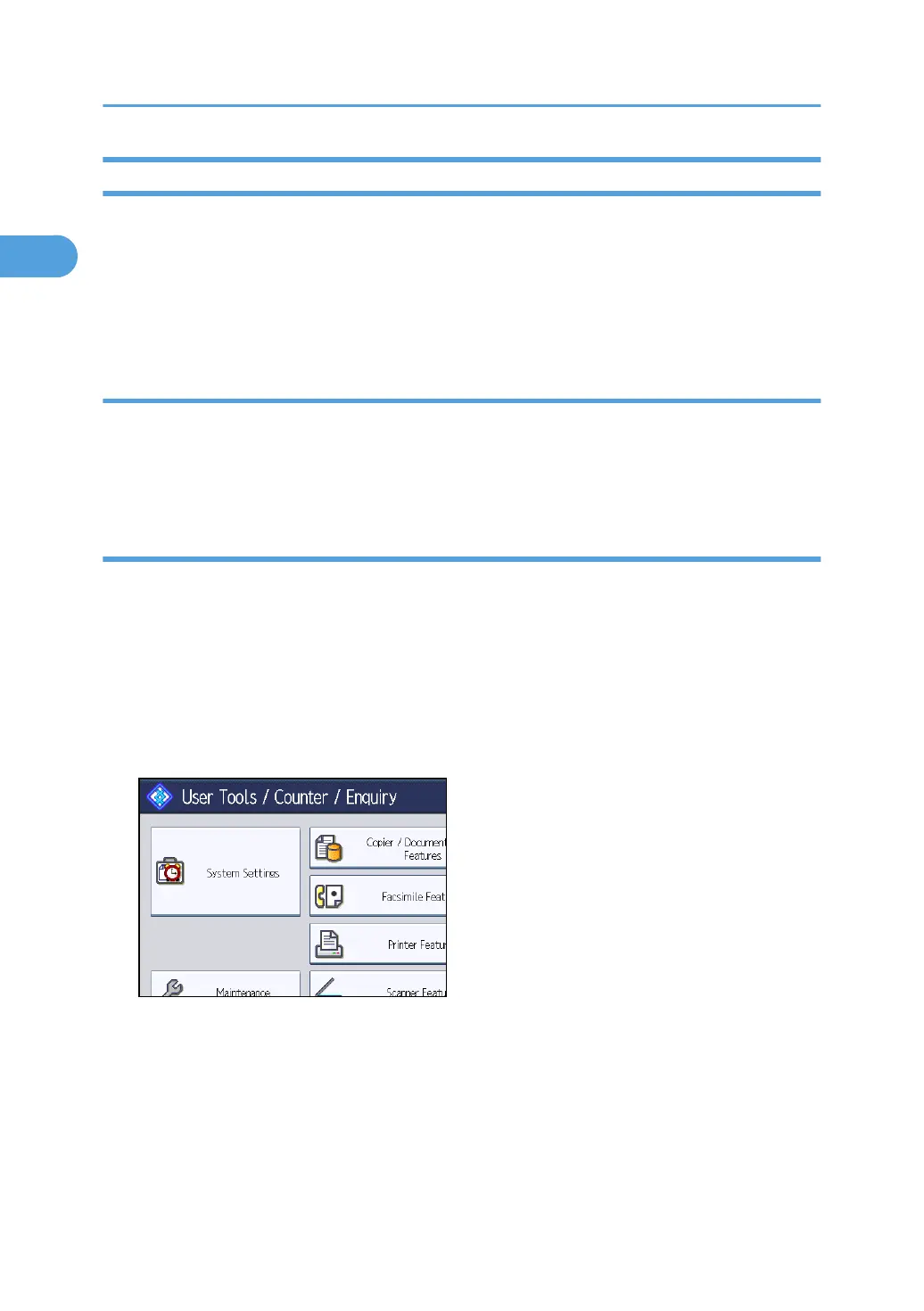
1. Press the [User Tools/Counter] key, and then press [System Settings].
The System Settings screen appears.
1. Sending Scan Files by E-mail
22



 To Next Page