Basic Procedure for Saving Scan Files on a
Removable Memory Device
Use the following procedure to save scan files on a removable memory device.
1. Insert a removable memory device in the media slot.
You can connect only one removable memory device at a time. The media slot cannot be used if
both an SD card and a USB flash memory are inserted into it at the same time.
2. Make sure that no previous settings remain.
If a previous setting remains, press the [Clear Modes] key.
3. Place originals.
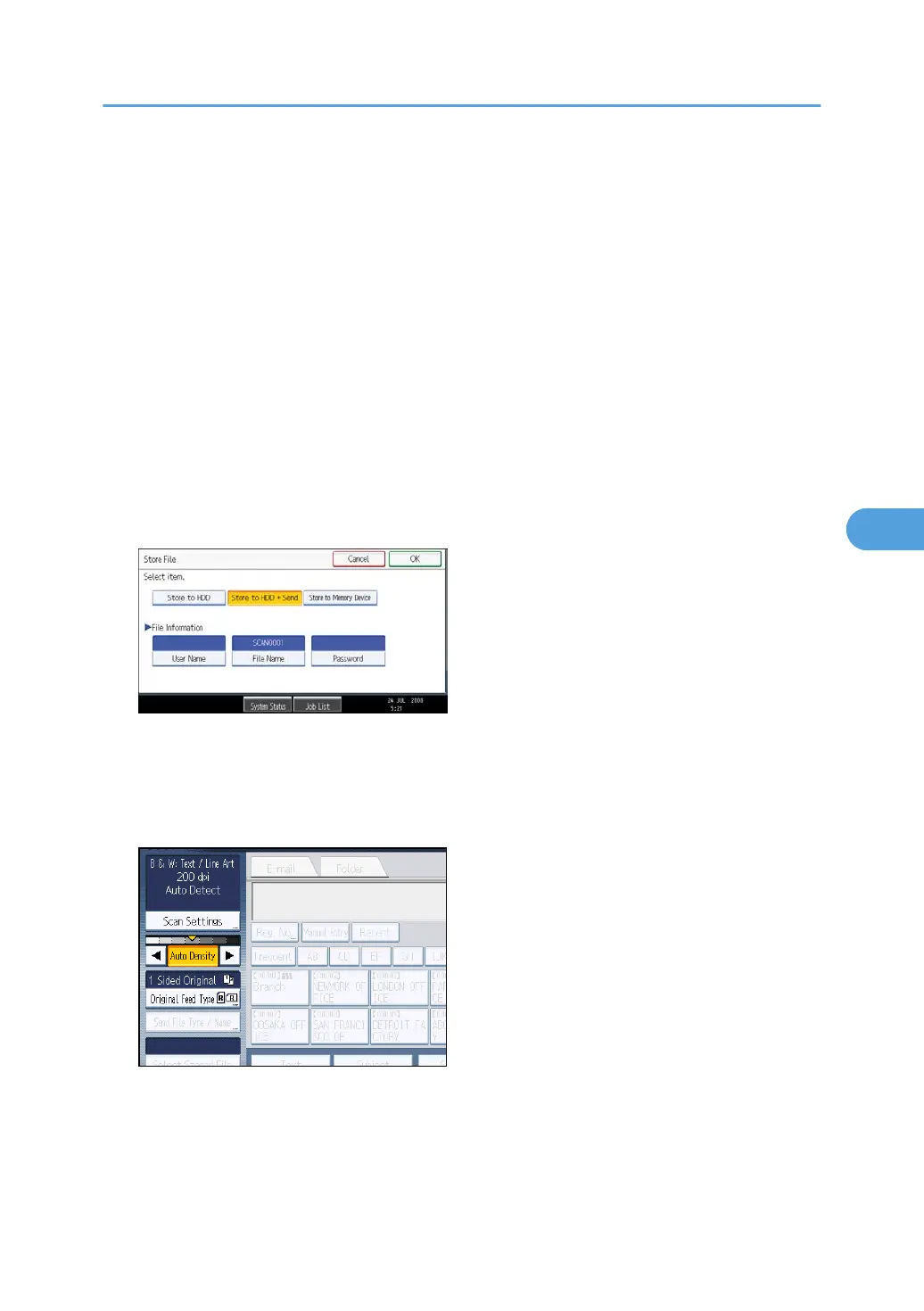
4. Press [Store File].
5. Press [Store to Memory Device].
6. Press [OK].
7. If necessary, press [Scan Settings] to specify scanner settings such as resolution and scan
size.
For details, see "Various Scan Settings".
8. If necessary, specify the scanning density.
For details, see "Adjusting Image Density".
9. If necessary, press [Original Feed Type] to specify settings such as original orientation.
For details, see "Setting of Original Feed Type".
Basic Procedure for Saving Scan Files on a Removable Memory Device
131



 To Next Page