Specifying Original Sizes
Specify the size of the originals.
Regular sizes
Select the size of the originals from the regular sizes.
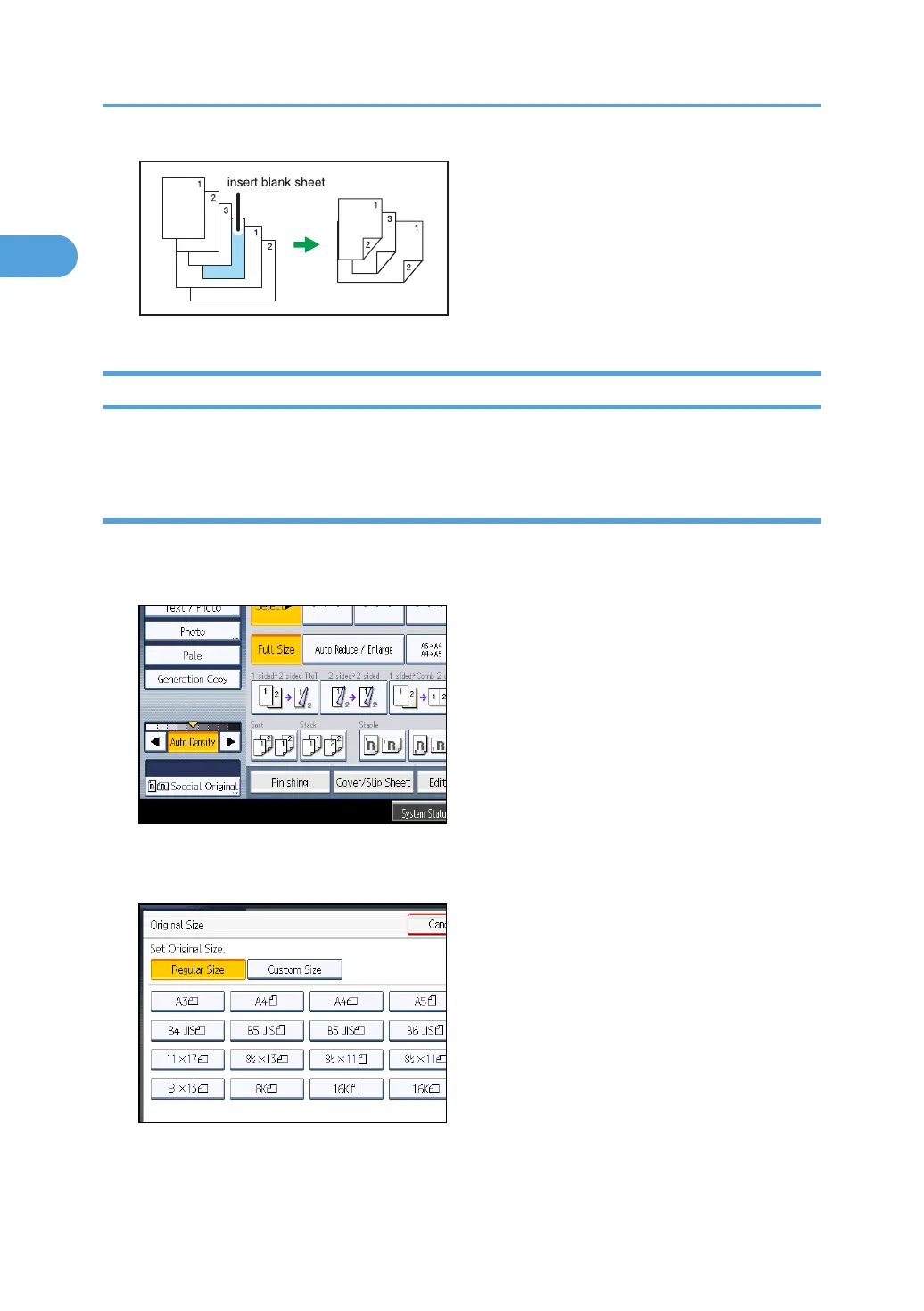
1. Press [Special Original].
2. Press [Original Size].
3. Press [Regular Size].
4. Select the size of original, and then press [OK] twice.
5. Place the originals, and then press the [Start] key.
1. Placing Originals
30



 To Next Page