Basic Procedure When Using Scan to Folder
This section describes the basic procedure involved in using Scan to Folder.
• Before performing this procedure, refer to “Preparation for Sending by Scan to Folder” and
confirm the details of the destination computer. Also refer to “Registering Folders”, Network and
System Settings Reference, and register the address of the destination computer to the address
book.
1. Make sure that no previous settings remain.
If a previous setting remains, press the [Clear Modes] key.
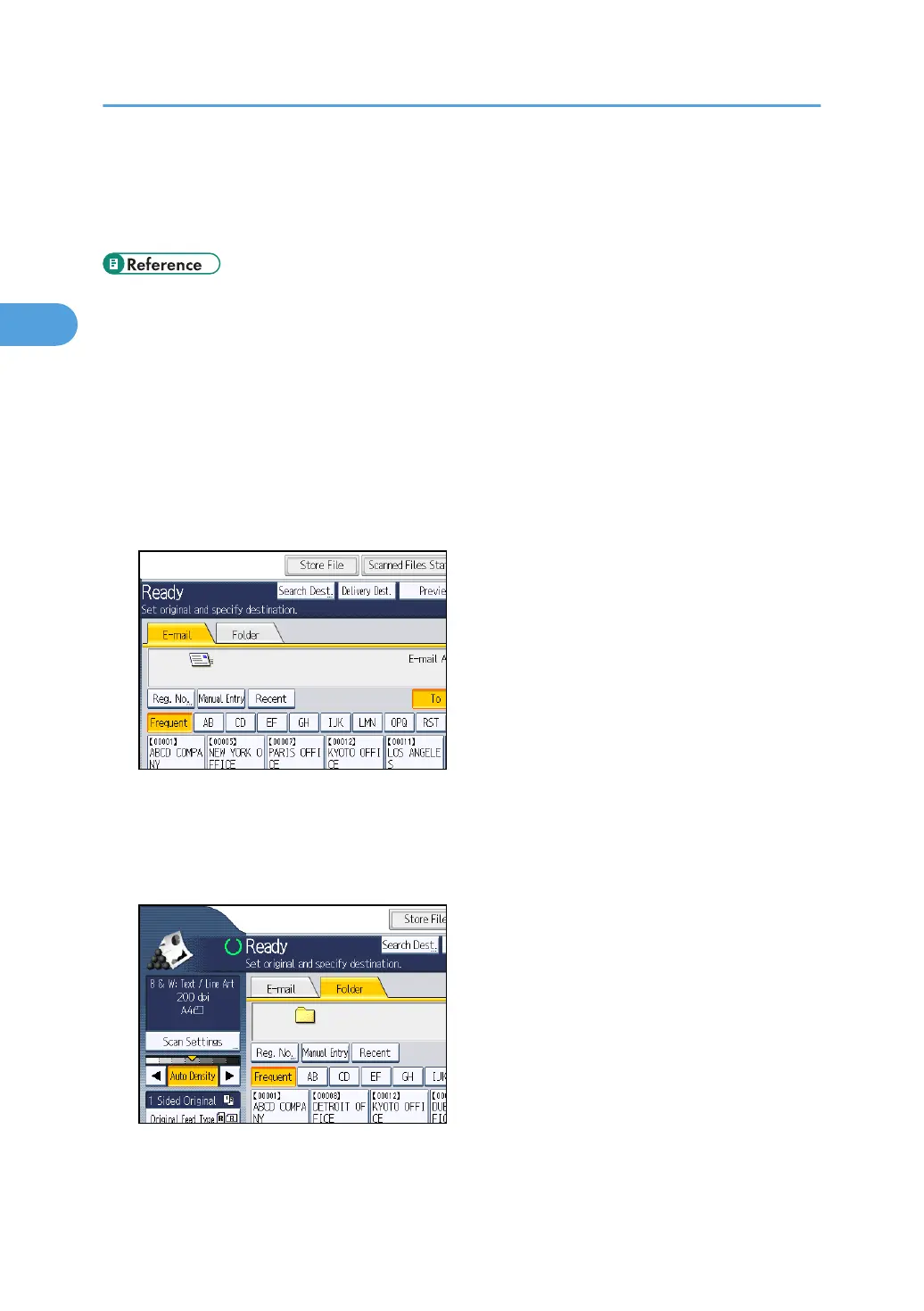
2. If the network delivery scanner screen or E-mail screen appears, switch to the Scan to
Folder screen.
For details, see "Switching to the Scan to Folder Screen".
3. Place originals.
4. If necessary, press [Scan Settings] to specify scanner settings such as resolution and scan
size.
For details, see "Various Scan Settings".
5. If necessary, specify the scanning density.
For details, see "Adjusting Image Density".
2. Sending Scan Files to Folders
66



 To Next Page