• p.389 "Parameter Settings"
Immediate Transmission
Immediate Transmission is possible with standard fax transmission and IP-Fax transmission.
• Internet Fax, e-mail transmission and folder transmission are performed using Memory
Transmission, which automatically starts transmission after storing documents in memory. If you
switch the type of transmission to them while the machine is in Immediate Transmission mode, the
transmission mode is automatically switched to Memory Transmission.
•
Group cannot be used for Immediate Transmission. You cannot send the same document to multiple
destinations (broadcasting). If you specify broadcast or transmission for a group, the machine
changes automatically to Memory Transmission.
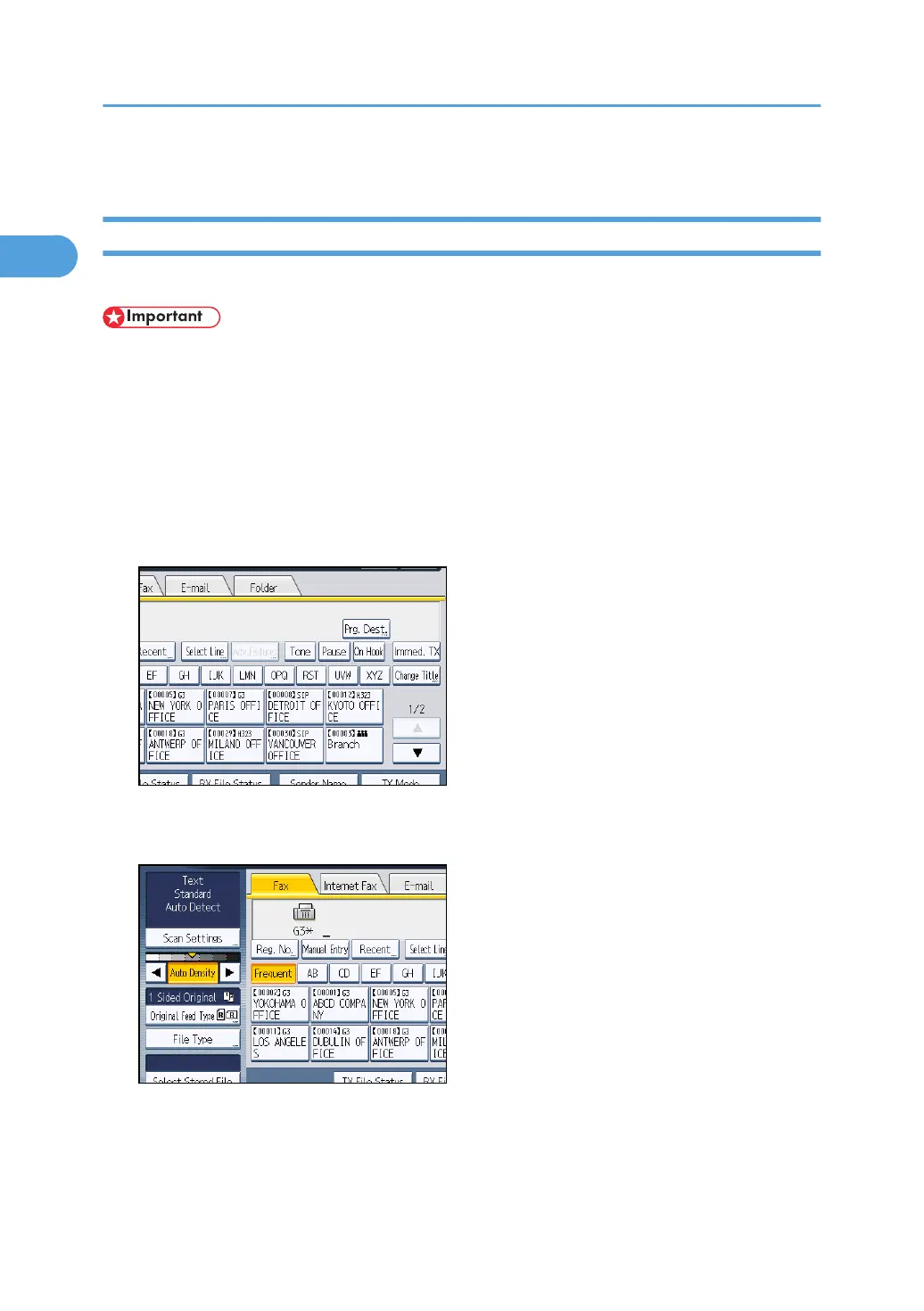
1. Press [Immed. TX].
2. Place the original into the ADF.
3. Select the scan settings you require.
For details about the scan settings, see “Scan Settings”.
1. Transmission
32



 To Next Page