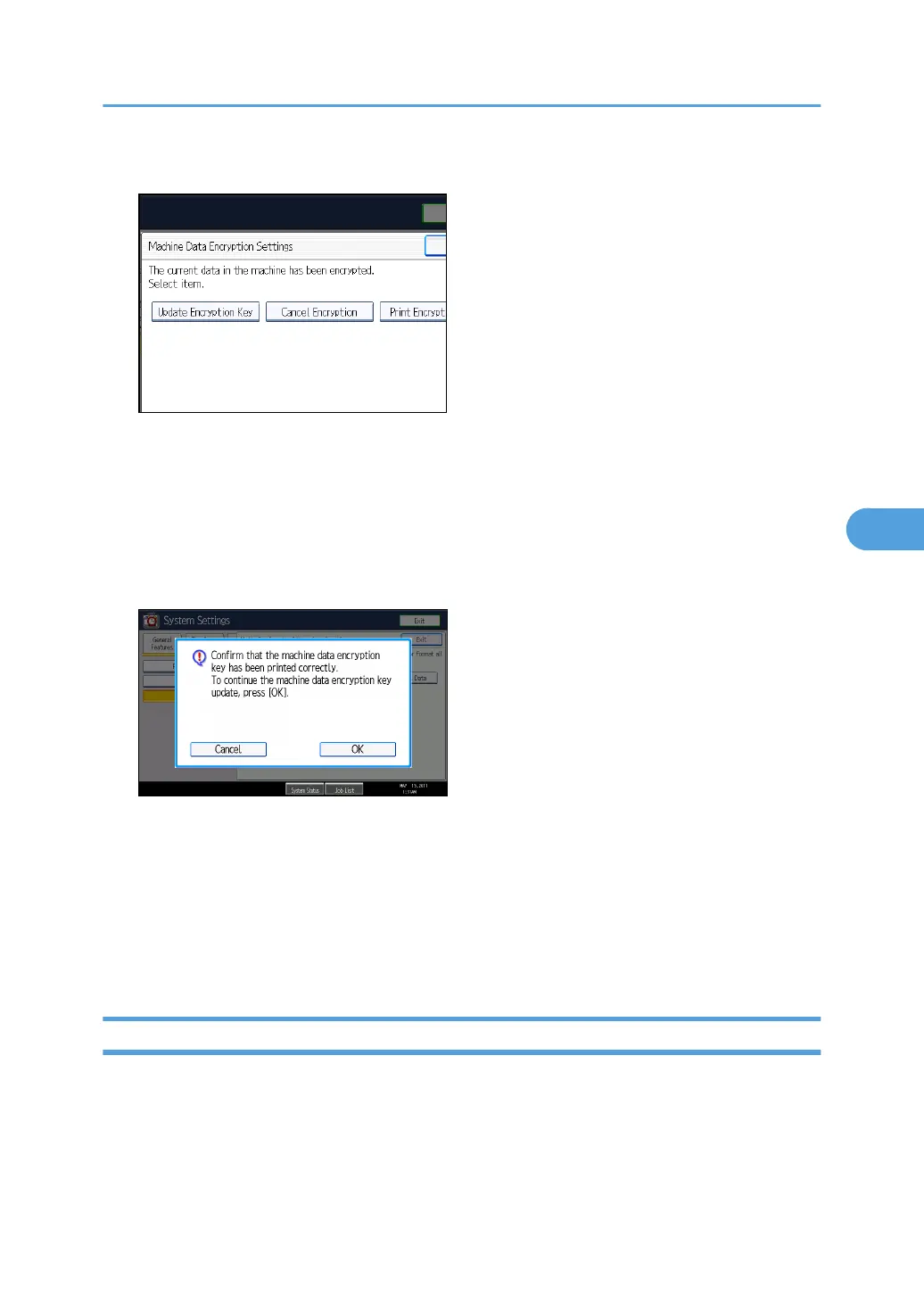
5. Press [Update Encryption Key].
6. Select the data to be carried over to the hard disk and not be reset.
To carry all of the data over to the hard disk, select [All Data]. To carry over only the machine
settings data, select [File System Data Only]. To reset all of the data, select [Format All Data].
7. Press the [Start] key.
The encryption key for retrieving the backup data is printed.
8. Press [OK].
9. Press [Exit].
10. Press [Exit].
11. Press the [User Tools/Counter] key.
12. Turn off the power and the main power switch, and then turn the main power switch back
on.
For details about turning off the power, see "Turning On/Off the Power", About This Machine.
Canceling Data Encryption
Use the following procedure to cancel the encryption settings when encryption is no longer necessary.
Encrypting Data on the Hard Disk
139



 To Next Page