Memory File Transfer
If the printer has stopped functioning or run out of toner or paper, you can transfer the files in facsimile
memory to another machine for printing. Note that this function forwards all documents that are stored in
memory, including files that were received with Memory Lock. Use this function only in emergencies.
• A fax or IP-Fax destination can be specified as a forwarding destination. An Internet Fax, e-mail, or
folder destination cannot be specified as a forwarding destination.
•
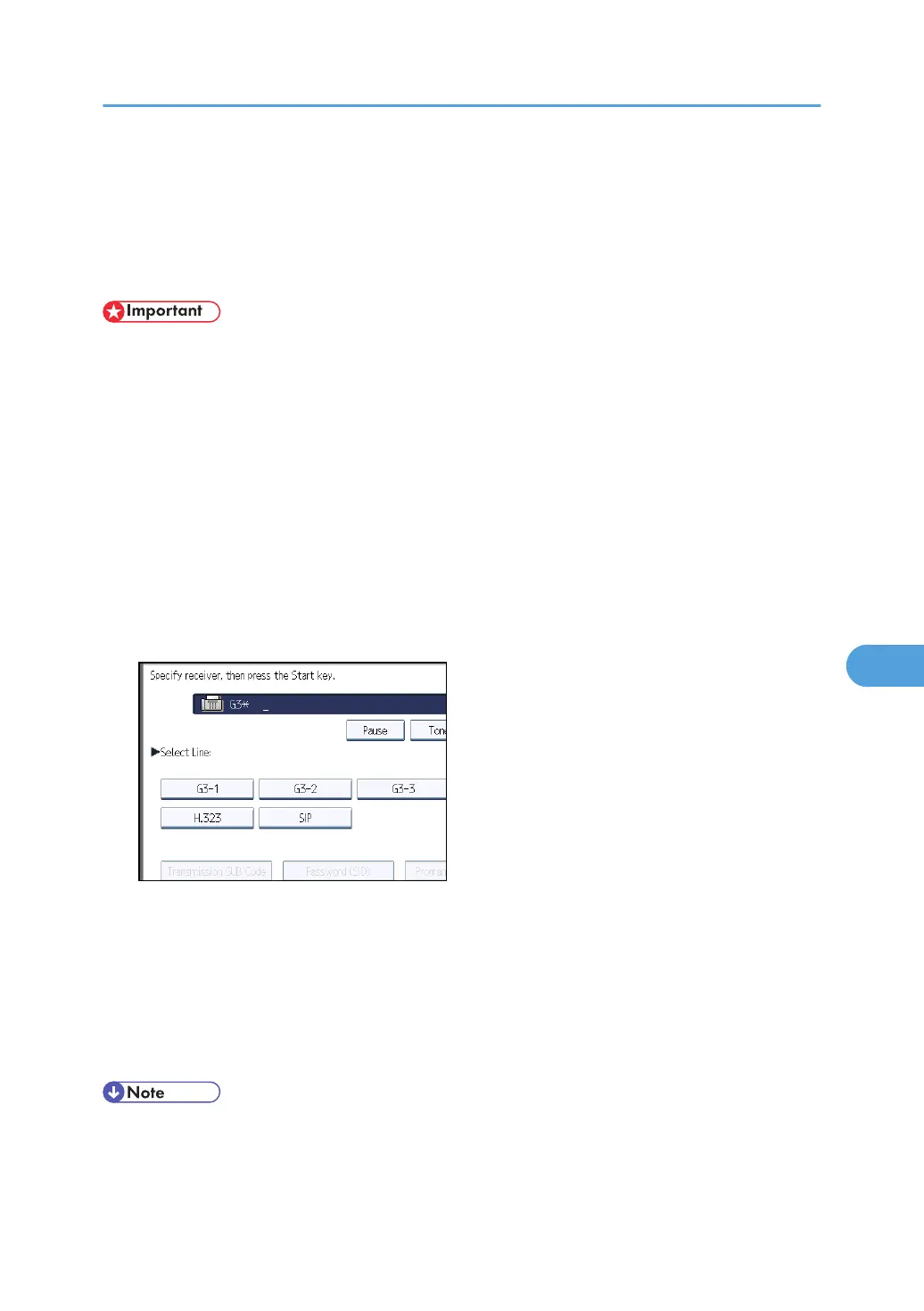
To display “SIP” and “H.323” on the screen, make the settings in “Initial Settings” in the Facsimile
Features menu. If you are using SIP, specify “Enable SIP” and “SIP Settings”. If you are using H.
323, specify “Enable H.323” and “H.323 Settings”. For details about these settings, see “Initial
Settings”.
1. Press [Facsimile Features].
2. Press [Send Settings].
3. Press [Memory File Transfer].
The display will differ depending on installed optional units.
4. Select the line of the forwarding destination.
5. Enter the forwarding destination.
If you make a mistake, press [Clear], and then enter the destination again.
To cancel forwarding, press [Cancel]. The display returns to that of step 3.
6. Press the [Start] key.
After transmission, the display returns to that of step 3.
7. Press the [User Tools/Counter] key.
• The document is not deleted after you forward it. It is stored in the machine.
Memory File Transfer
367



 To Next Page