Basic Procedure for Delivering Files
This section explains the basic procedure for delivering scan files using the network delivery scanner.
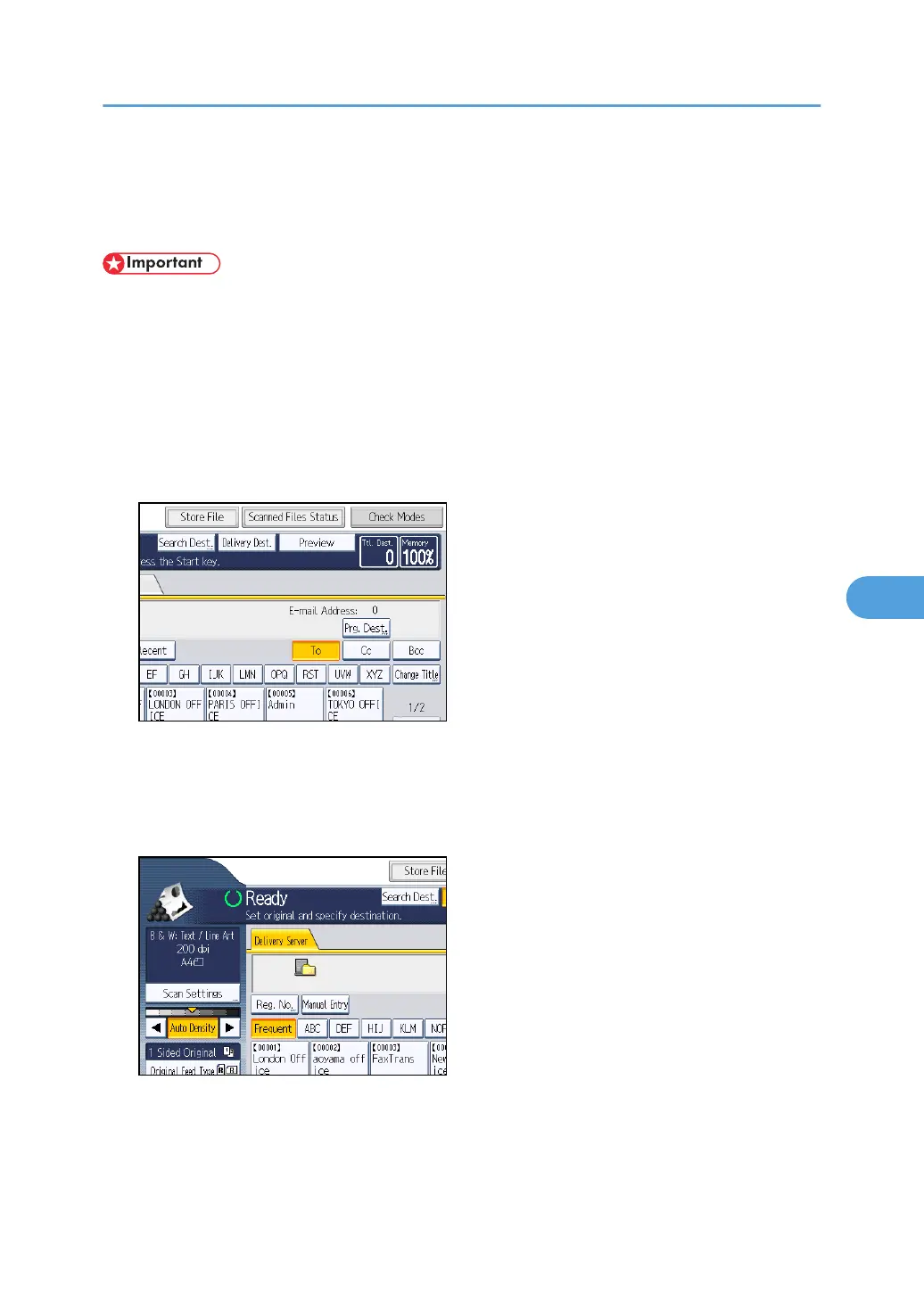
• You must register destinations and senders in advance using the ScanRouter delivery software
installed on the delivery server.
1. Make sure that no previous settings remain.
If a previous setting remains, press the [Clear Modes] key.
2. If the E-mail screen or Scan to Folder screen appears, switch to the network delivery
scanner screen.
For details, see "Switching to the Network Delivery Scanner Screen".
3. Place originals.
4. If necessary, press [Scan Settings] to specify scanner settings such as resolution and scan
size.
For details, see "Various Scan Settings".
5. If necessary, specify the scanning density.
For details, see "Adjusting Image Density".
Basic Procedure for Delivering Files
139



 To Next Page