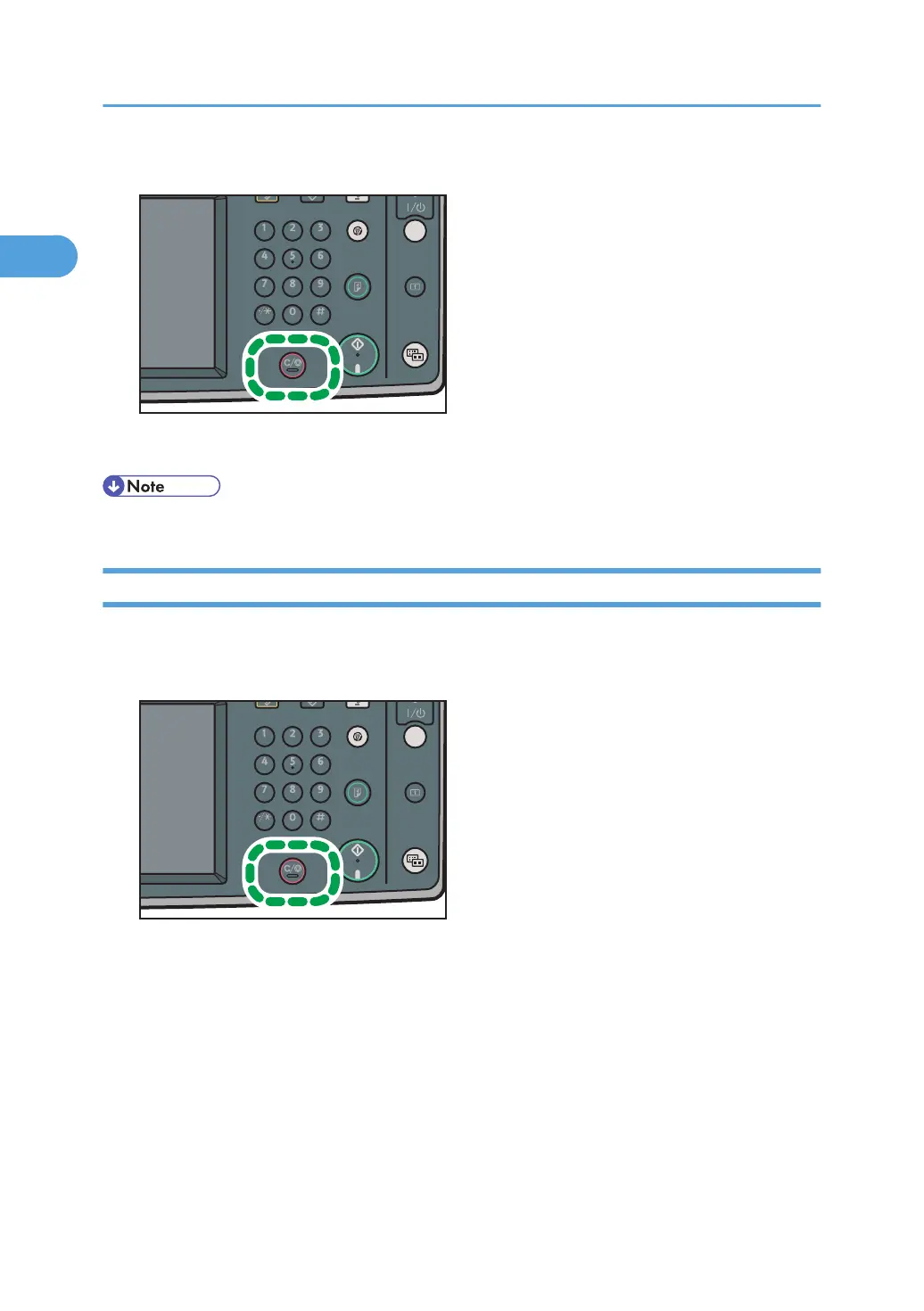
1. Press the [Clear/Stop] key.
The machine stops scanning.
• Scanning may be completed while you are performing the cancel operation.
While the Original Is Being Transmitted
This section explains how to cancel a transmission while the Communicating indicator is lit.
1. Press the [Clear/Stop] key.
The screen shown in step 2 can also be displayed by pressing [Check / Stop Transmission File]
under [Change TX / Info].
1. Transmission
162



 To Next Page