2. Press [Scanner Features].
3. Select the item you want to change.
4. Change settings by following instructions on the display, and then press [OK].
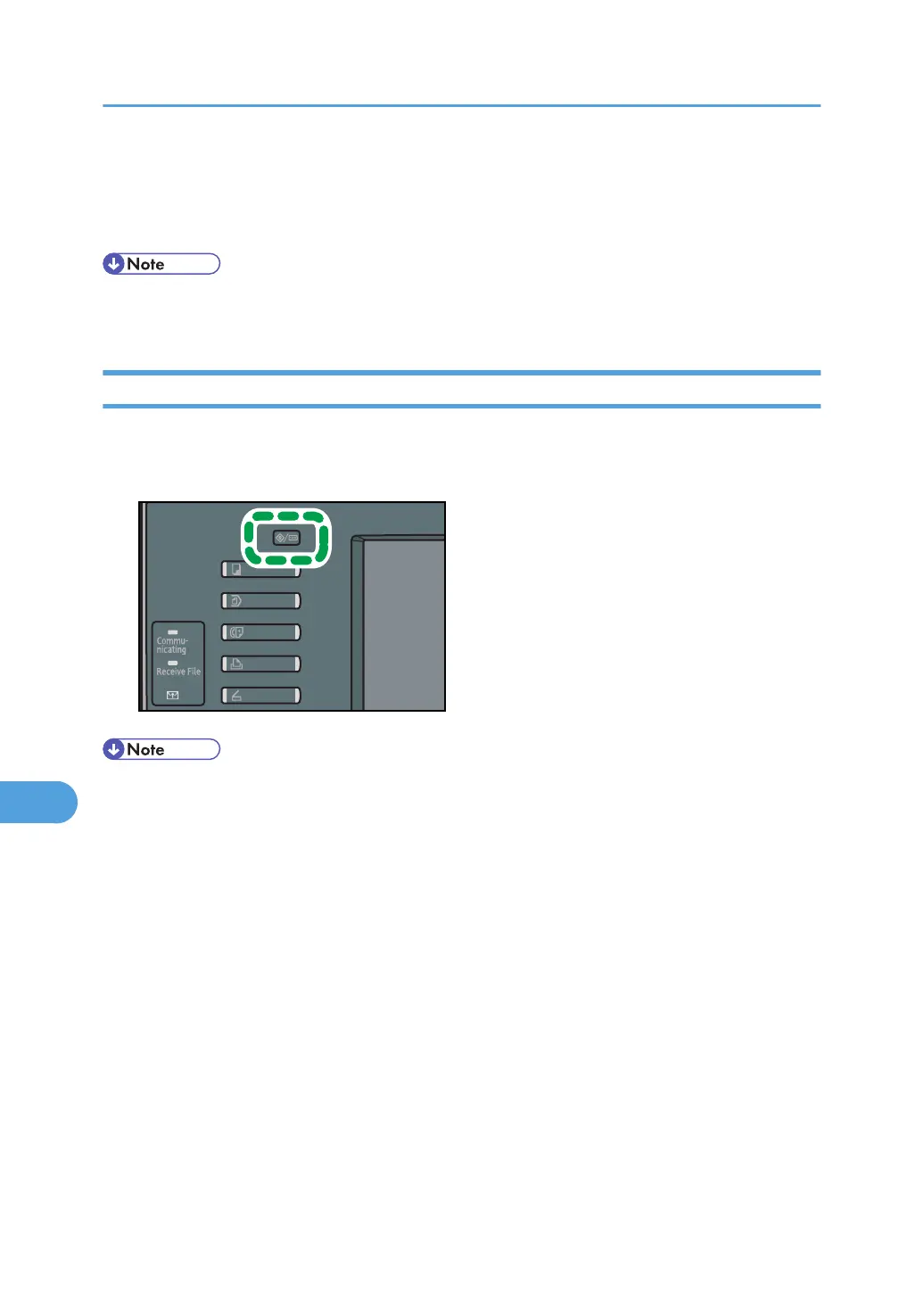
• To cancel changes made to the settings and return to the initial display, press the [User Tools/
Counter] key.
Closing User Tools
This section describes how to quit User Tools.
1. Press the [User Tools/Counter] key.
• You can also quit User Tools by pressing [Exit].
9. Scanner Features
200



 To Next Page