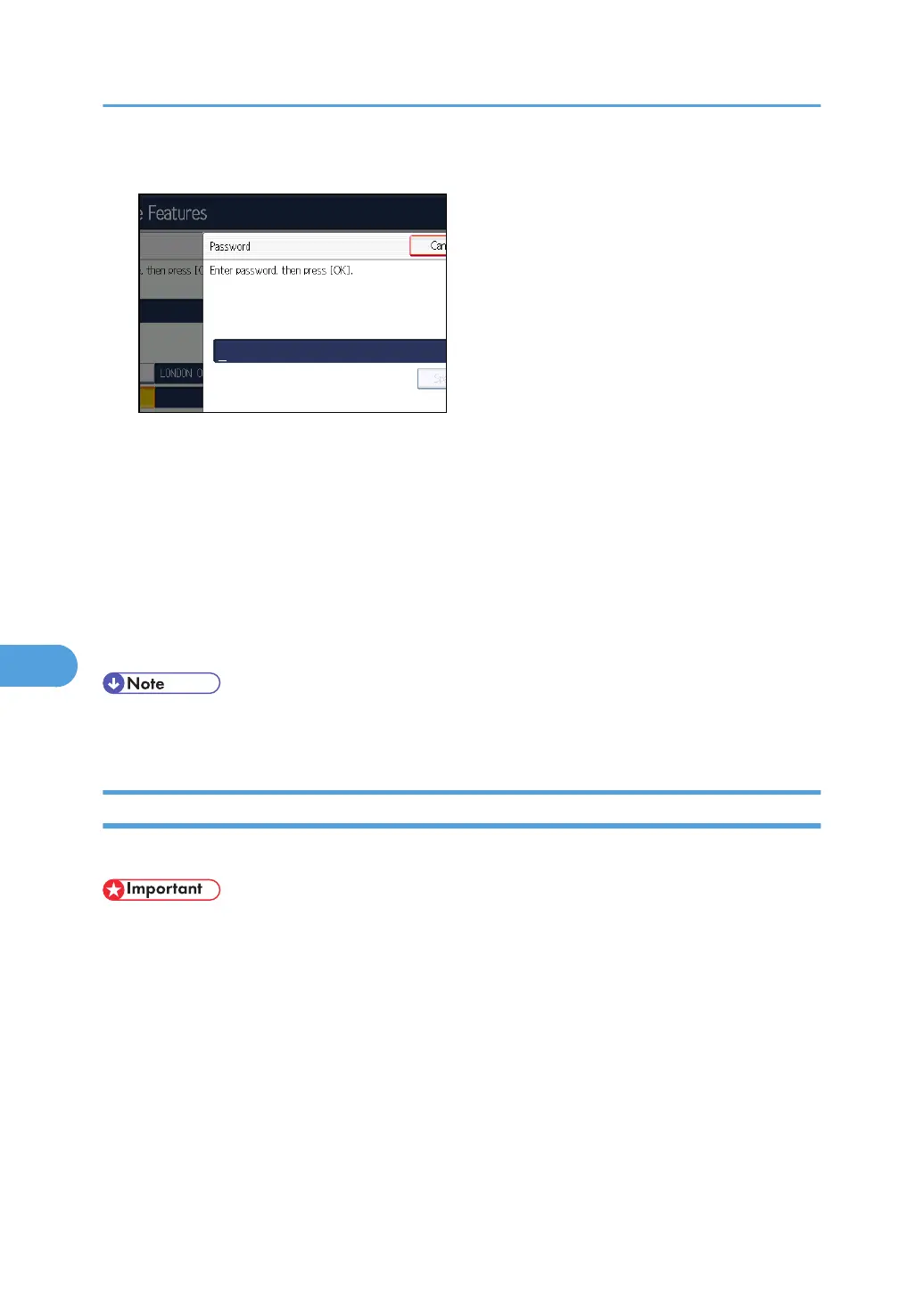
10. Enter a password, and then press [OK].
If you make a mistake, press [Clear] before pressing [OK], and then try again.
11. Re-enter the password, and then press [OK].
If you make a mistake, press [Clear] before pressing [OK], and then try again.
To change the password after pressing [OK], press [Password] and repeat steps 10 and 11, or
press [Cancel] and repeat from step 9.
12. Press [OK].
13. Press [Exit].
14. Press the [User Tools/Counter] key.
• You can edit boxes in the same way you program them. However, boxes that are being used
cannot be edited.
Deleting Information Boxes
This section describes how to delete Information Boxes.
• If there are documents in the box, you cannot delete the box.
1. Press [Facsimile Features].
2. Press [General Settings].
3. Press [Box Setting].
7. Facsimile Features
420



 To Next Page