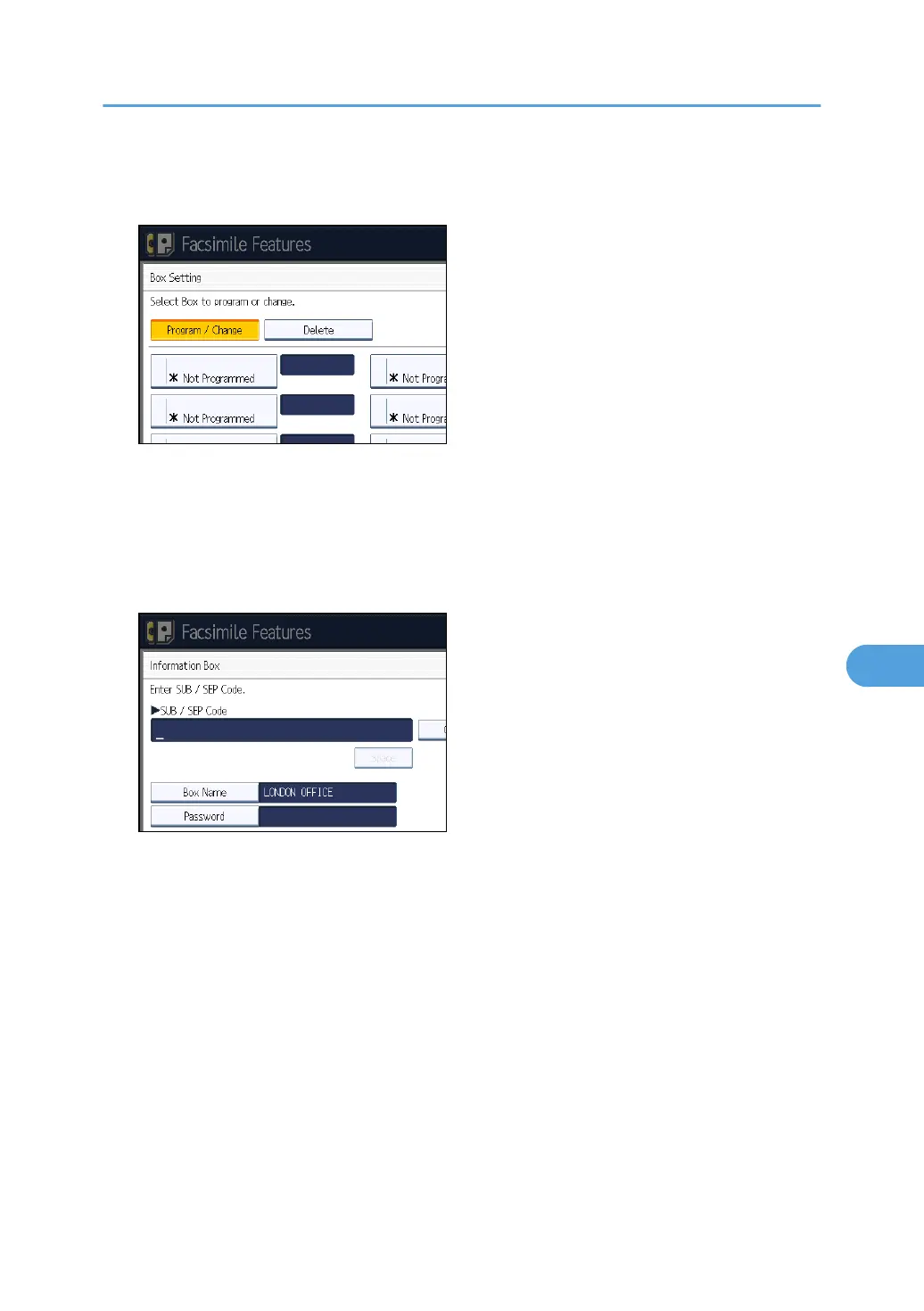
5. Select the box to program.
When programming a new box, press [Not Programmed].
To change a box already programmed, press it, and then proceed to step 8. If a password is
programmed, enter the password, press [OK], and then proceed to step 8.
6. Press [Information Box].
7. Enter a box name, and then press [OK].
8. Enter the SEP Code.
To change the SEP Code, press [Clear], and then try again. To change the box name, press [Box
Name], and then repeat the procedure from step 7.
9. Press [Password].
If you do not want to program a password, proceed to step 12.
Box Settings
419



 To Next Page