Basic Procedure for Storing Scan Files
This section explains the basic procedure for storing scan files.
1. Make sure that no previous settings remain.
If a previous setting remains, press the [Clear Modes] key.
2. Place originals.
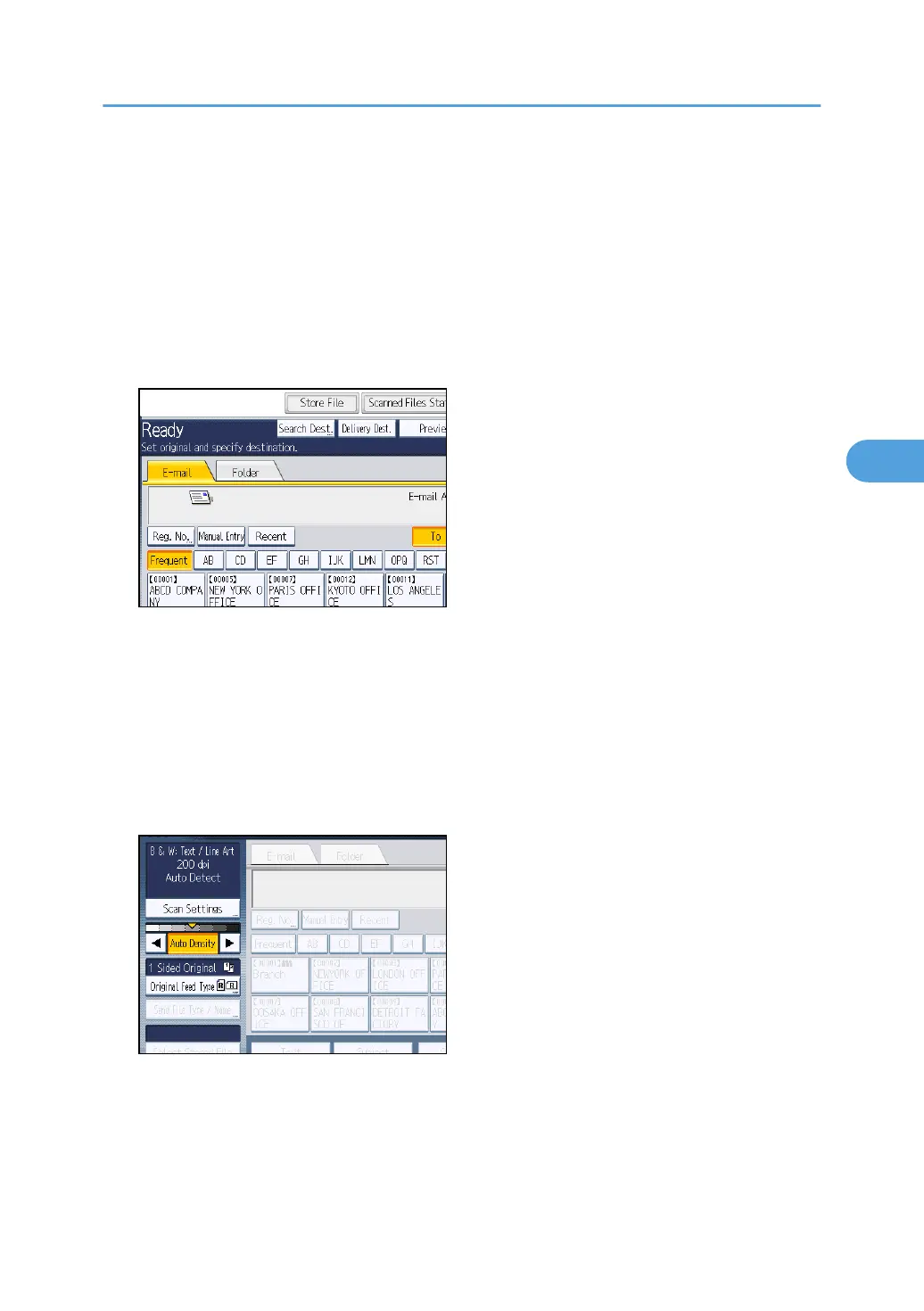
3. Press [Store File].
4. Press [Store to HDD].
5. If necessary, specify file information, such as [User Name], [File Name], and [Password].
For details, see "Specifying File Information for a Stored File".
6. Press [OK].
7. If necessary, press [Scan Settings] to specify scanner settings such as resolution and scan
size.
For details, see "Various Scan Settings".
8. If necessary, specify the scanning density.
For details, see "Adjusting Image Density".
9. If necessary, press [Original Feed Type] to specify settings such as original orientation.
For details, see "Setting of Original Feed Type".
Basic Procedure for Storing Scan Files
109



 To Next Page