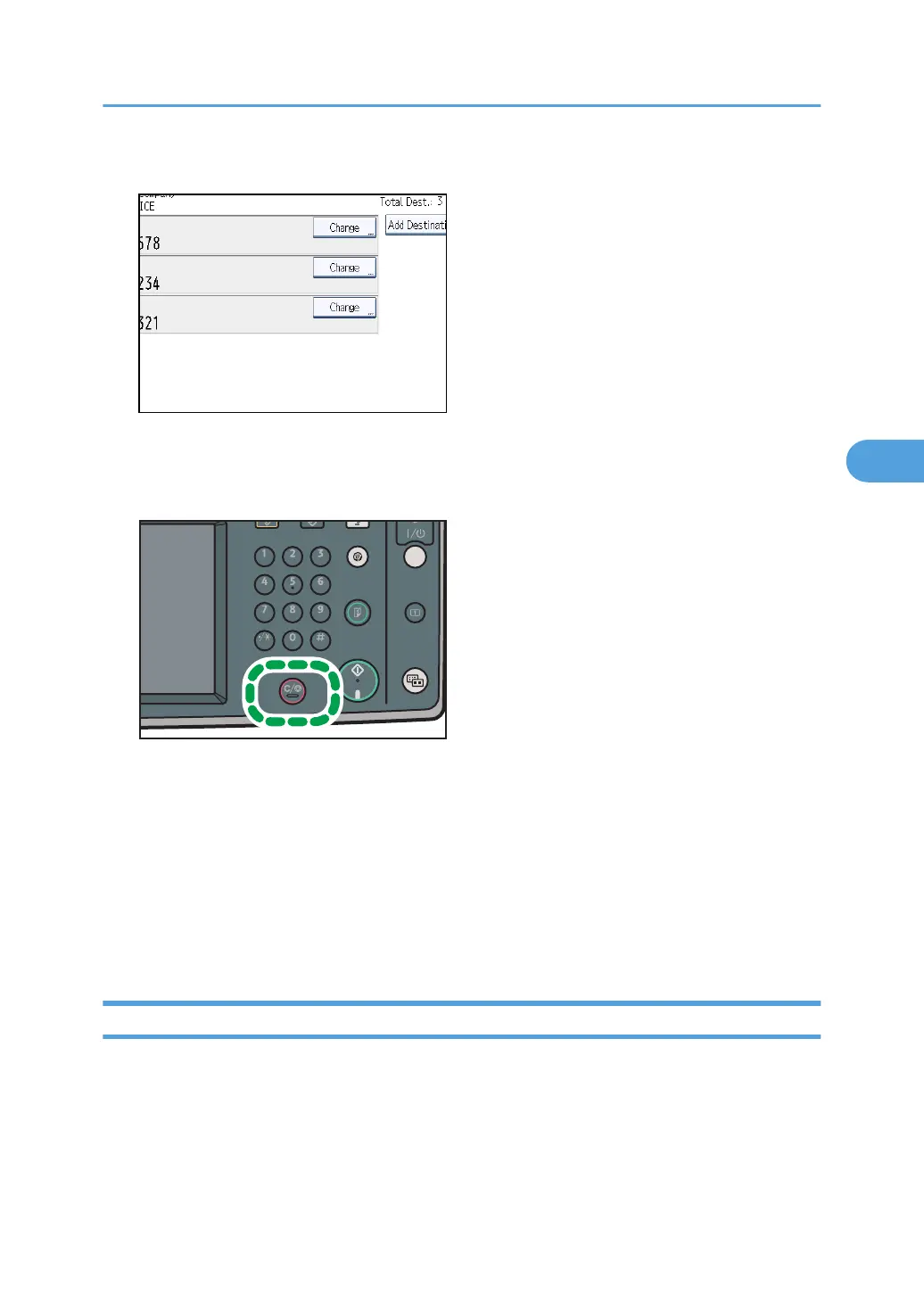
5. Press [Change] for the destination you want to delete.
If you delete a folder destination, press [Delete], and then press [Yes] on a confirmation message
screen. Proceed to step 7.
6. Press the [Clear/Stop] key to delete the destination, and then press [OK].
Pressing the [Clear/Stop] key deletes by single digits the fax number or IP-Fax address. The
Internet Fax destination or e-mail destination can be entirely deleted at once by pressing the
[Clear/Stop] key.
7. Press [Exit].
To delete another destination, repeat from step 3.
8. Press [Exit] twice.
The standby display appears.
Adding a Destination
You can add a destination for broadcasting.
Changing the Settings of Files in Memory
241



 To Next Page