4. Spooling Job List
Press to display spooled jobs.
5.
Estimated time until printing completes
Displays estimated time until printing completes after receiving all data from the computer.
6. Print from Memory Storage Device
Press to display the screen for directly printing files that are stored on a removable memory device.
7. Print Jobs
Press to display print jobs sent from a computer.
8. Job Reset
Press to cancel the current print job.
If you press it when the machine is offline and Hex Dump is selected, Hex Dump is canceled.
9. Form Feed
Press to print all the data left in the machine's input buffer.
• When the machine is online, the status appears dimly.
10.
Online / Offline
Press to switch the machine between online and offline.
When the machine is online, it can receive data from the computer.
When the machine is offline, it cannot receive data from the computer.
• When the power is turned on, the copier display is shown. This is a factory default. This initial
setting can be changed. For details, see "System Settings", Network and System Settings
Reference.
Simplified Display
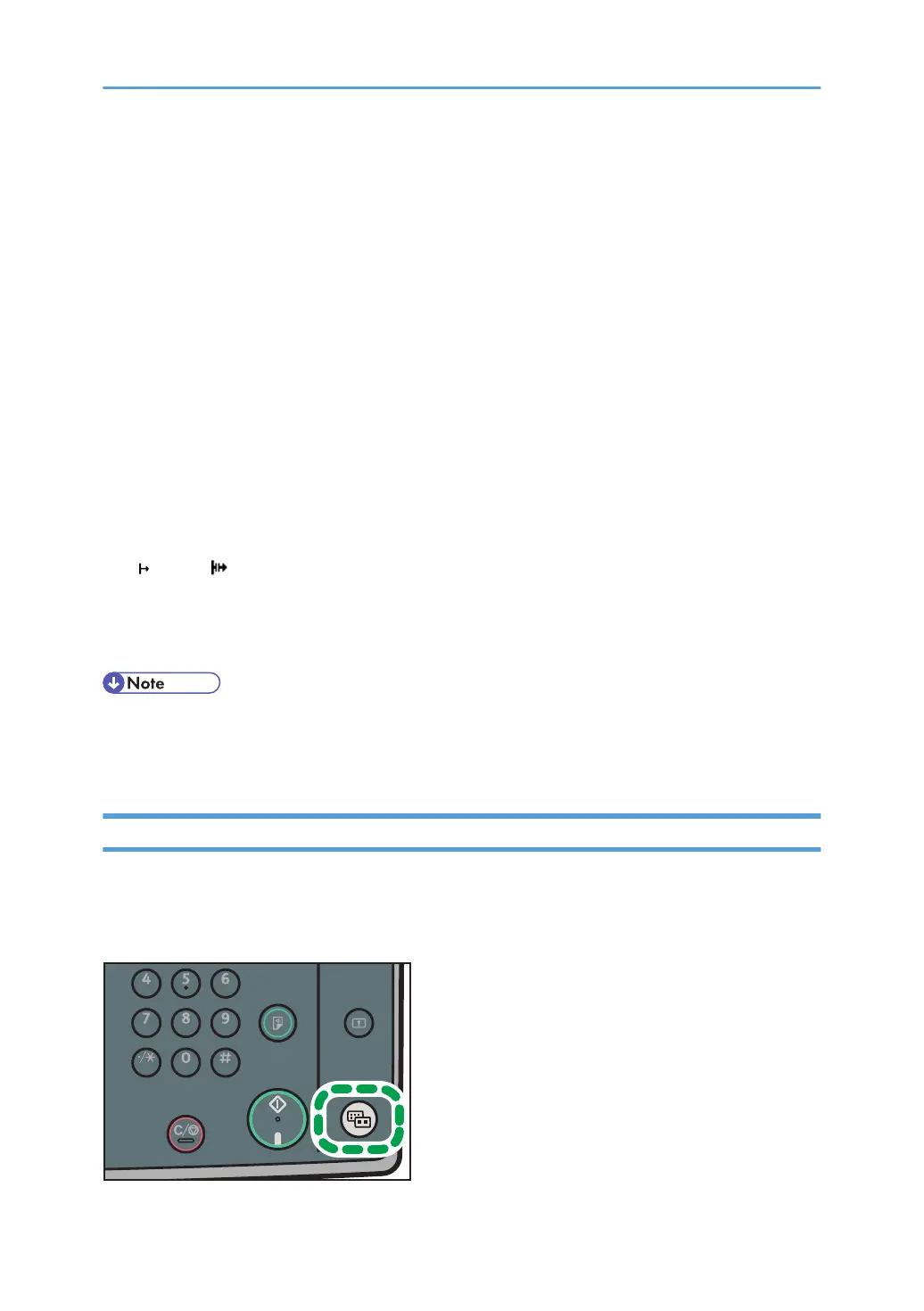
This section explains how to switch to the simplified display.
When you press the [Simplified Display] key, the screen changes from the initial display to the simplified
display. Letters and keys are displayed at a larger size, making operations easier.
12



 To Next Page