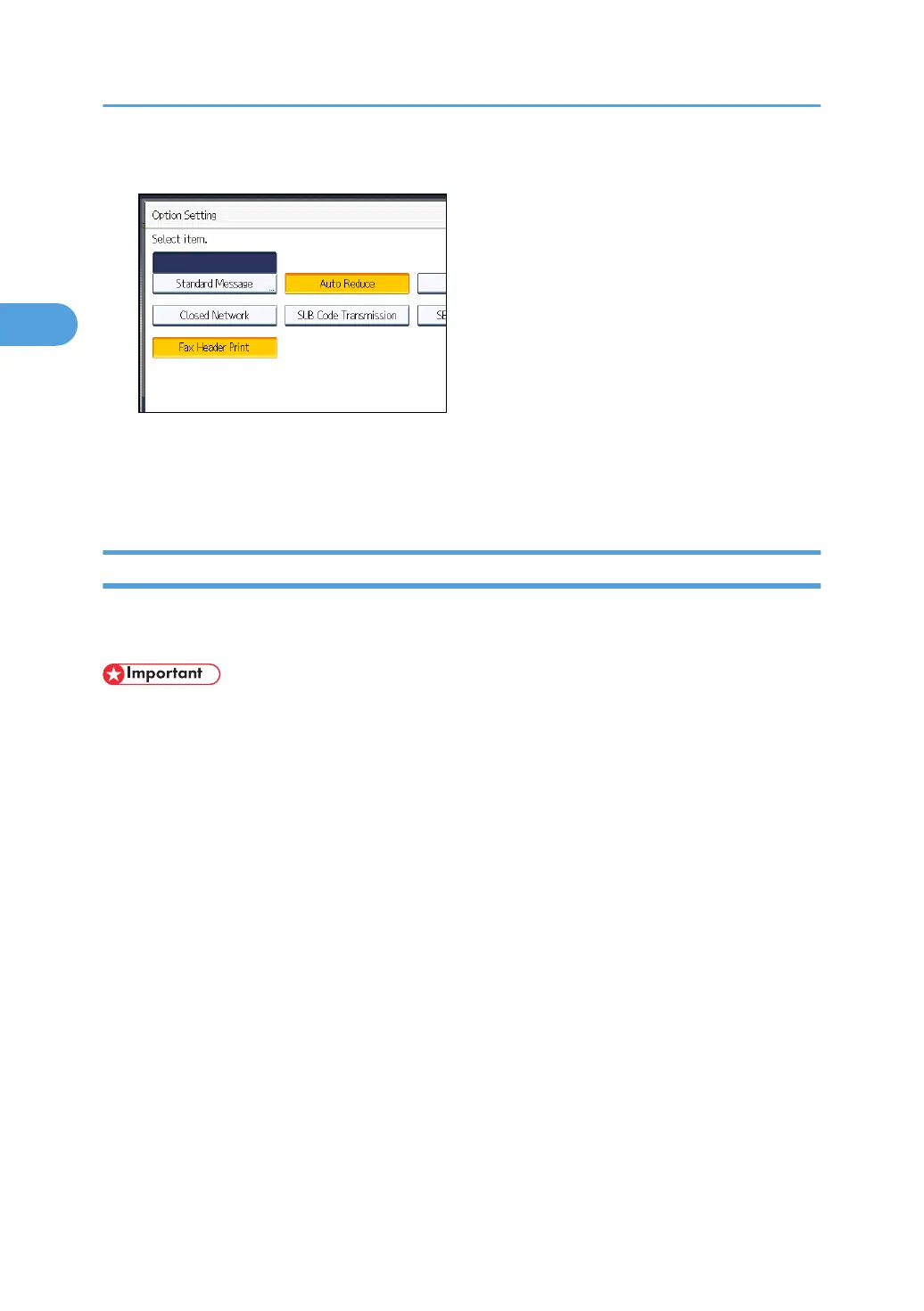
4. Make sure that [Auto Reduce] is highlighted.
To cancel an Auto Reduce, press [Auto Reduce] to turn the highlight off.
5. Press [OK] twice.
6. Specify the destination, and then press the [Start] key.
Label Insertion
With this function you can have the receiver's name printed on the document that is received at the other
end.
• To use this function, set Label Insertion to [On] when registering fax destinations in the Address
Book, and also set “Label Insertion” to on when sending fax documents.
•
When there is an image around the area where the Label is to be printed, that image is deleted.
The receiver's name is printed as follows:
• Receiver's name: printed at the top of the page and preceded by “To:”.
• Standard message: the programmed message is printed within the next two lines.
Set this function as follows:
• Set Label Insertion to [On] when programming fax destinations.
• Set Label Insertion to on when sending fax documents.
• On the Standard Message screen, select the standard message you want to print.
1. Place the original, and then select the scan settings you require.
2. Other Transmission Features
192



 To Next Page