• You can set a password for Information Boxes in advance. A password can be set in “Box Setting”
in the Facsimile Features menu. For details about the programming method, see “Box Settings”.
• p.291 "Storing Documents in Information Boxes"
•
p.413 "Box Settings"
Storing Documents in Information Boxes
This section explains how to store a document in an Information Box.
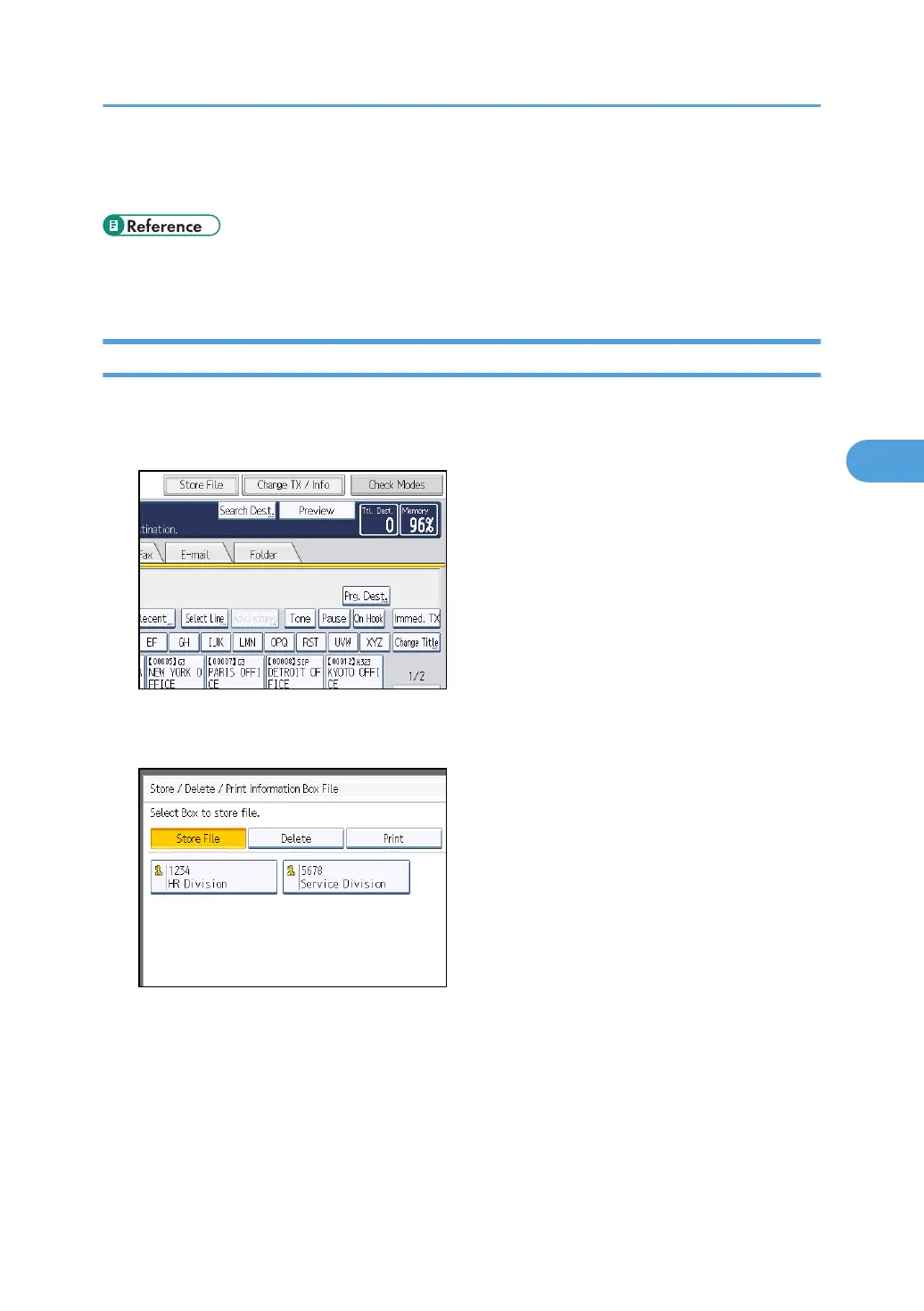
1. Press [Change TX / Info].
2. Press [Store / Delete / Print Information Box File].
3. Select the box in which you want to store the file.
When there are pre-programmed files, a file mark appears to the left of the box name.
A message is displayed if you select a box with a file stored in it. Press [Yes] when changing the file.
The stored original file is overwritten.
Information Boxes
291



 To Next Page