• p.18 "Accessing User Tools"
•
p.315 "Configuring IEEE 802.1X"
Print List
This section describes how to print the configuration page.
You can check items related to the network environment.
The configuration page shows the current network settings and network information.
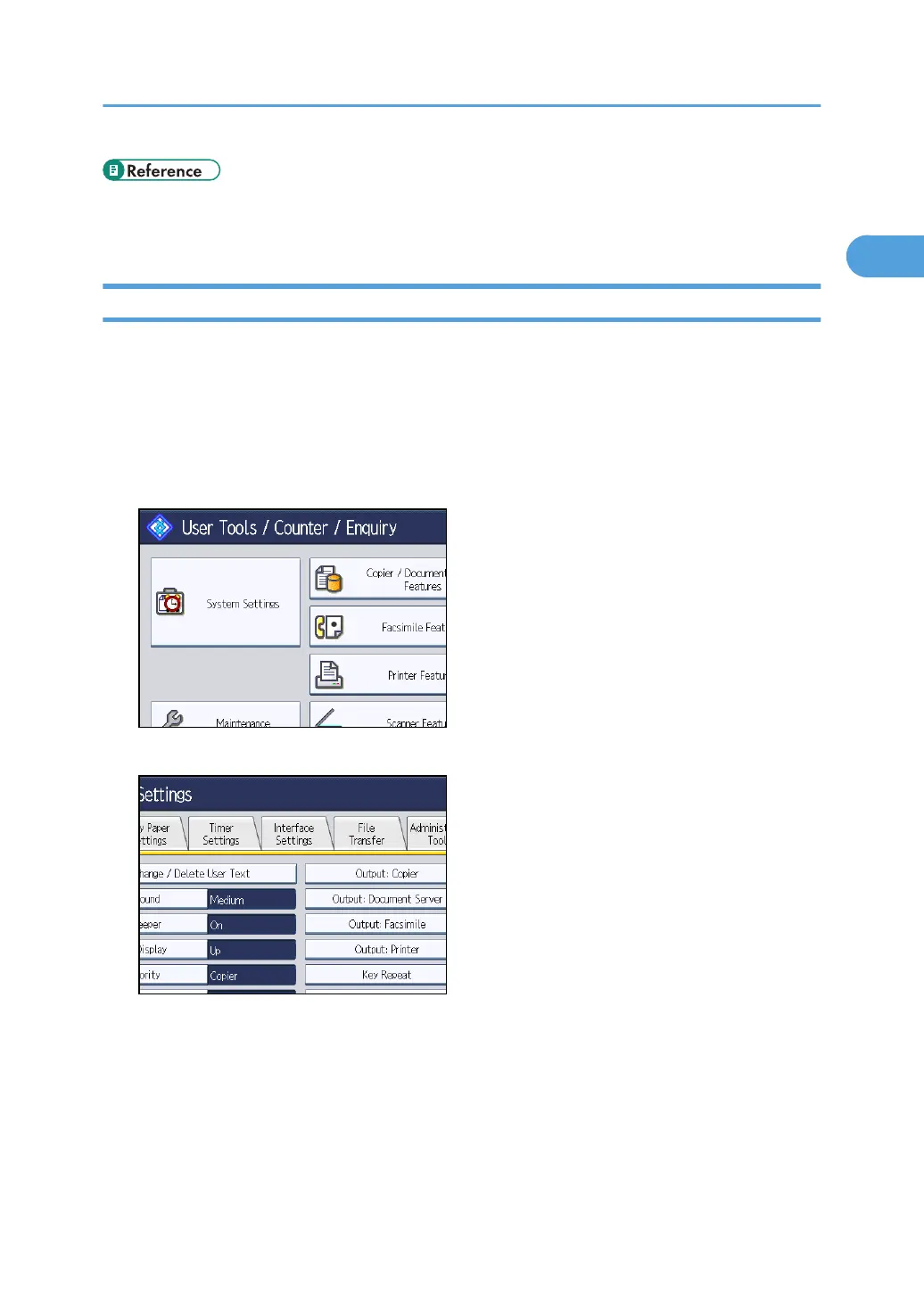
1. Press the [User Tools/Counter] key.
2. Press [System Settings].
3. Press [Interface Settings].
Interface Settings
41



 To Next Page