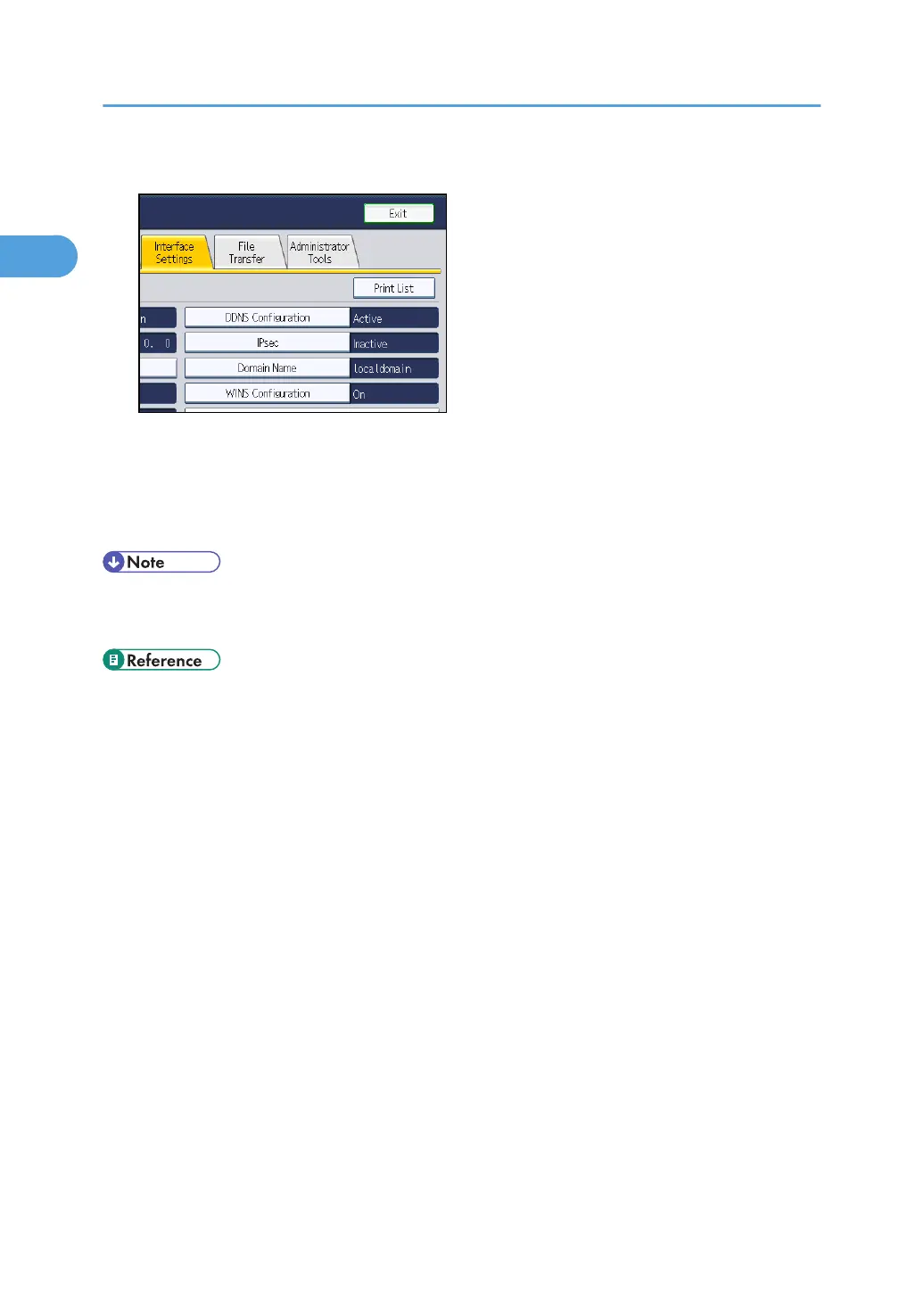
4. Press [Print List].
5. Press the [Start] key.
The configuration page is printed.
6. Press [Exit].
7. Press the [User Tools/Counter] key.
• You can also exit by pressing [Exit] on the User Tools main menu.
•
For details on how to access System Settings, see "Accessing User Tools".
• p.18 "Accessing User Tools"
1. System Settings
42



 To Next Page