Changing the Default Functions of the
Scanner's Initial Display
This section explains how to set defaults for the initial screen, which appears when the machine is turned
on or when settings are cleared or reset.
The following settings can be registered as defaults: Scan Settings, 1 Sided/2 Sided Original, Mix 1 &
2 Sided, Top to Top/Top to Bottom, 1 Side/2 Sides for the Last Page, Divide, Original Orientation, File
Type, Stamp, Batch/SADF, Store File, Preview, Reception Notice, and Security (E-mail Encryption and
Signature).
1. Make the necessary scan settings on the initial screen.
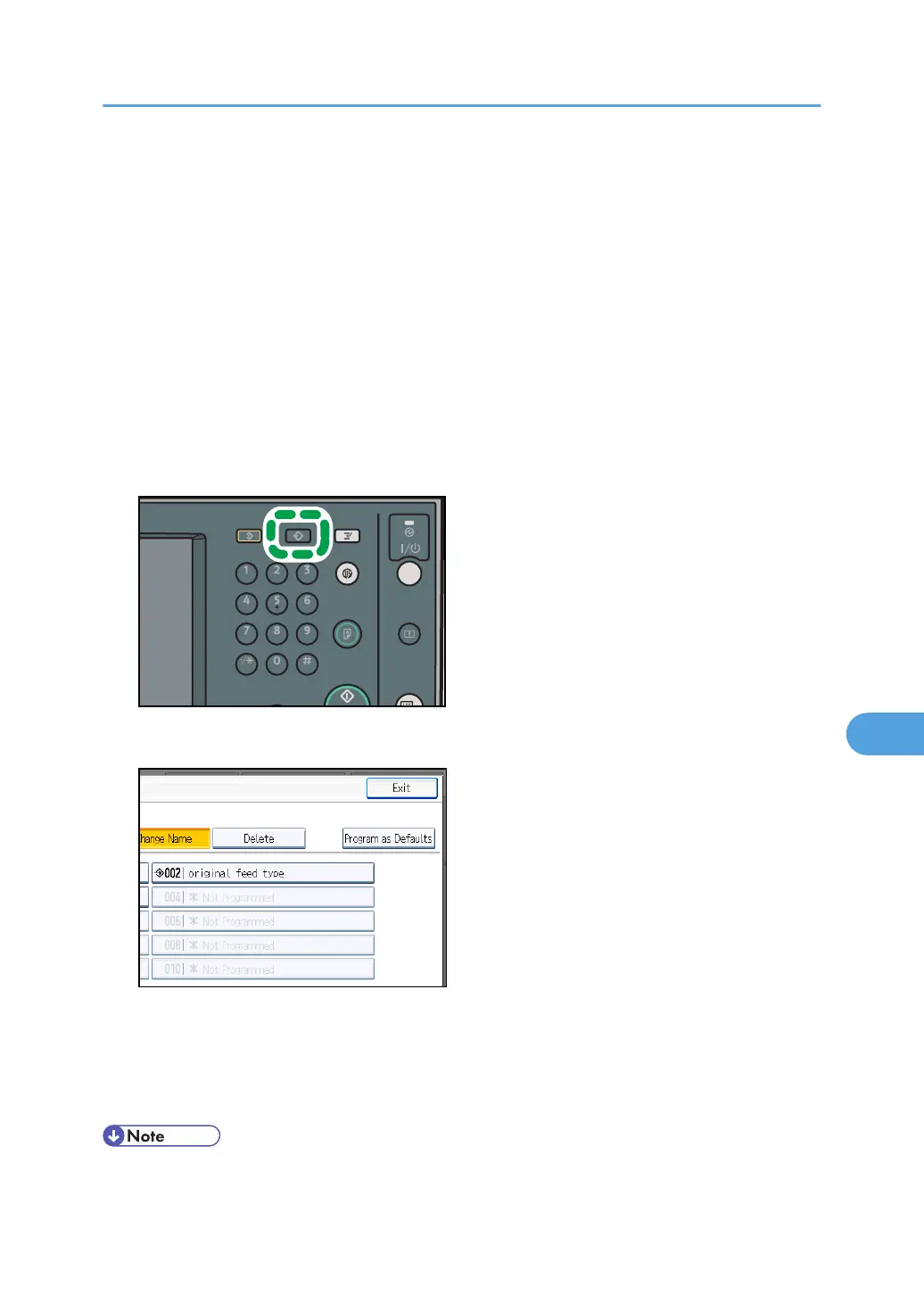
2. Press the [Program] key.
3. Press [Program as Defaults].
4. Press [Program].
A confirmation screen appears.
5. Press [Yes].
The current settings are registered as defaults, and then the initial screen reappears.
• To restore the initial screen's original default settings, press [Restore Factory Defaults].
Changing the Default Functions of the Scanner's Initial Display
197



 To Next Page