10. Press [OK].
11. Press [Exit].
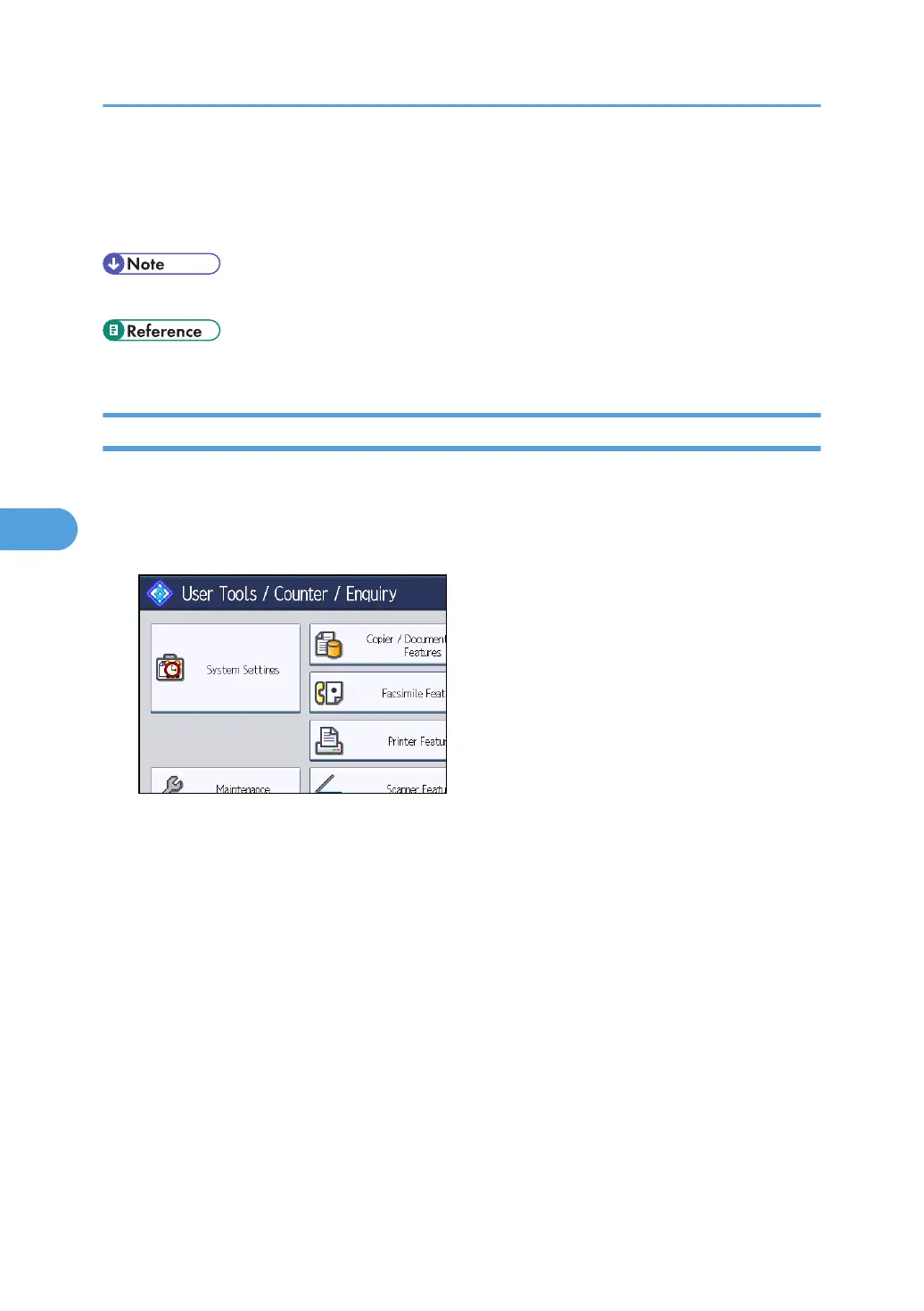
12. Press the [User Tools/Counter] key.
• To delete the name, key display, and title, see "Registering Names".
• p.227 "Registering Names"
Registering an IP-Fax Destination
This section describes how to register an IP-Fax Destination.
1. Press the [User Tools/Counter] key.
2. Press [System Settings].
3. Press [Administrator Tools].
4. Press [Address Book Management].
5. Check that [Program / Change] is selected.
6. Select the name whose IP-Fax destination you want to register.
Press the name key, or enter the registered number using the number keys.
7. Press [Fax Dest.].
5. Registering Addresses and Users for Facsimile/Scanner Functions
248



 To Next Page