If User Authentication is Specified
When user authentication (User Code Authentication, Basic Authentication, Windows Authentication,
LDAP Authentication, or Integration Server Authentication) is set, the authentication screen is displayed.
To use the machine's security functions, each user must enter a valid user name and password. Log in to
operate the machine, and log out when you are finished operations. Be sure to log out to prevent
unauthorized users from using the machine. When auto logout timer is specified, the machine
automatically logs you off if you do not use the control panel within a given time. For details about auto
logout timer, see "Auto Logout". Additionally, you can authenticate using an external device. For details
about using an external device for user authentication, contact your service representative.
• Consult the User Administrator about your login user name, password, and user code.
•
For user code authentication, enter a number registered in the Address Book as "User Code".
• The auto logout timer function can only be used under Basic Authentication, Windows
Authentication, LDAP Authentication, or Integration Server Authentication.
• p.92 "Auto Logout"
If User Code Authentication is Specified
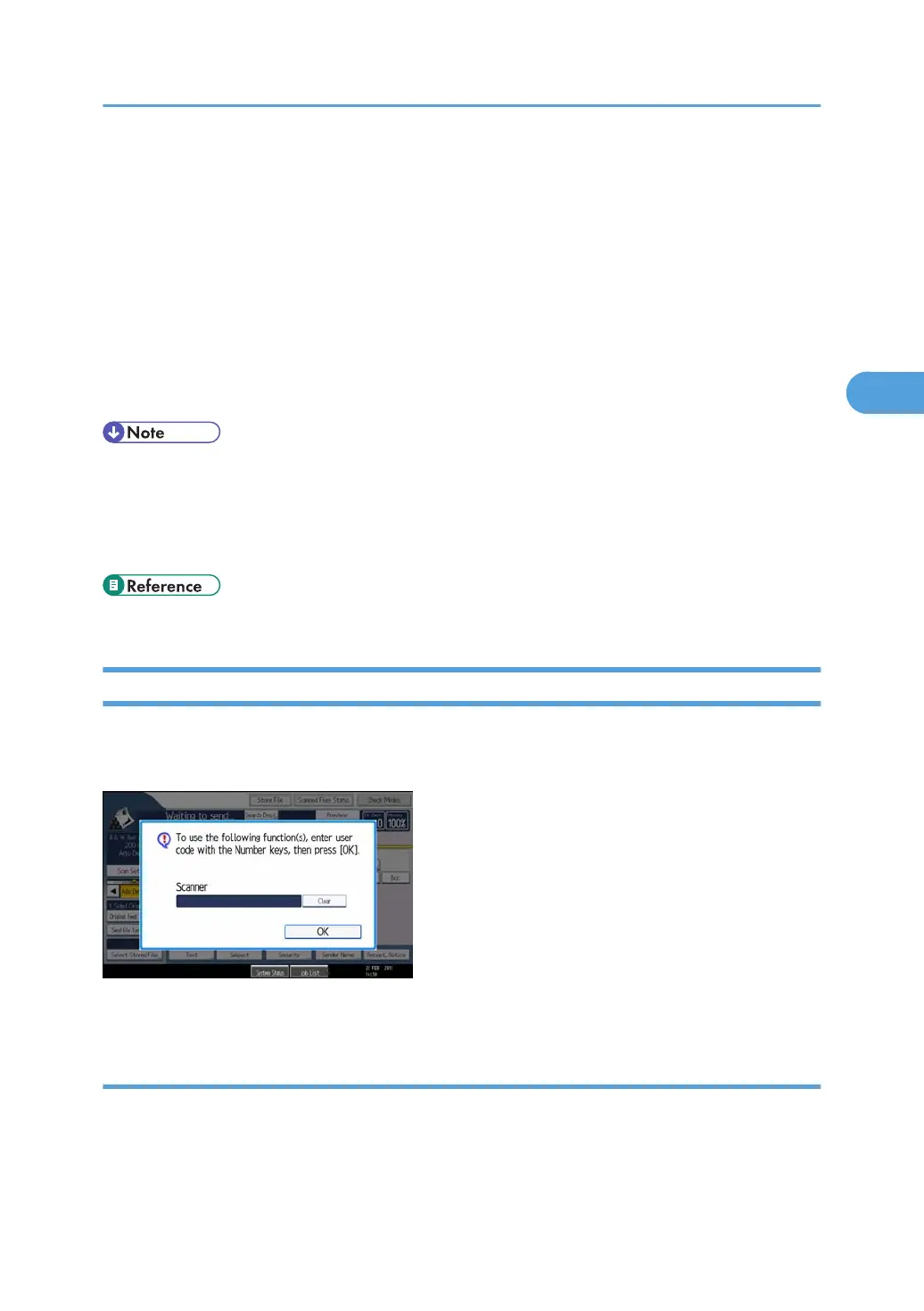
When User Code Authentication is set, the following screen appears.
The scanner screen is used as an example.
Enter your user code.
Logging in Using the Control Panel
Use the following procedure to log in when User Code Authentication is enabled.
1. Enter a user code (up to 8 digits), and then press [OK].
When the authentication is successful, a screen showing the corresponding function is displayed.
If User Authentication is Specified
85



 To Next Page