Parameter Settings
User Parameters allow you to customize various settings to suit your needs. To change function settings,
set the User Parameter Switches.
Switches and Bits
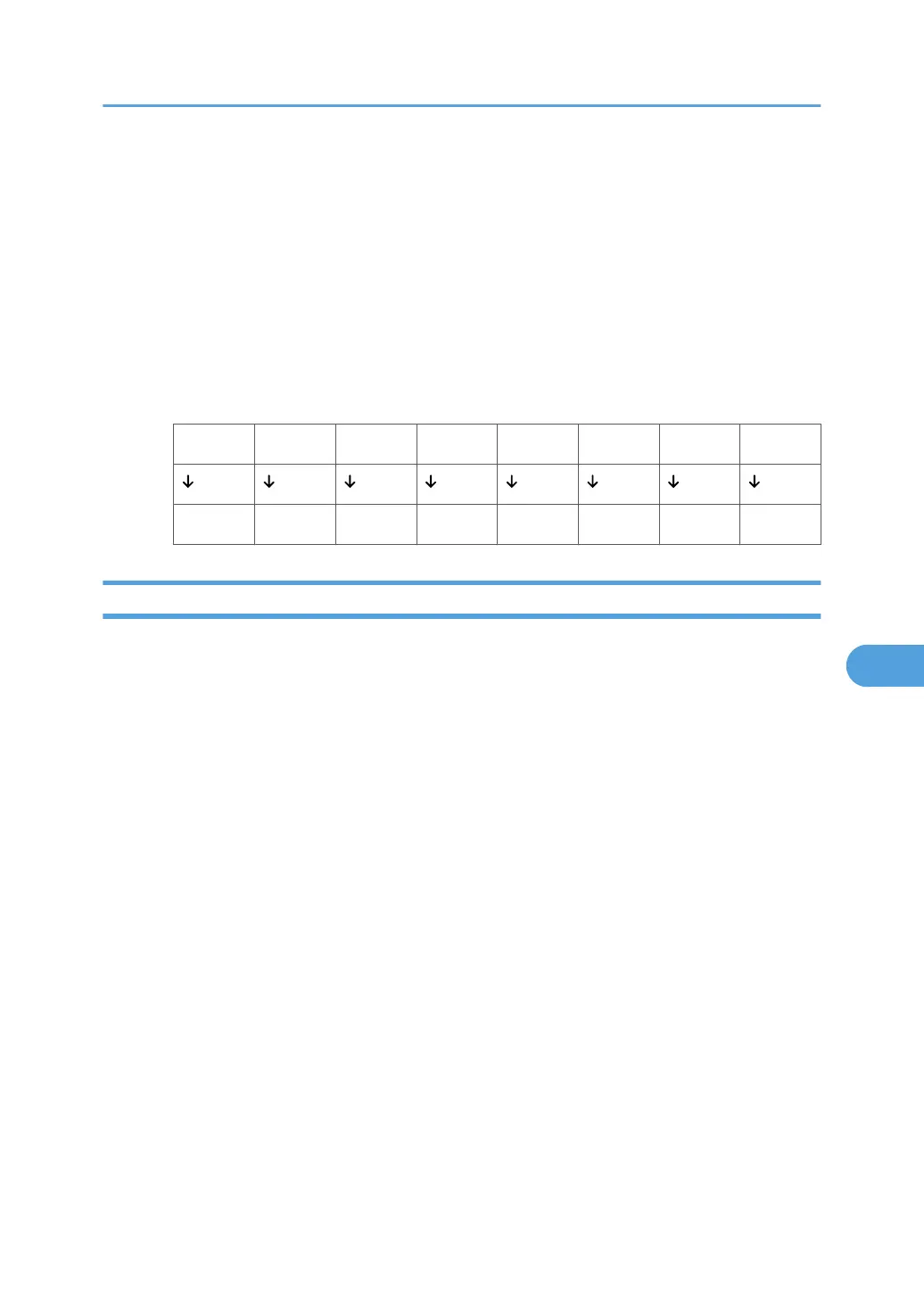
Each User Parameter has a set of switches, and each of the switches consist of eight bits, whose
values are “0” or “1”. The right most bit is bit 0 and the left most is bit 7. You can adjust the settings
to match your needs by switching the value of bits between “0” and “1”.
•
Switch 02
0 0 1 1 1 0 1 1
7 6 5 4 3 2 1 0
User Parameter List
User Parameter Switches are outlined in the following table.
Switch: 02, Bit: 0
Forwarding Mark
•
0: Off
• 1: On
Switch: 02, Bit: 3
TSI Print
• 0: Off
• 1: On
Switch: 03, Bit: 0
Automatic printing of the Communication Result Report
• 0: Off
• 1: On
Switch: 03, Bit: 2
Automatic printing of the Memory Storage Report
• 0: Off
• 1: On
Parameter Settings
389



 To Next Page