• If user authentication is set on the machine, “Print / Delete Stored Reception File” is displayed only
if the user who is logged on has been granted permission for these functions under “Stored
Reception File User Setting” in the Facsimile Features menu logs on the machine. For details about
these settings, see “Stored Reception File User Setting”.
• p.341 "Viewing Fax Information Using a Web Browser"
•
p.374 "Reception File Setting"
• p.377 "Stored Reception File User Setting"
• p.389 "Parameter Settings"
• p.443 "Maximum Values"
Confirming Received and Stored Documents
This section explains how to view documents stored on the hard disk.
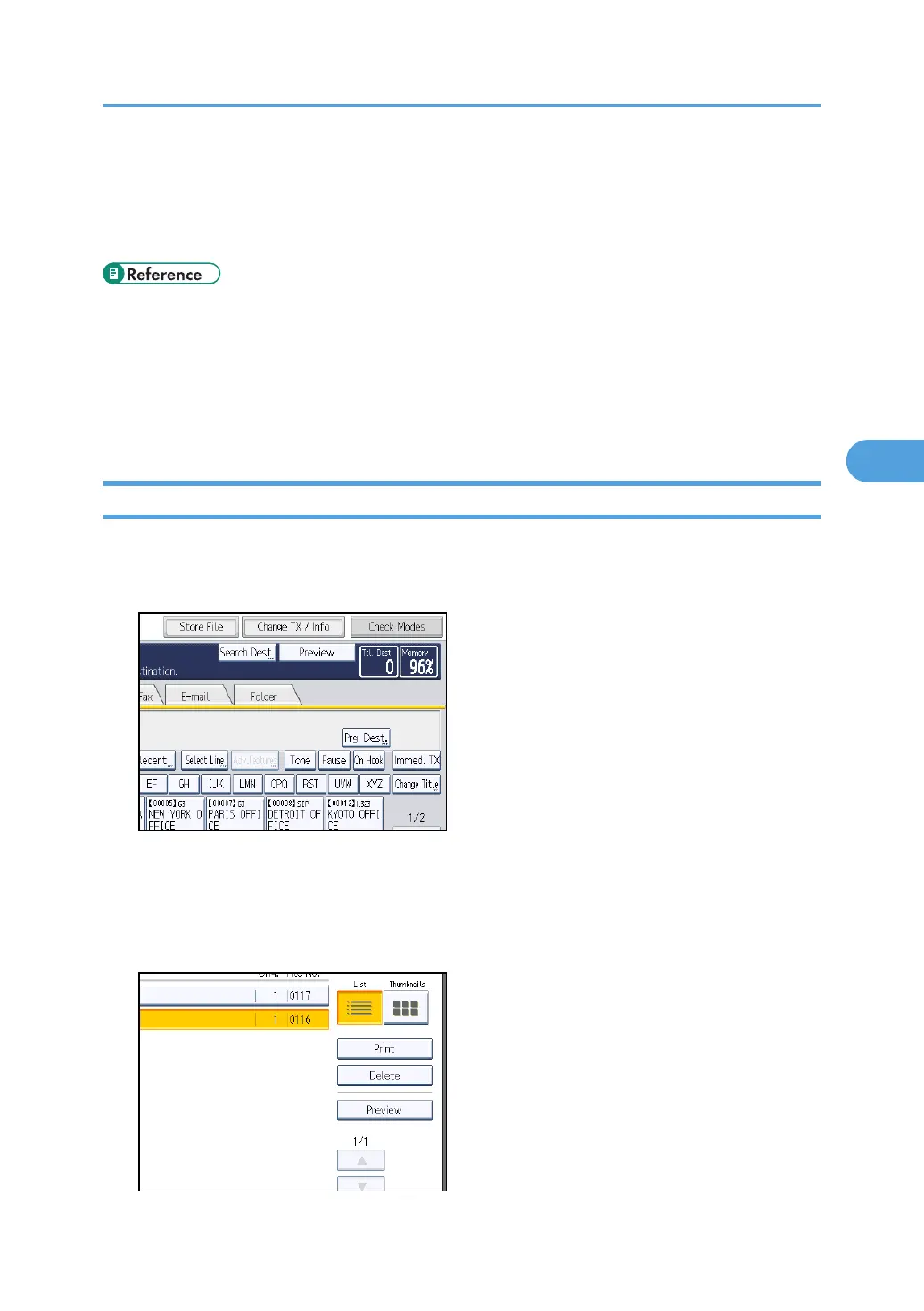
1. Press the [Change TX / Info].
2. Select [Print / Delete Stored Reception File].
3. Select the document you want to confirm.
Press the Thumbnails key to switch the screen to thumbnail display.
4. Press [Preview].
Confirming/Printing/Deleting Received and Stored Documents
279



 To Next Page