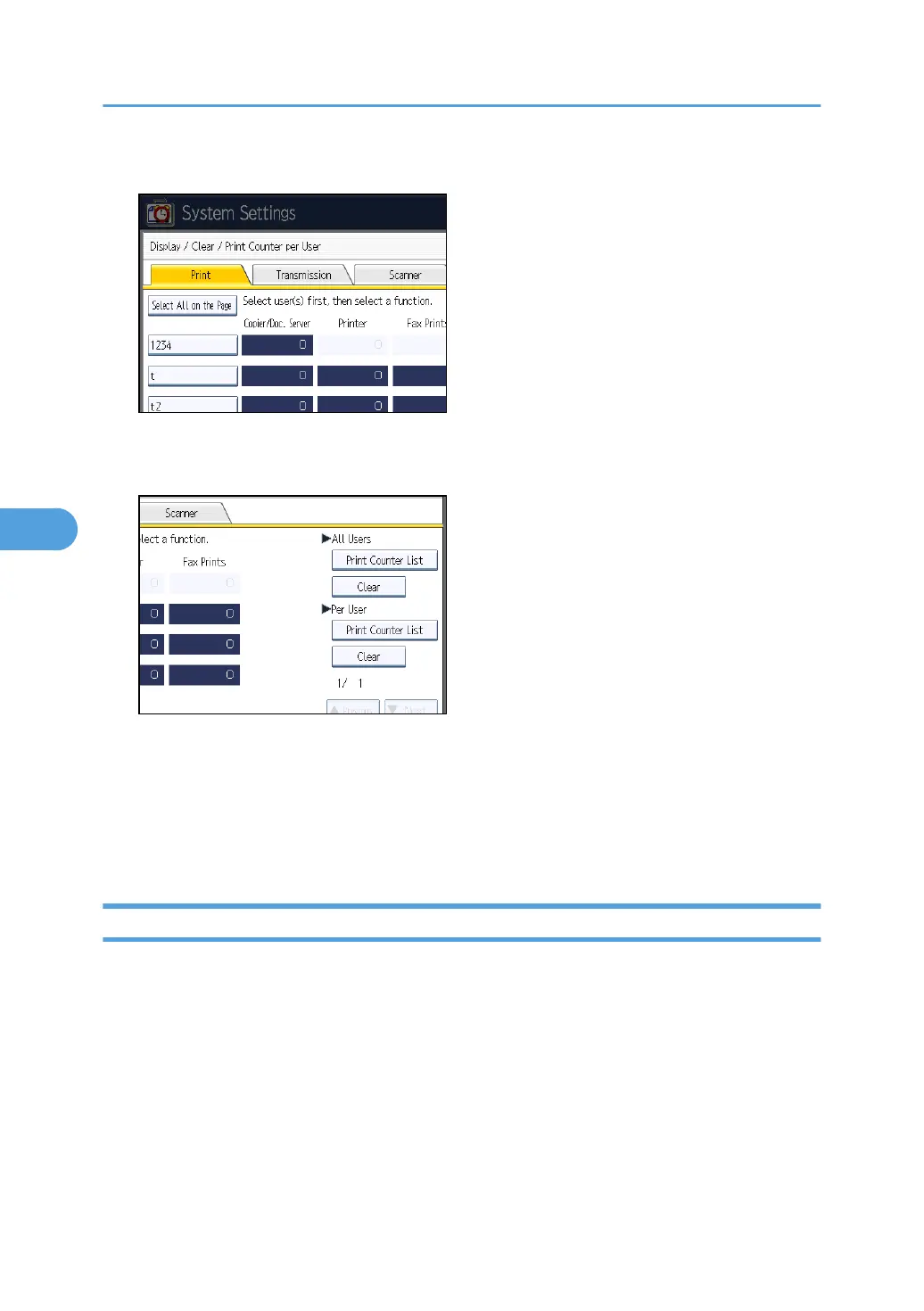
5. Select a user code from the left side of the display.
Press [Select All on the Page] to select all user codes on the page.
6. Press [Print Counter List] under "Per User".
7. Select the function usage you want to print from [Copier], [Printer], [Fax Prints], [Fax
Transmission], [Scanner], and [Total Prints].
8. Press [Print].
9. Press [Exit].
10. Press the [User Tools/Counter] key.
Printing the Counter for All Users
This section describes how to print the counter for all users.
1. Press the [User Tools/Counter] key.
5. Registering Addresses and Users for Facsimile/Scanner Functions
238



 To Next Page