E-mail Transmission
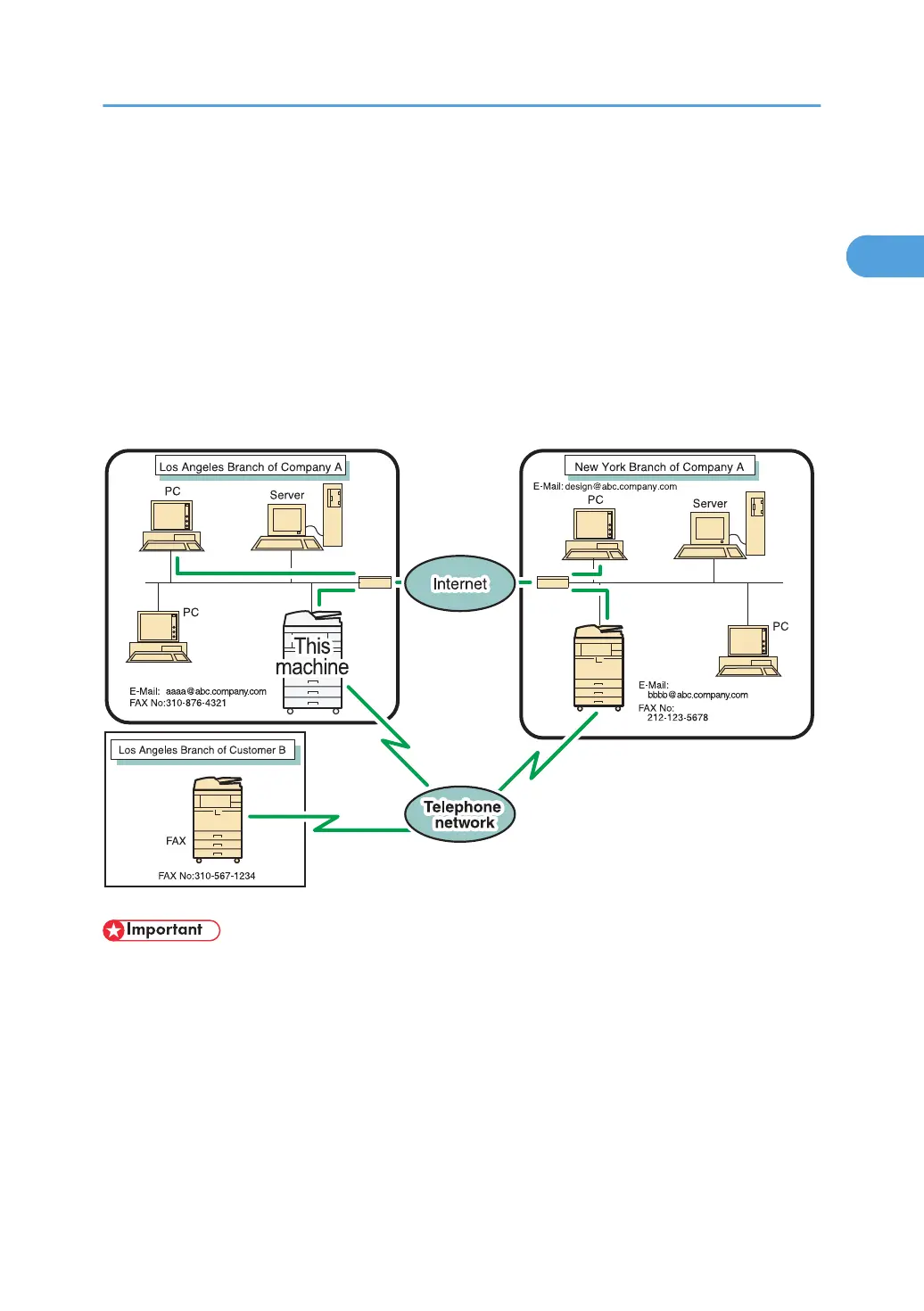
This machine uses its fax function to send scanned documents over the network to computers.
Specify an e-mail address of a computer.
You can send the same document to an e-mail destination, folder destination, fax destination, IP-Fax
destination, and Internet Fax destination simultaneously. If you specify a destination fax number (of
another party's fax machine) and a destination folder on your computer at the same time, you can view
the sent document on your computer.
When sending to e-mail/folder destinations, you can select PDF or TIFF as the file type of the document
you are sending.
• To use this function, the optional HDD unit and printer/scanner functions are required.
•
To send to e-mail destinations, this machine must be connected to a LAN and set up correctly in
“System Settings”.
• You can also enter the e-mail address of another machine that supports Internet Fax. In this case,
select TIFF as the file format. Depending on the model of the destination machine, PDF files might
not be accepted.
• To send e-mail documents, set [E-mail Setting] to [On] in the Facsimile Features menu, under Initial
Settings. See “Initial Settings”.
E-mail Transmission
47



 To Next Page