• Print settings are effective for the format of the currently selected file, and will remain effective as
long as the file of that format stays selected. The machine will remember an entered PDF password
until you switch out of the printer function.
•
If you try to select a removable memory device that the machine has not recognized correctly, an
error message will appear.
• p.140 "Printing from a Removable Memory Device"
Printing from a Removable Memory Device
Use the following procedure to print files stored on a removable memory device directly.
• Be sure to remove the removable memory device as explained in the following procedure. Failure
to do so may damage the removable memory device and corrupt its data.
1. Insert a removable memory device into the media slot.
2. Press the [Printer] key to display the printer screen.
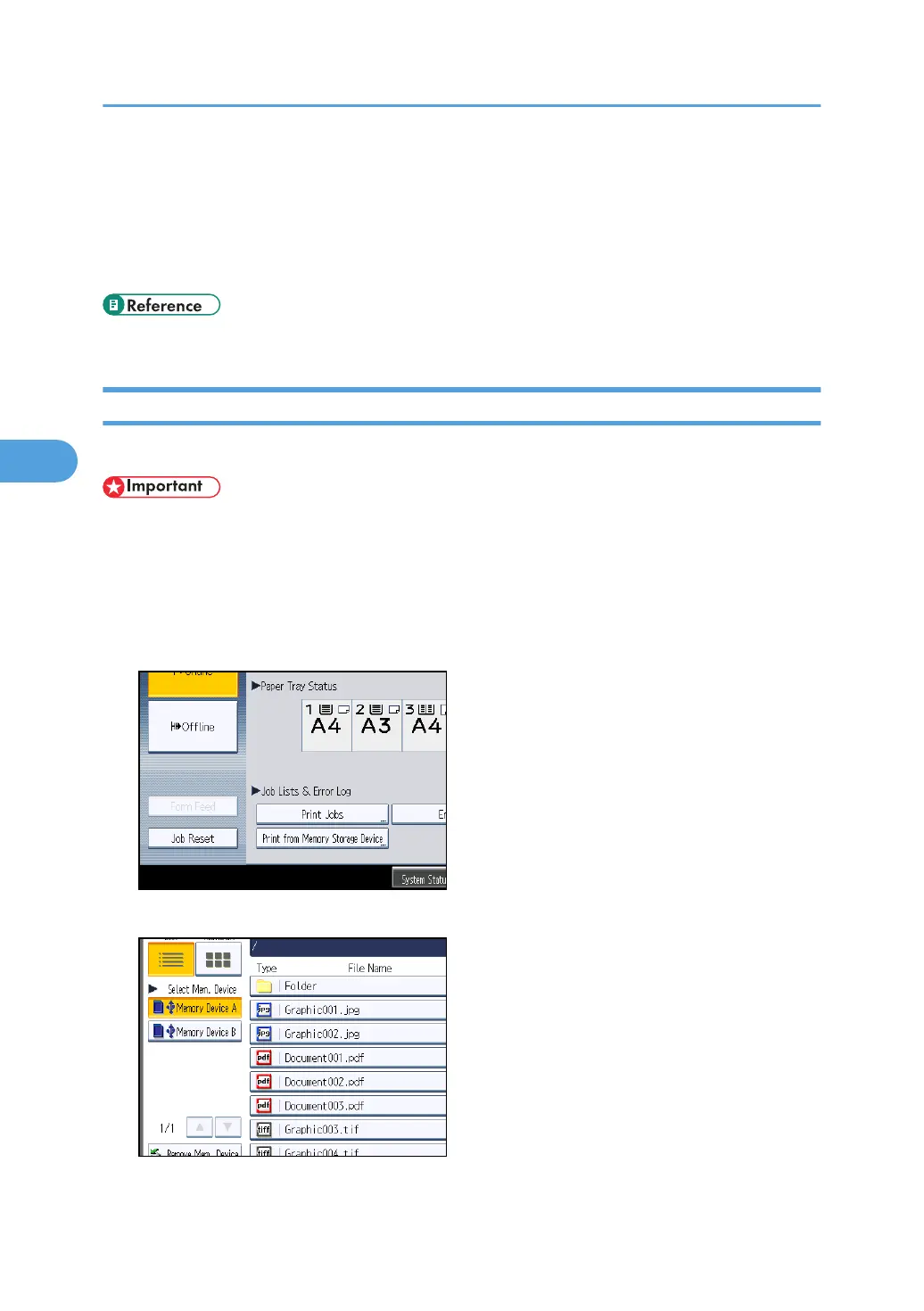
3. Press [Print from Memory Storage Device].
4. If necessary, select the removable memory device that contains the file you want to print.
Only one removable memory device can be selected at a time.
4. Printing Files from an External Memory Device
140



 To Next Page