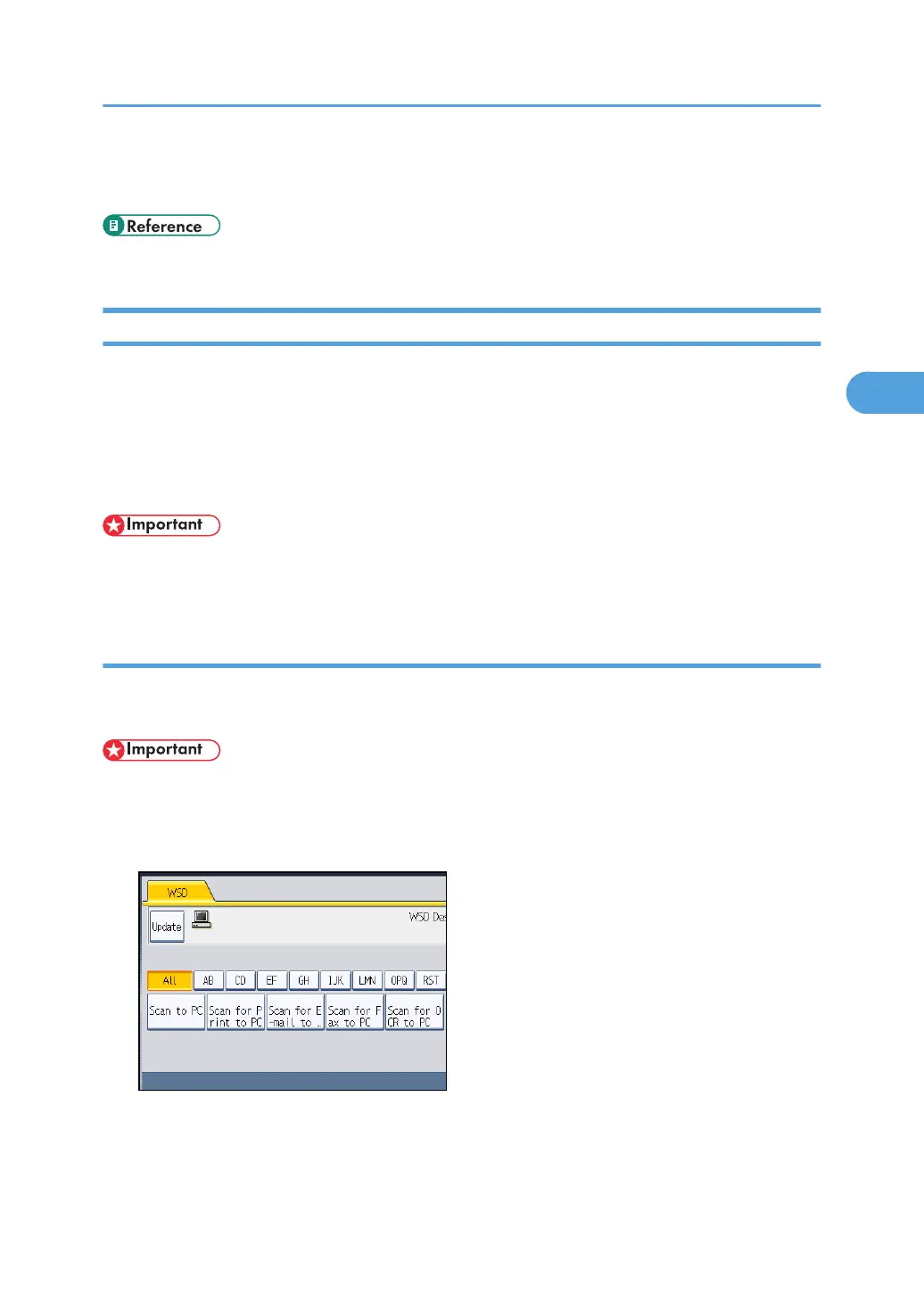
• If you are not using the network delivery function, [WSD Dest.] is displayed instead of [Swtch
Dest.List]. Press [WSD Dest.] to switch to the WSD scanner screen.
• p.89 "Preparation for Sending Files Using WSD"
Specifying the Destination Client Computer
This section explains how to specify a destination client computer for the scan files you are sending by
WSD.
You can specify the destination computer using either of the following methods:
•
Selecting a destination computer from the destination list
• Searching for a destination computer and then selecting it
• If you are using this machine as a WSD scanner, you can specify only one destination per scan
job.
Selecting a Destination Client Computer from the Destination List
Use the following procedure to select a destination client computer from the destination list.
Destinations appear in the destination list after you log in to your computer.
• If the destination computer does not appear but the machine is already registered to the destination
computer, press [Update]. This will update the destination list with the latest information.
1. In the destination list, press the destination computer that you want to send to.
The key of the selected destination client computer is highlighted, and the destination appears in
the destination field at the top of the screen.
Using the WSD Scanner (Push Type)
97



 To Next Page