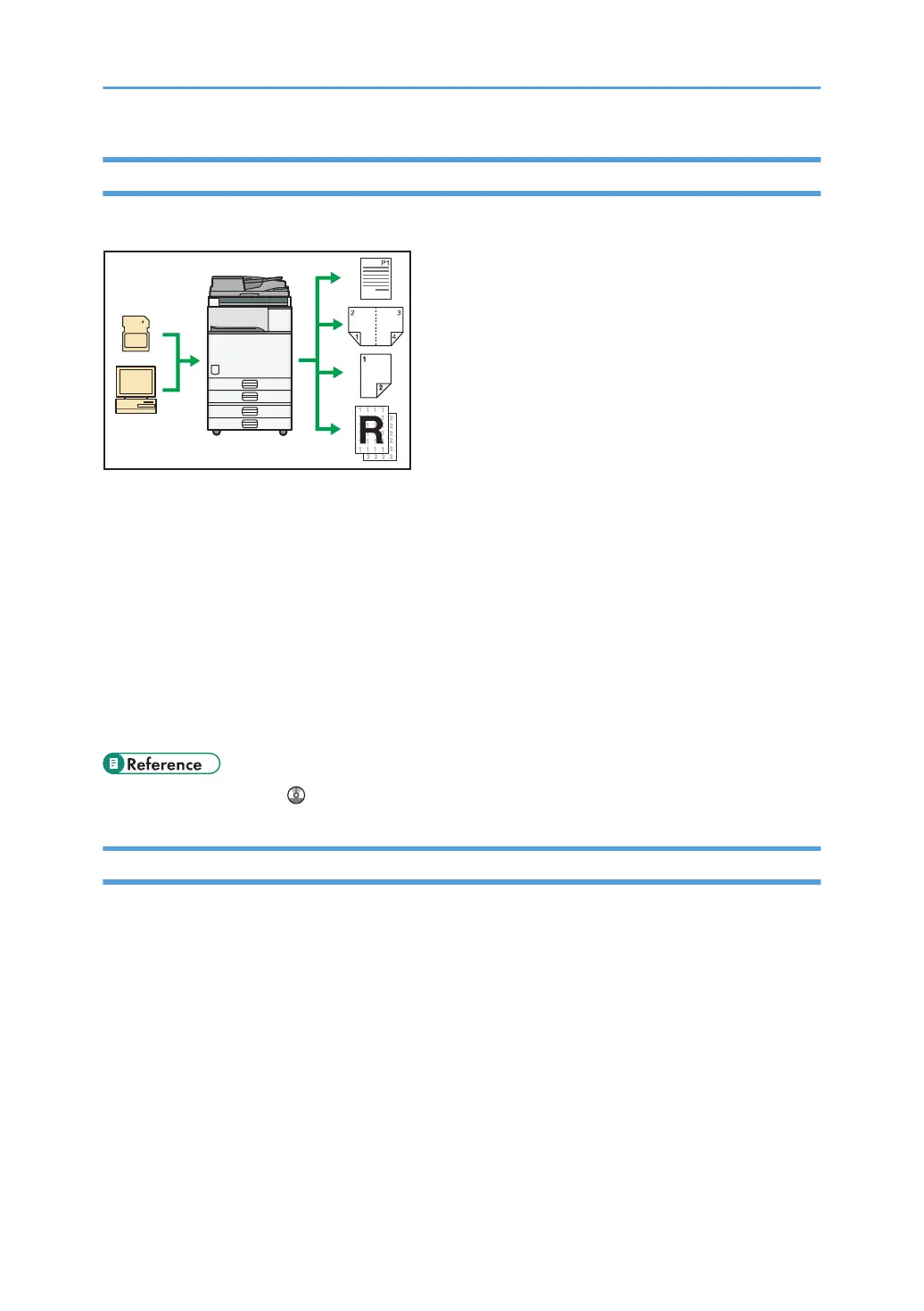
Using This Machine as a Printer
You can print documents created in applications.
• This machine supports network and local connections.
•
You can send PDF files directly to the machine for printing, without having to open a PDF
application.
• You can print or delete print jobs stored on the machine's hard disk, which have been previously
sent from computers using the printer driver. The following types of print jobs can be selected:
Sample Print, Locked Print, Hold Print, and Stored Print.
• The optional finisher allows you to collate, staple, and punch holes in your prints.
• If the optional media slot is installed, you can print files stored on a removable memory device and
specify print conditions such as print quality and print size.
• See Printer Reference .
Utilizing Stored Documents
You can store files scanned in copier, printer, or scanner mode on the machine's hard disk. With Web
Image Monitor, you can use your computer to search for, view, print, delete, and send stored files via
the network. You can also change print settings and print multiple documents (Document Server).
10



 To Next Page