3. Printing Stored Documents
This chapter explains how to print documents stored in the machine.
Using the Print Job Function
This describes how to print files stored in the machine.
The following types of printing can be selected using the printer driver: Sample Print, Locked Print, Hold
Print, and Stored Print.
You can print or delete the print jobs stored in the machine which is sent from computers.
If you select Sample Print, Locked Print, and Hold Print, the print files stored in the machine are deleted
after printing is completed. If you select Stored Print, the files remain in the machine even after printing is
finished.
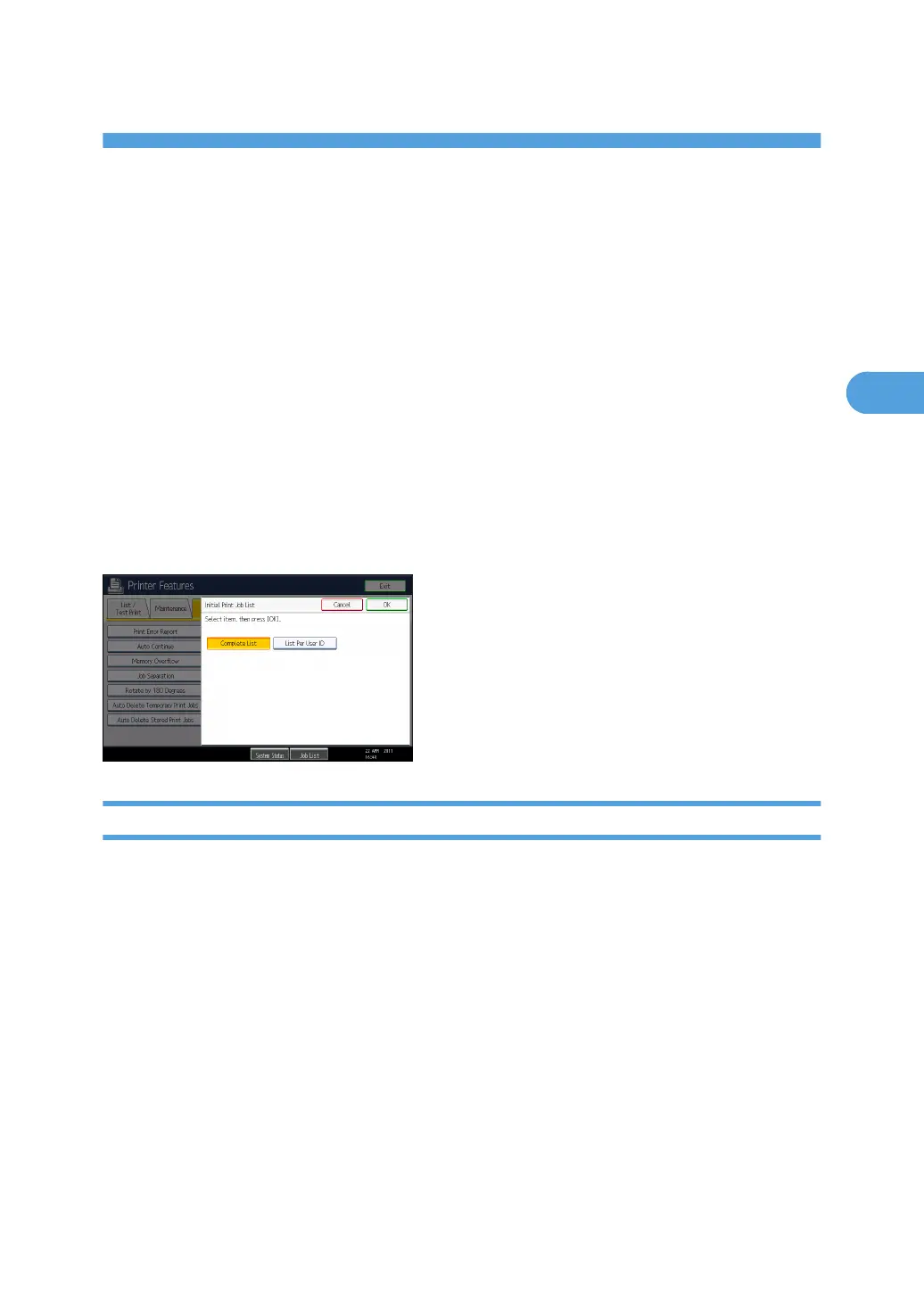
In the [Initial Print Job List] settings on the [System] tab under [Printer Features], the [Complete List] or the
[List Per User ID] screen appears depending on which list type you selected.
Selecting the Initial Print Job List
Follow the procedure below to set the initial Print Jobs screen, and to show it.
105



 To Next Page