Selecting the Initial Print Job List
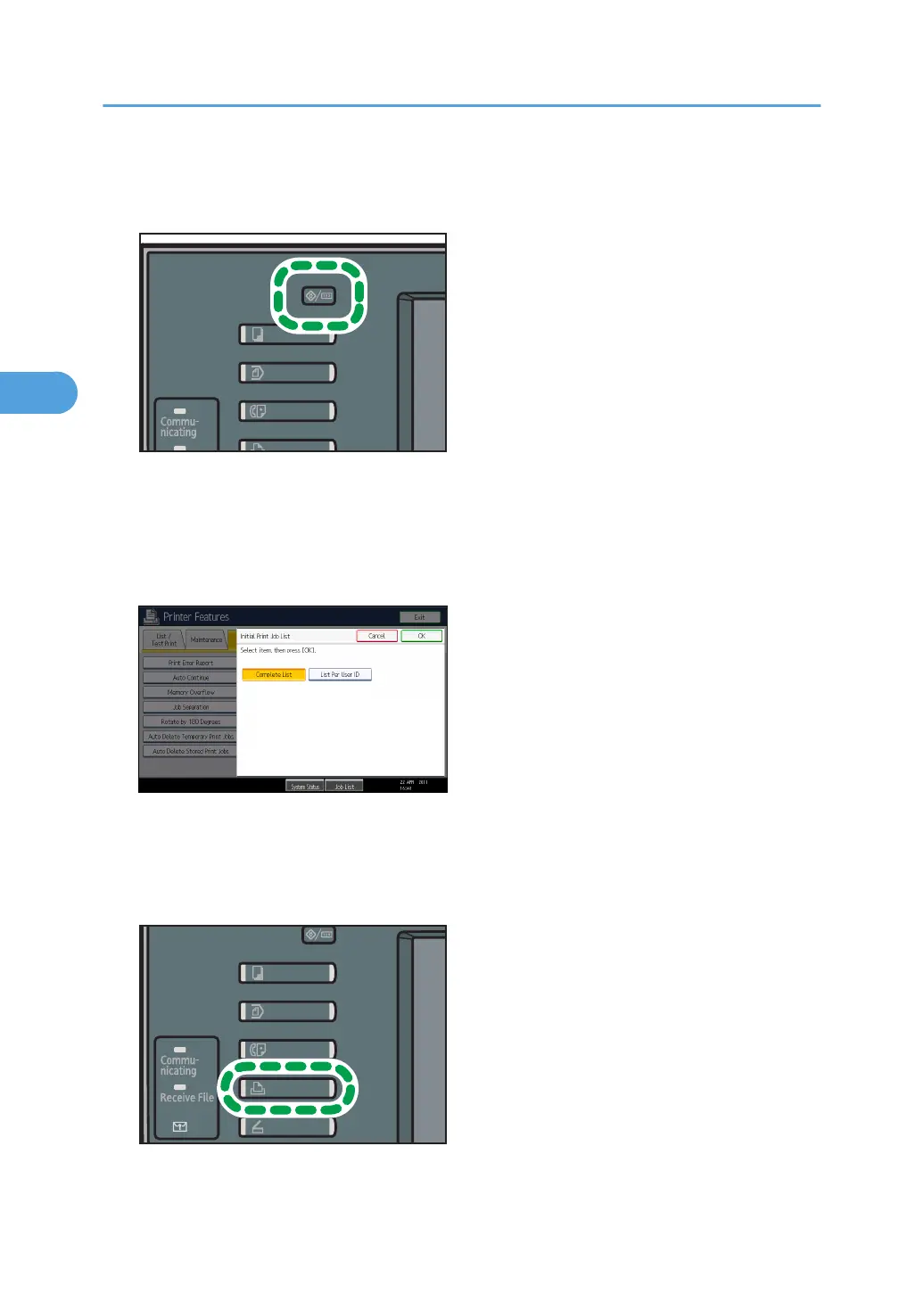
1. Press the [User Tools/Counter] key.
2. Press [Printer Features].
The [Printer Features] menu appears.
3. On the [System] tab, press [Initial Print Job List].
4. Select either [Complete List] or [List Per User ID].
After configuring the settings, the selected type of print job list is displayed.
Displaying a Print Job List
1. Press the [Printer] key.
3. Printing Stored Documents
106



 To Next Page