Display Panel
This section explains the simplified display and three confirmation screens: Check Modes, Preview, and
Scanned Files Status.
In this manual you can find explanations about the E-mail screen, Scan to Folder screen, WSD scanner
screen, list of stored files screen, and the network delivery scanner screen. For details about each of
these screens, see "E-mail Screen", "Scan to Folder Screen", "WSD Scanner (Push Type) Screen", "List of
Stored Files", and "Network Delivery Scanner Screen" respectively.
• p.25 "E-mail Screen"
•
p.63 "Scan to Folder Screen"
• p.93 "WSD Scanner (Push Type) Screen"
• p.114 "List of Stored Files"
• p.137 "Network Delivery Scanner Screen"
Simplified Display
This section explains how to switch to the simplified display.
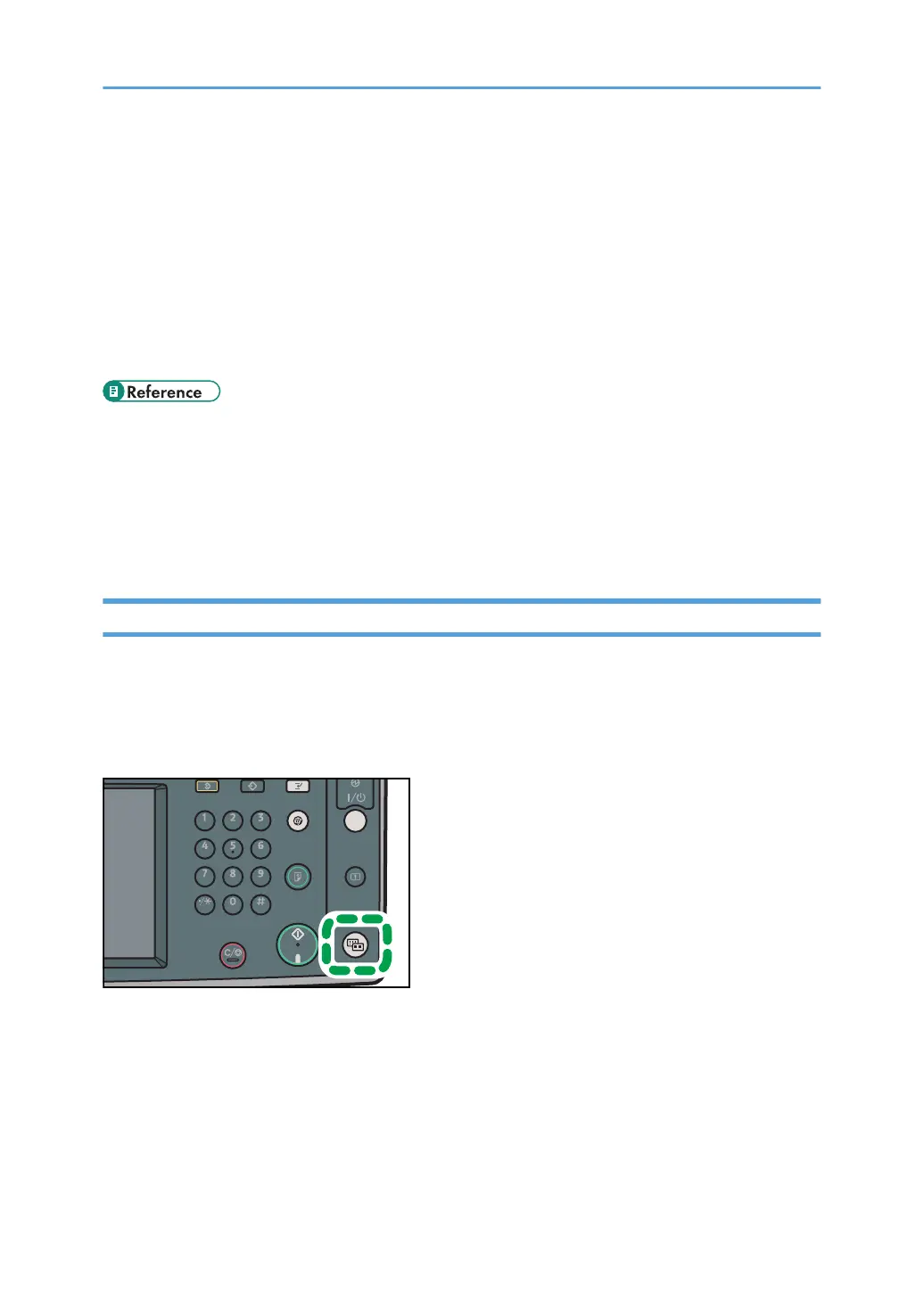
When you press the [Simplified Display] key, the screen changes from the initial display to the simplified
display.
Letters and keys are displayed at a larger size, making operations easier.
14



 To Next Page