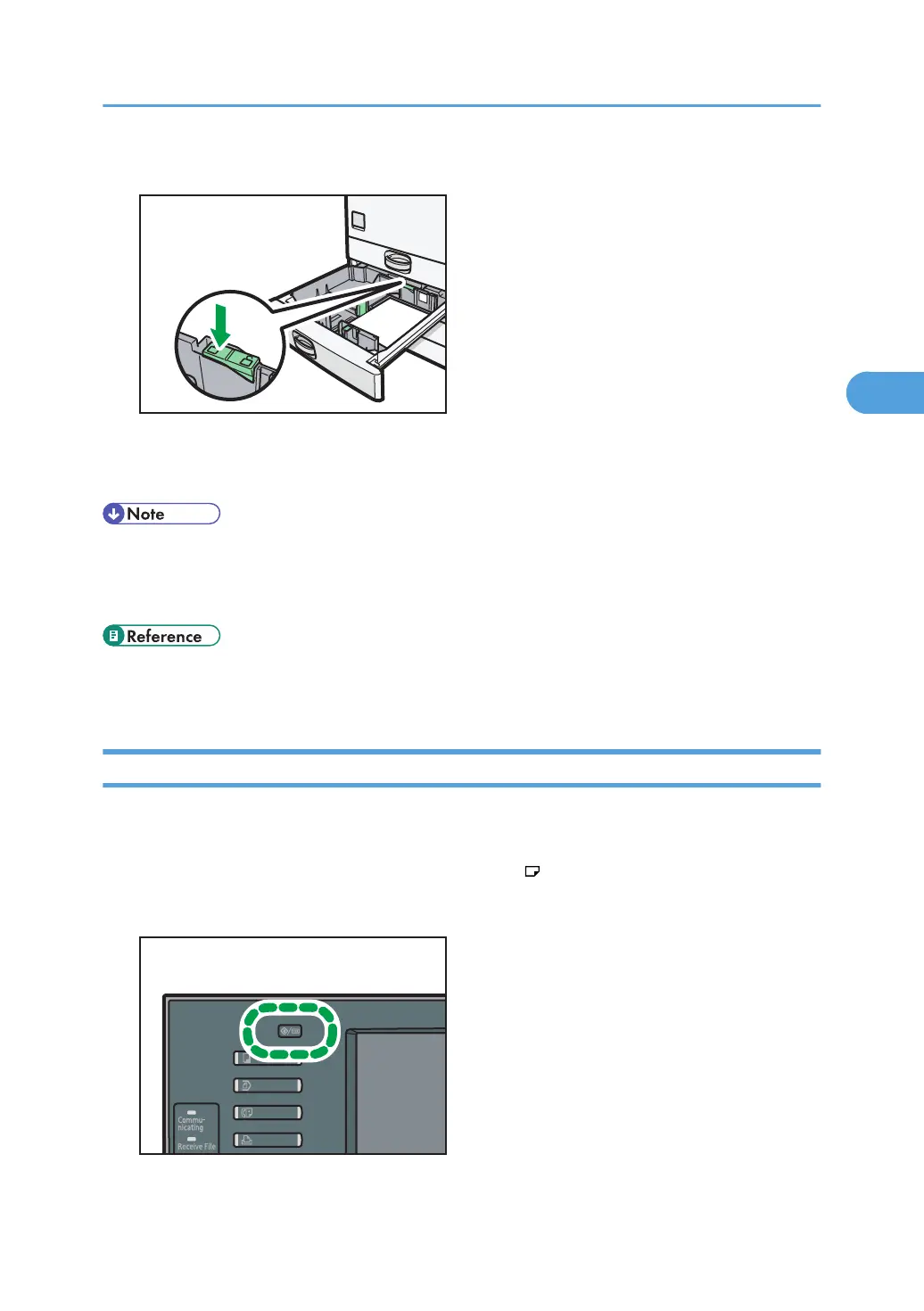
8. Press down the lock button.
9. Carefully slide the paper tray fully in.
10. Check the paper size on the display.
• If you load a paper size that is not selected automatically, you will need to specify the paper size
with the control panel. For details, see “Changing to a Size That Is Not Automatically Detected”.
•
For details about various recommendations concerning envelopes, see “Envelopes”.
• p.65 "Changing to a Size That Is Not Automatically Detected"
•
p.78 "Envelopes"
Changing to a Size That Is Not Automatically Detected
If you load a paper size that is not selected automatically, you need to specify the paper size with the
control panel. This section describes how to load such paper.
This section explains how to load these paper taking 11 × 15 as an example.
1. Press the [User Tools/Counter] key.
Changing the Paper Size
65



 To Next Page