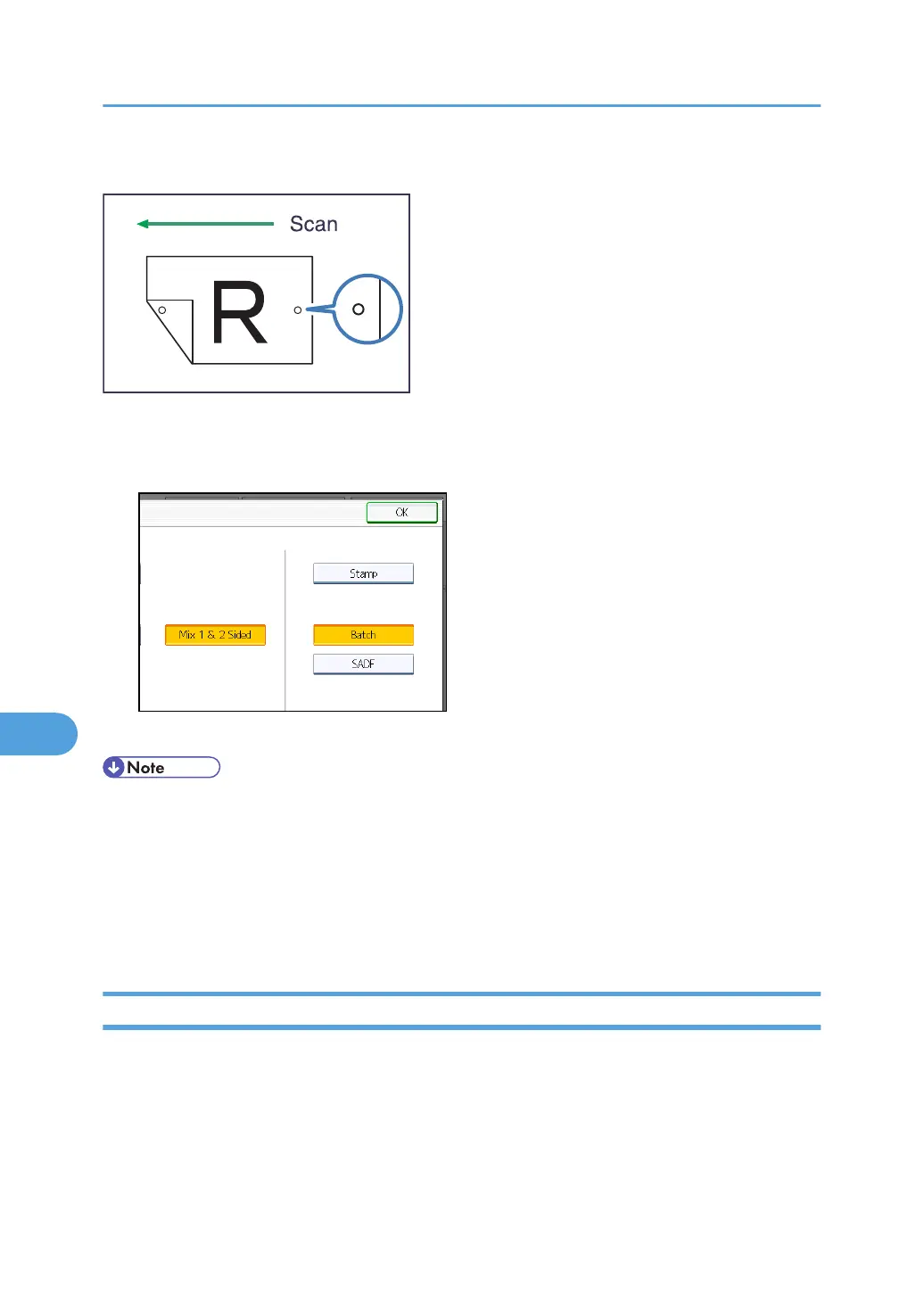
This function is useful when you want to distinguish scanned originals.
1. Press [Original Feed Type].
2. Press [Stamp].
3. Press [OK].
• The [Stamp] function is available only if the ADF is installed on the machine. Note that in some
countries, the ADF is an optional component and must be purchased separately.
•
Last pages are stamped even if you selected not to scan the last page.
• Stamping may continue if scanning is interrupted, depending on the cause of interruption.
• Replace the stamp cartridge when stamp begins to fade. For details, see "Replacing the Stamp
Cartridge", About This Machine.
Batch, SADF
This section explains the settings you need to configure if you want to scan a large number of originals in
several batches and send them together as a single job.
8. Various Scan Settings
178



 To Next Page