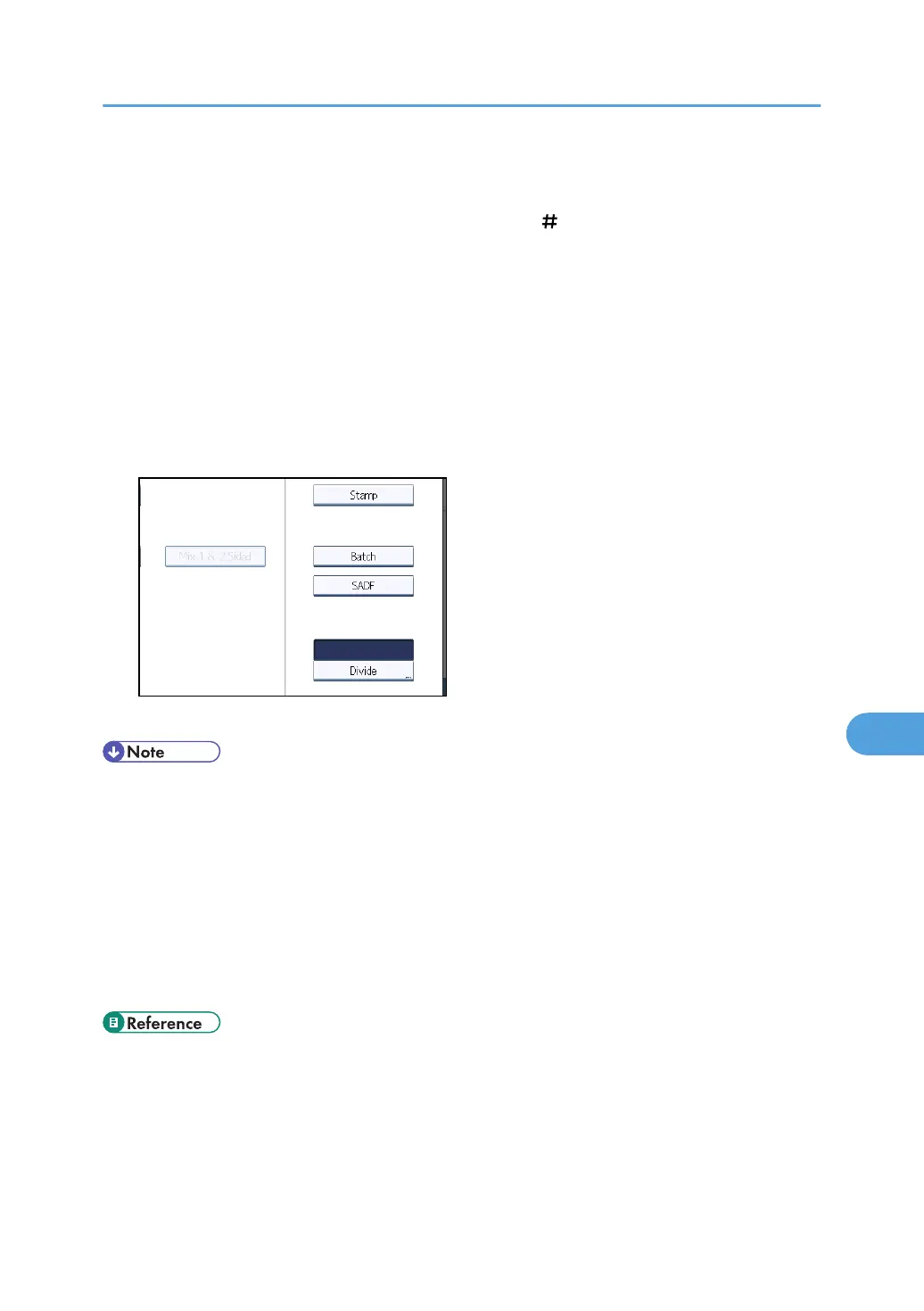
Batch
If you select [Batch], scanning starts when you place the additional originals and press the [Start]
key. When all the originals have been scanned, press the [ ] key. If you select [Batch], regardless
of the default settings, the machine waits until additional originals are placed.
SADF
If [SADF] is selected, scanning starts as soon as you place additional originals in the ADF. Select
which operation the machine performs while waiting for additional originals in [Wait Time for Next
Original(s): SADF] under [Scanner Features]. For details about [Wait Time for Next Original(s):
SADF], see "Scan Settings".
1. Press [Original Feed Type].
2. Select [Batch] or [SADF].
3. Press [OK].
• The [SADF] function is available only if the ADF is installed on the machine. Note that in some
countries, the ADF is an optional component and must be purchased separately.
•
If [SADF] is selected, scanning starts as soon as you place additional originals in the ADF.
However, in the following cases you must press the [Start] key to start scanning additional originals.
• After scanning additional originals using the exposure glass
• After changing settings while waiting for additional originals
• After opening/closing the ADF
• For more details about procedures, see "Scanning Multiple Pages of Originals as One File".
• p.203 "Scan Settings"
•
p.182 "Scanning Multiple Pages of Originals as One File"
Setting of Original Feed Type
179



 To Next Page