Sending to Folder Destinations (Folder Destinations)
You can specify a folder destination by selecting a Destination key from the destination list.
• To send to a folder destination, you must first register the path for the folder in the Address Book.
You cannot enter the path on the standby display. For details about how to register a folder
destination, see “Registering Addresses and Users for Facsimile/Scanner Functions”, Network and
System Settings Reference.
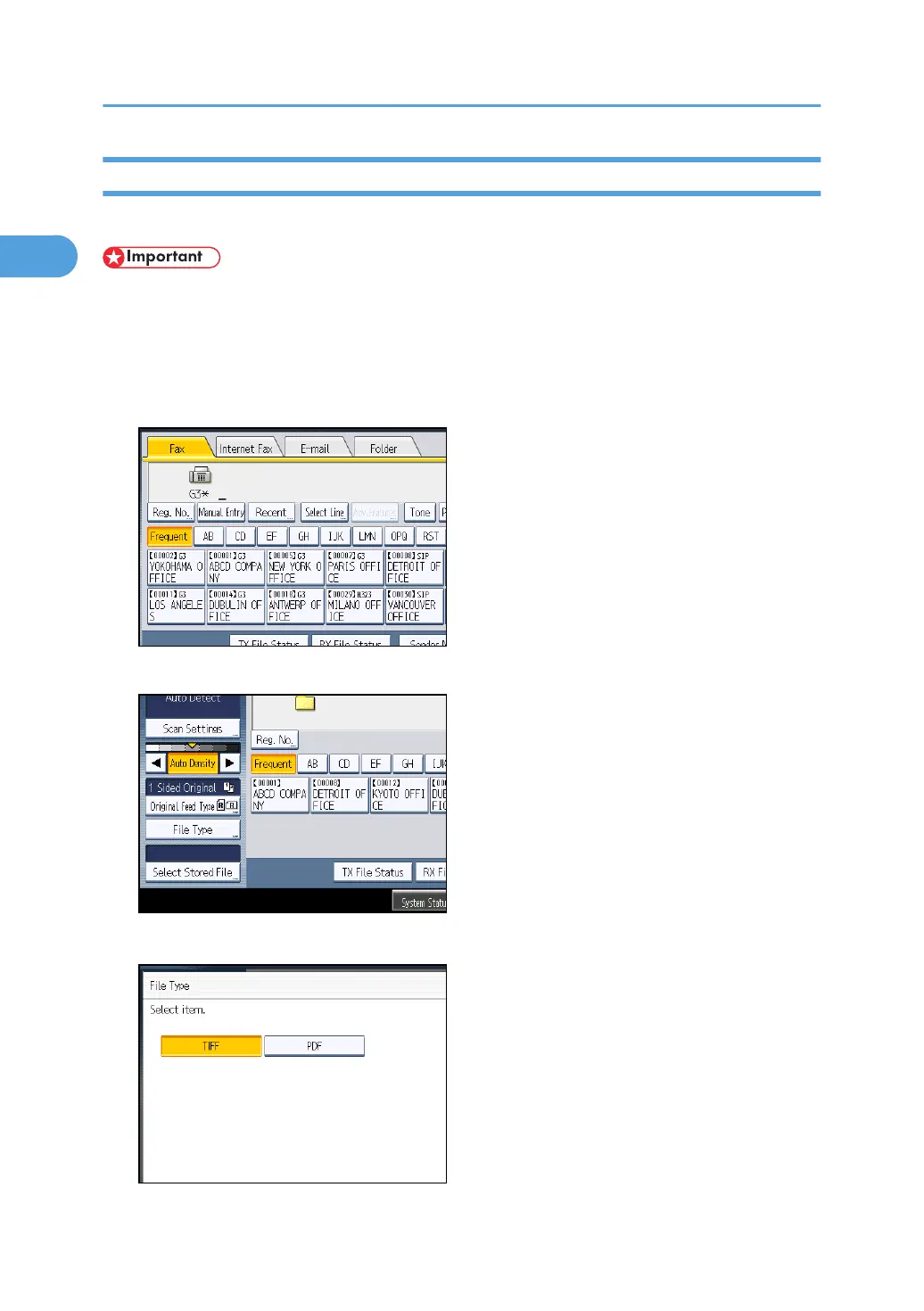
1. Press [Folder] to switch the transmission type to folder.
2. To set the file type, press [File Type].
Select [TIFF] or [PDF], and then press [OK].
1. Transmission
108



 To Next Page