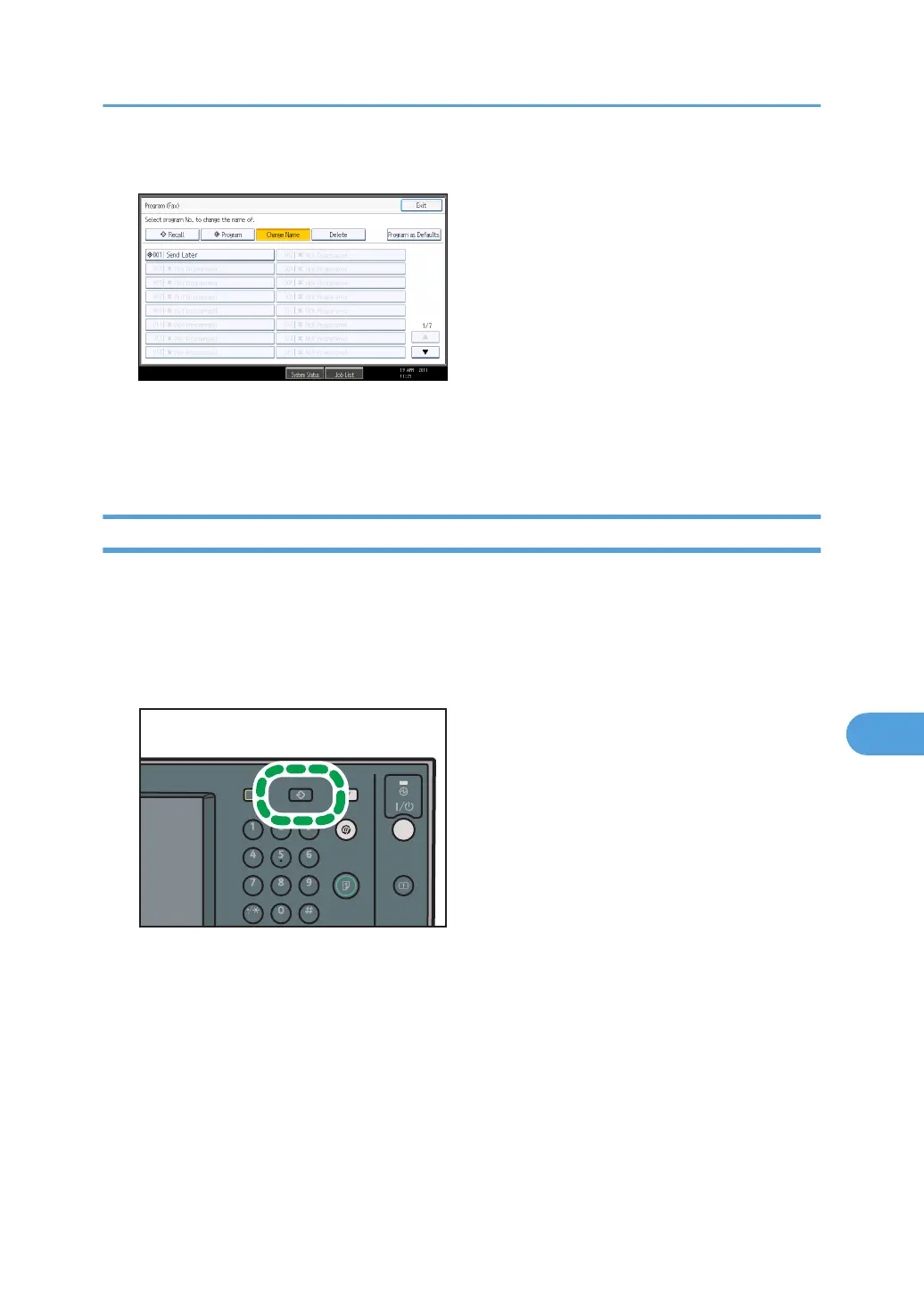
4. Select the program number of the name you want to change.
5. Enter a new program name, and then press [OK].
The standby display appears.
Press [Cancel] to cancel the change.
Deleting a Program
This section explains how to delete an unnecessary program.
1. Make sure that the machine is in facsimile mode and the standby display is shown.
If the standby display is not shown, press the [Facsimile] key.
2. Press the [Program] key.
Registering Frequently Used Settings
433



 To Next Page