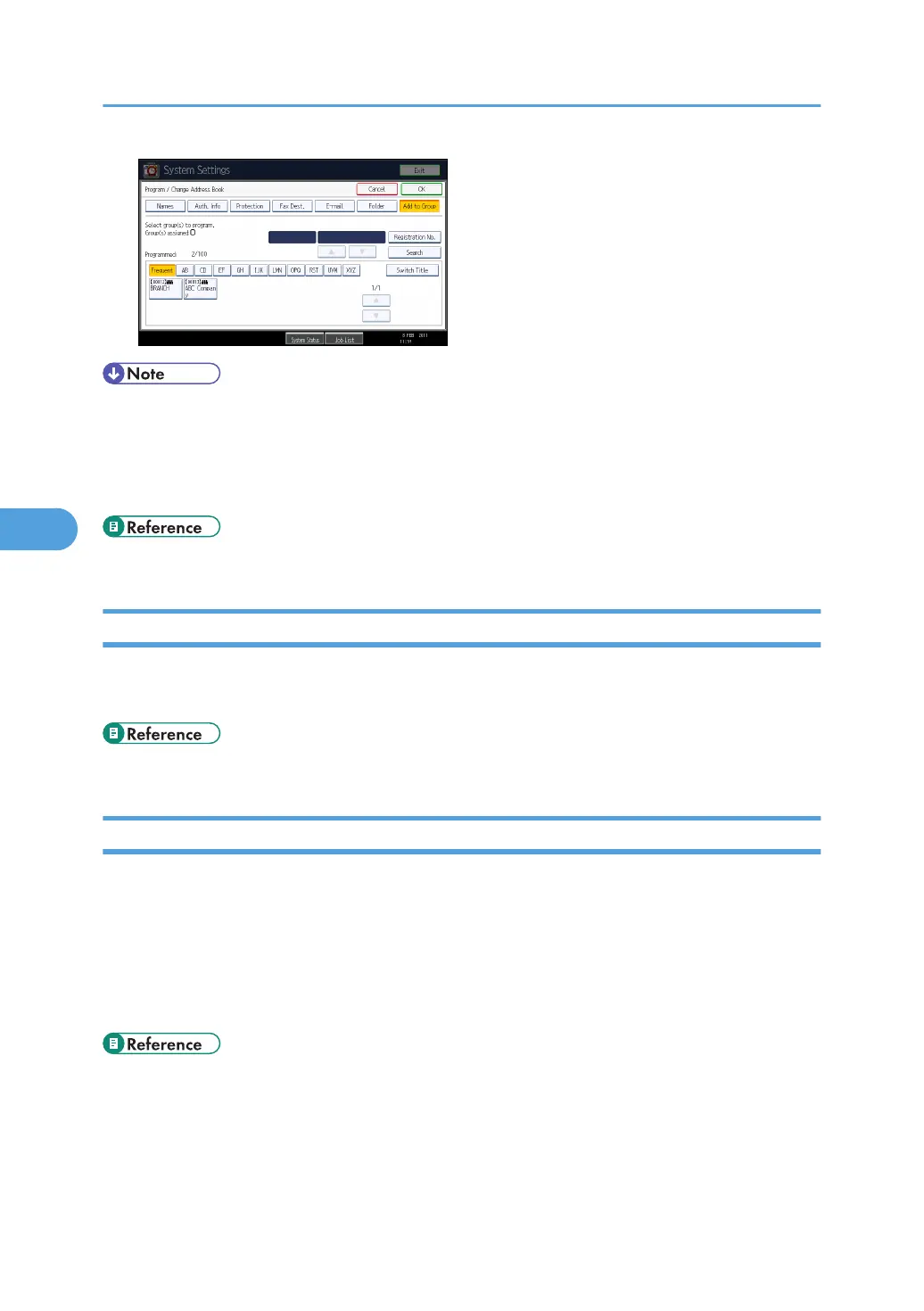
• You can also use Web Image Monitor to register names in the Address Book.
• For details about using Web Image Monitor, see Web Image Monitor Help.
• Using Web Image Monitor, you can backup Address Book data. We recommend backing up data
when using the Address Book. For details, see Web Image Monitor Help.
• p.50 "Administrator Tools"
Managing names in the Address Book
By registering a name and key display beforehand, you can specify e-mail and folder destinations
simply by selecting the name key.
• p.227 "Registering Names"
Sending fax by Quick Dial
Register a fax number in the Address Book so you can specify it only by selecting the fax destination,
shown on the fax initial display when sending a fax. When label insertion is set to "On", the receiver's
name and standard messages are printed on the fax message when it is received at the other end.
By registering IP-Fax destinations in the Address Book, you can specify a destination simply by selecting
it from the destinations that appear in the initial fax display. Registered IP-Fax numbers can be used and
printed as sender's IP-Fax numbers.
• p.241 "Fax Destination"
5. Registering Addresses and Users for Facsimile/Scanner Functions
224



 To Next Page